
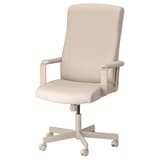
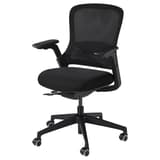
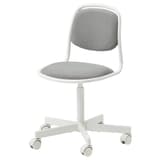

Comfortable chairs can help you spend more time concentrating on the job at hand than the pain in your back! Our computer chairs and other desk chairs include features like height-adjustable seats, tilt functions and built-in lumbar support. And the different styles help you find the right fit for any space.
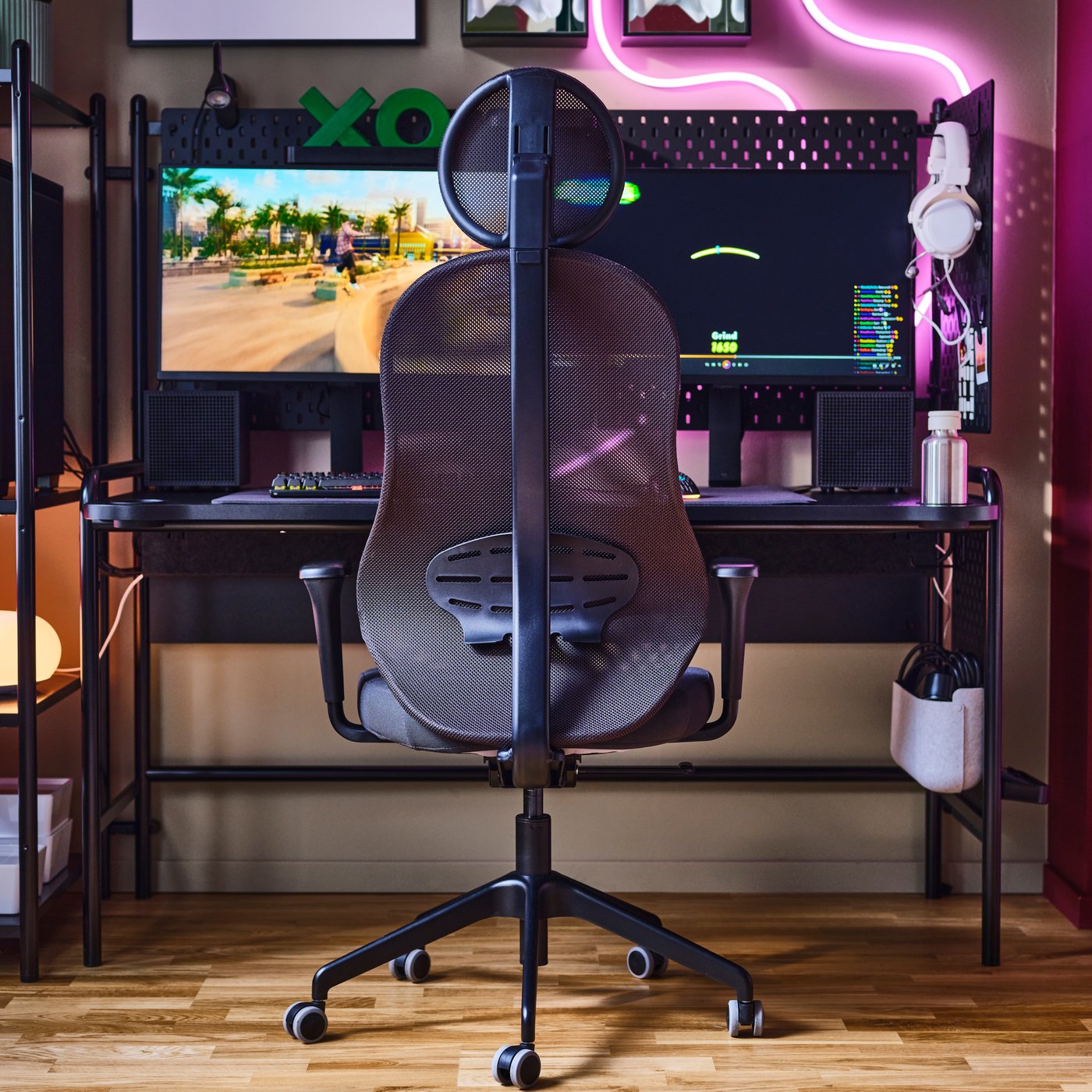
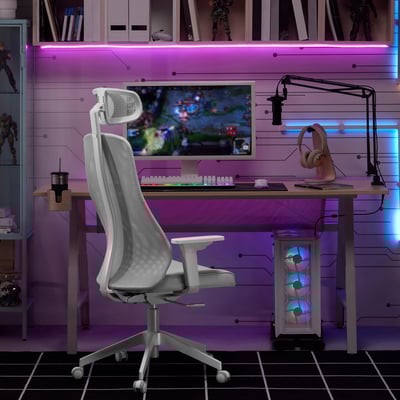
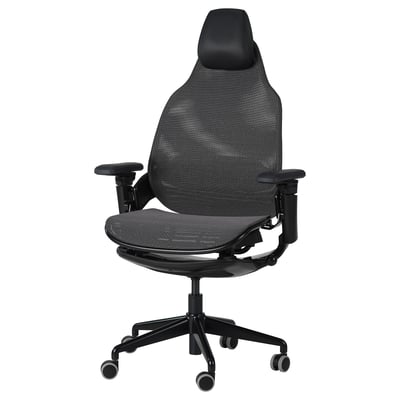
The gaming chair that has your back
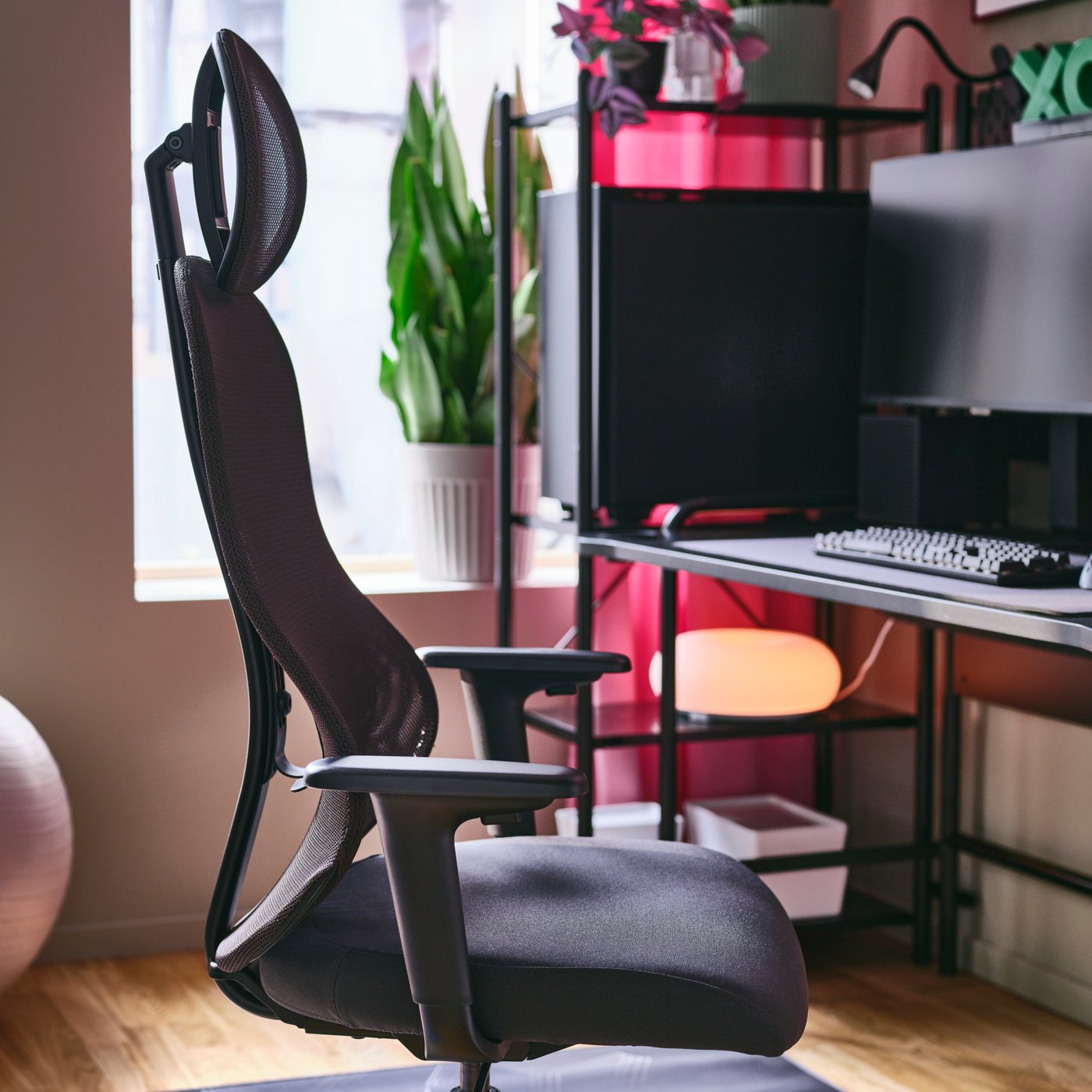
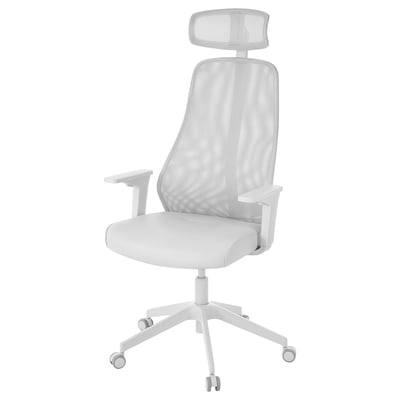
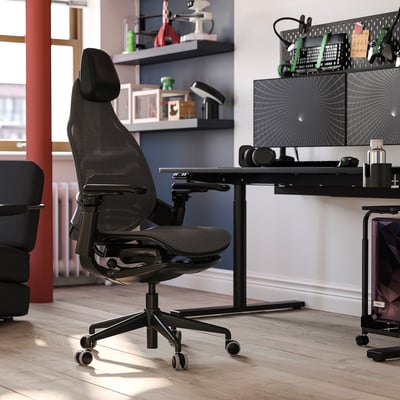
UTKLASSNING gaming chair is made for hardcore gaming sessions. Its design takes the concept of proper lumbar support to the next level – including armrests that can be adjusted in just about every direction.
Sort and Filter
Results list
Best seller
Best seller


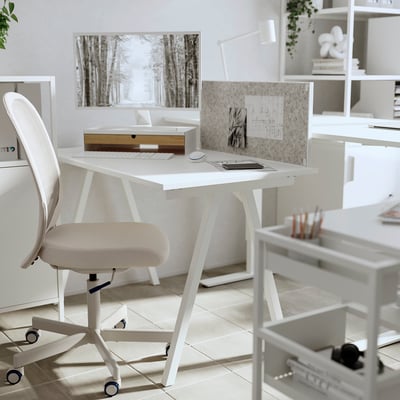

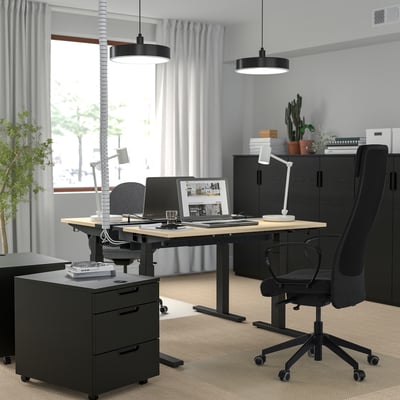
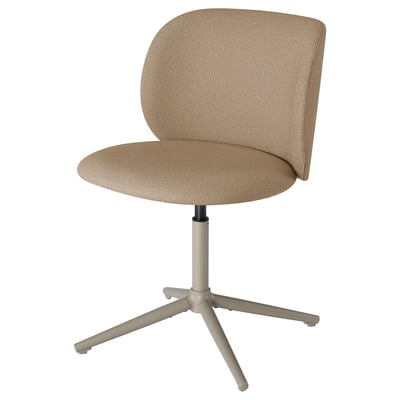
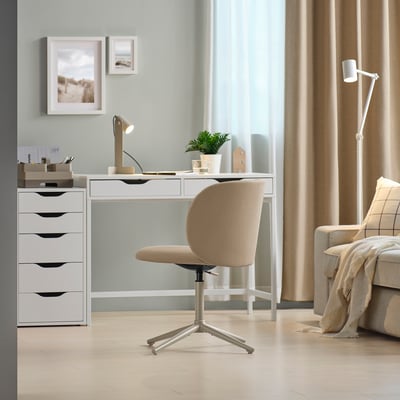

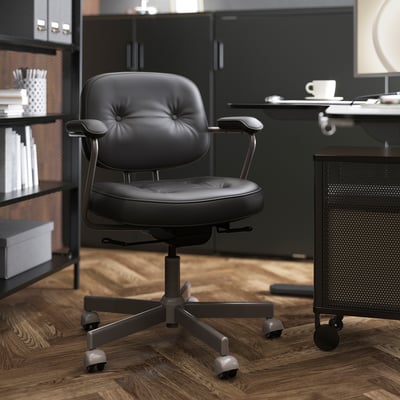

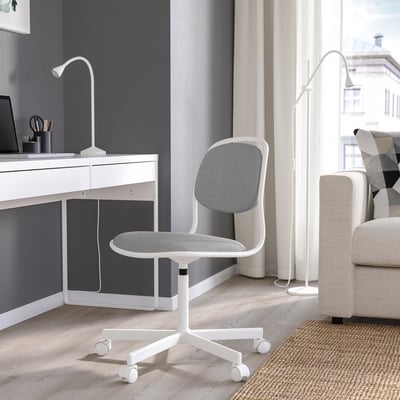

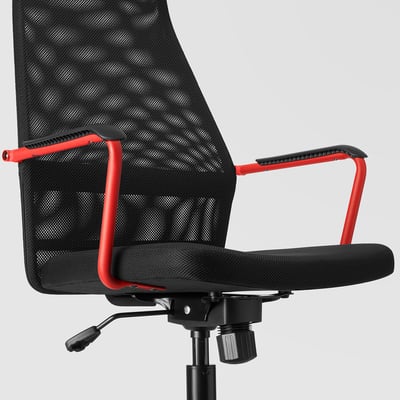

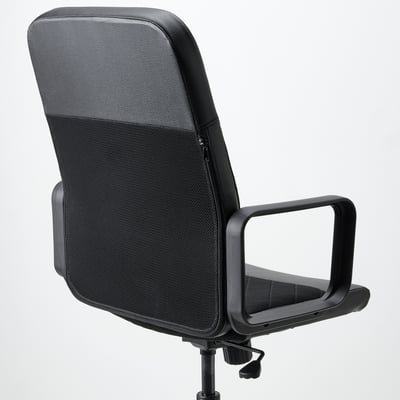

Last chance

Clearance

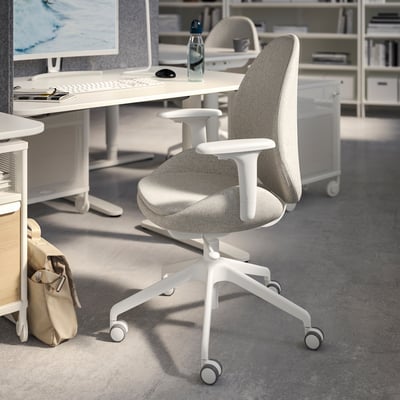


Best seller


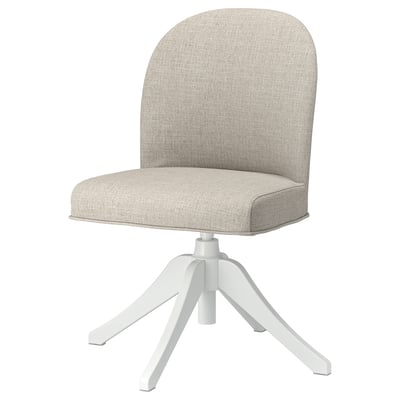
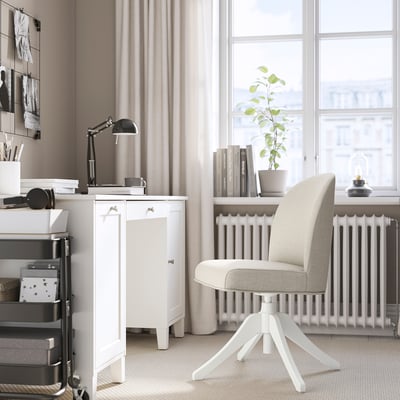
Last chance




Showing 24 of 59 results
Show more
Recommended for you
How to choose a computer chair
If you spend a lot of time in front of a computer, it’s essential that you maintain a good sitting posture. To prevent aches and improve blood flow, a computer chair should be ergonomic, comfortable and fit the dimensions of your computer desk. Consider the following functionalities to find the perfect desk chair.
Should I get a desk chair with or without wheels?
Desk chairs with wheels, or casters, are very common. They enable you to move around smoothly even while sitting. But if your desk is placed on a platform or an uneven floor, a desk chair without wheels could be the better option.
Should I get a desk chair with or without armrests?
If you're planning on using your computer chair several hours each day, a chair with adjustable armrests could allow for greater comfort long-term. Armrests should support your arms at the point where your elbows would naturally rest with your shoulders relaxed.
An ergonomic desk chair without armrests might be preferable if you’re looking for a lighter, more flexible computer chair. Armrests can cause an inconvenience if they block the chair from going under a desk. Chairs without armrests will fit a wider variety of desks.
How to adjust your desk chair
Once you have your new desk chair, you’ll need to adjust it for maximum comfort. Here is a step-by-step-guide on how to adjust a computer chair for comfort and better posture.
Remember that not all the desk chairs at IKEA can be adjusted in the ways described below. Check the product description to learn if and how you can adjust the desk chair.
Adjust the seating
You should be able to sit as far back as possible on your chair, with your lower back firmly against the backrest. There should preferably be about a three-finger gap between the edge of the desk chair and the back of your knees. If that's not the case, adjust the seat slide.
Adjust the height
Your armrests should be at the same level as your desk. If your chair doesn't have any armrests use your arms as a guide. When placing your arms and elbows on the desk, they should rest at a natural angle.
Adjust the backrest
When sitting in front of your desk, try to sit upright for as long as possible. You can recline the backrest when you want to adopt a more relaxing posture. It’s a good idea to change your position from time to time to reduce strain on any one part of your body.