Scan & Pay
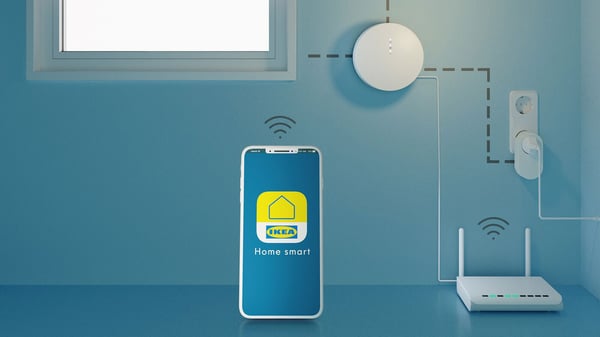
You don't have to line up in front of the checkout anymore! Start shopping with the Scan & Pay in the IKEA app.
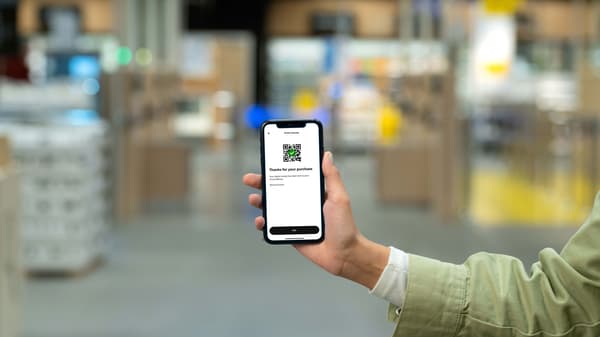
The Scan & Pay scanner allows you to make payments quickly at a dedicated checkout counter without having to wait in line at the checkout counter or get the product off the cart.
Not only shopping much faster and more convenient, but you can also see how much you're buying in real time, so you can make smart purchases!
Check out the new store shopping method using the IKEA app first at the IKEA Dongbusan store.
| Watch how to shop | How to shop steps | Promotion | FAQ | Download |

Save time! Pay without queuing

*Currently, Scan & Pay service is only supported at IKEA Dongbu store.
How to use Scan & Pay
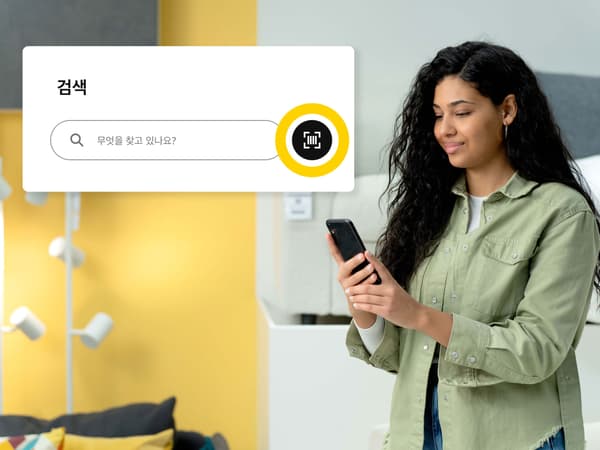
1. Activate the scanner in the IKEA app
When you arrive at the store and start shopping, turn on the IKEA app and activate the function with the scanner button next to the search window.
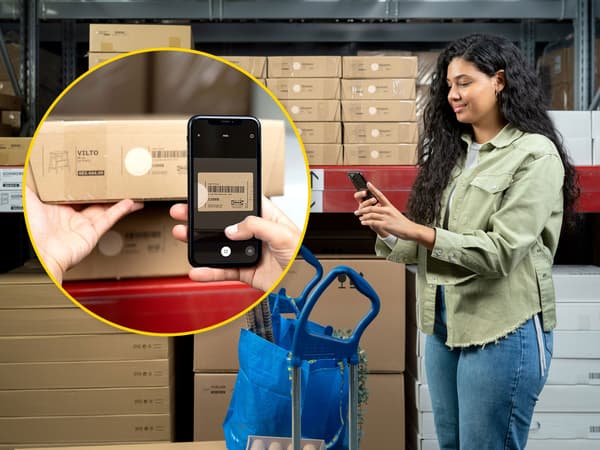
2. Scan it and collect it in your shopping cart
Scan the products you want to buy while shopping in the showroom, market-hall, and self-serve and put them in your shopping bag or shopping cart.
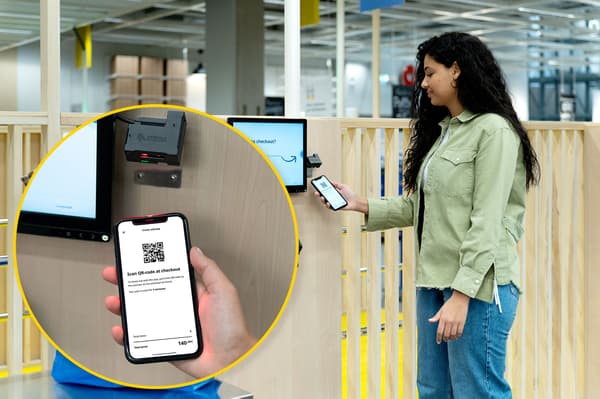
3. Pay at a dedicated checkout counter
Go to the dedicated checkout counter, and complete the payment by scanning the QR code of your smartphone into the kiosk. You don't have to take the product out of the shopping bag or cart.
FAQ