
Discover Scan & Go
Skip the lines and save time. With the IKEA app, you can scan and collect products as you shop and quickly pay at the self-service checkout with just one QR code.
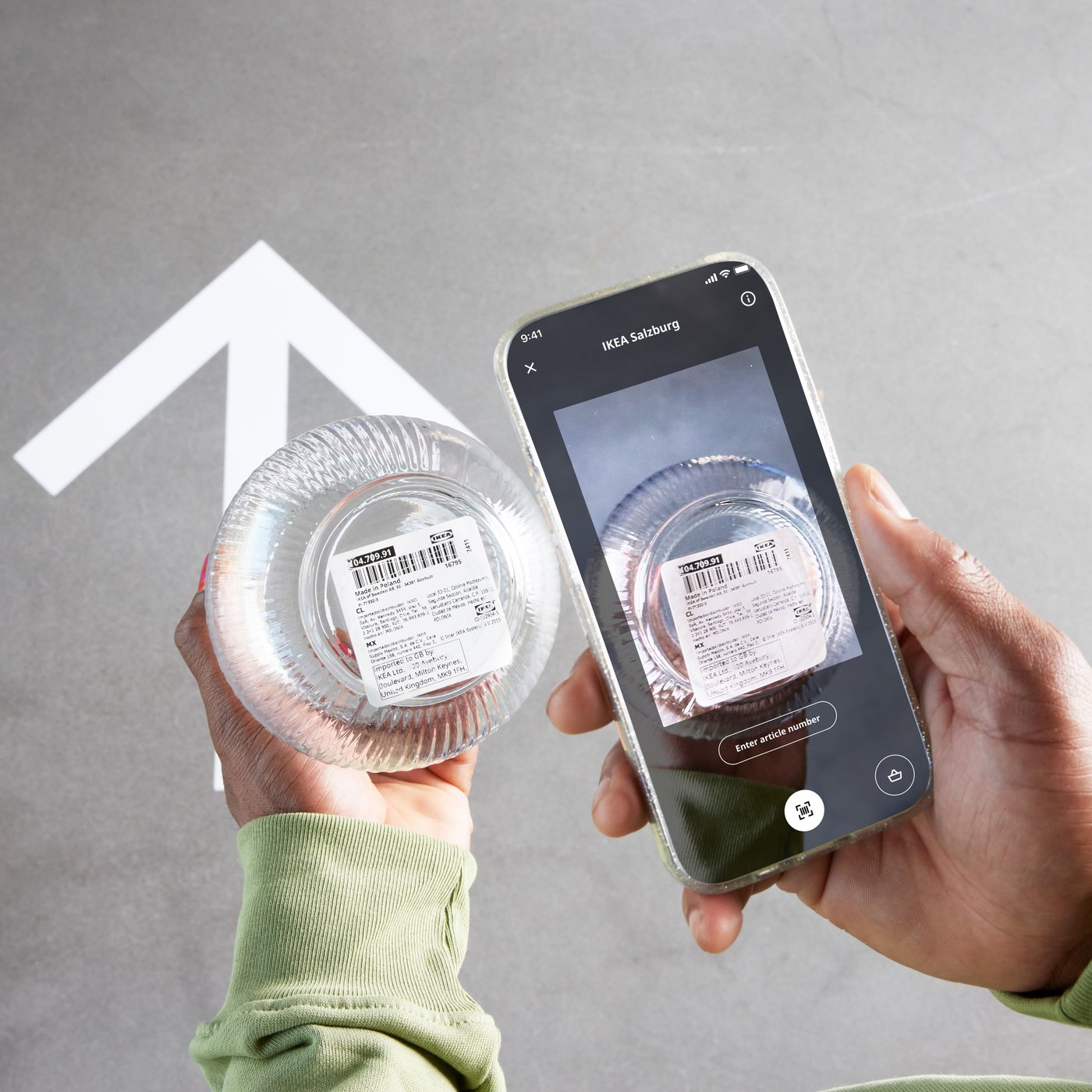
How it works
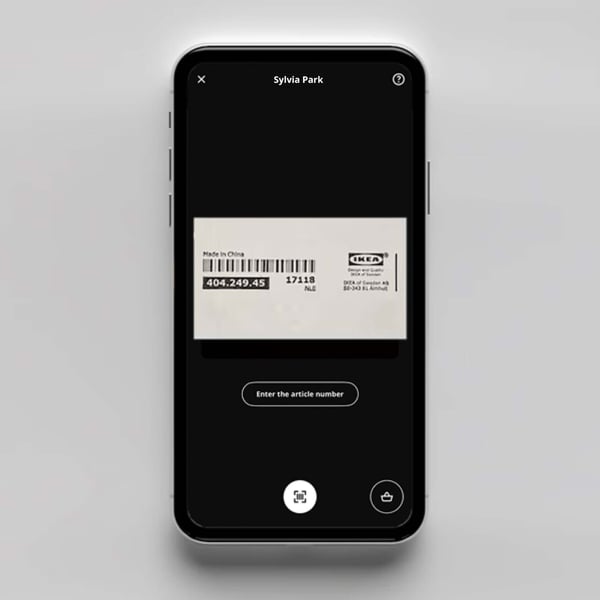
Step 1. Scan products
Download the IKEA app. When you enter the store, open the app and launch the scanner or scan a QR code in-store. Sign in to your IKEA Family account so you don’t miss any deals.
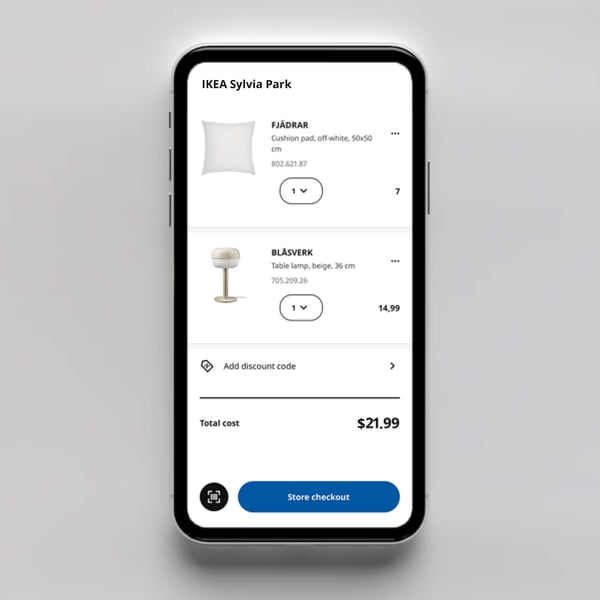
Step 2. Pack items while you shop
Scan the barcode on each product you pick up as you shop, this adds it to your Scan & Go bag. For items from the self-serve warehouse, note the aisle and location and scan the product when you collect it.
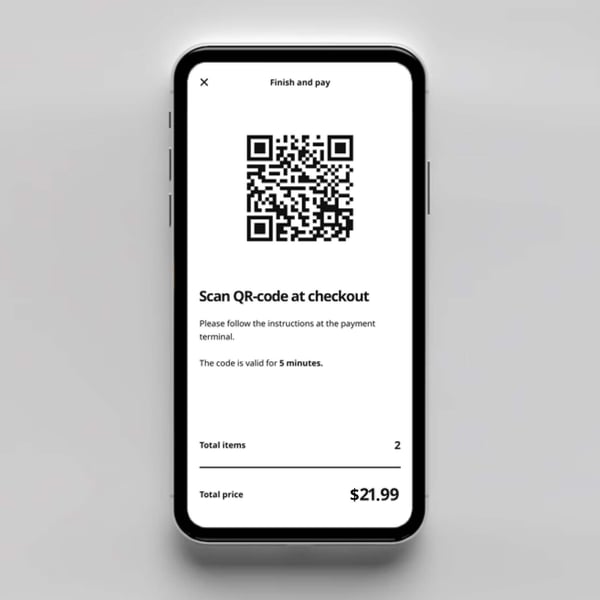
Step 3. Pay for your purchase
Once you're done shopping, head to the dedicated check-out. Scan the QR code in the app for your Scan & Go shopping bag. This will display all the items you scanned along the way so you can pay quickly.
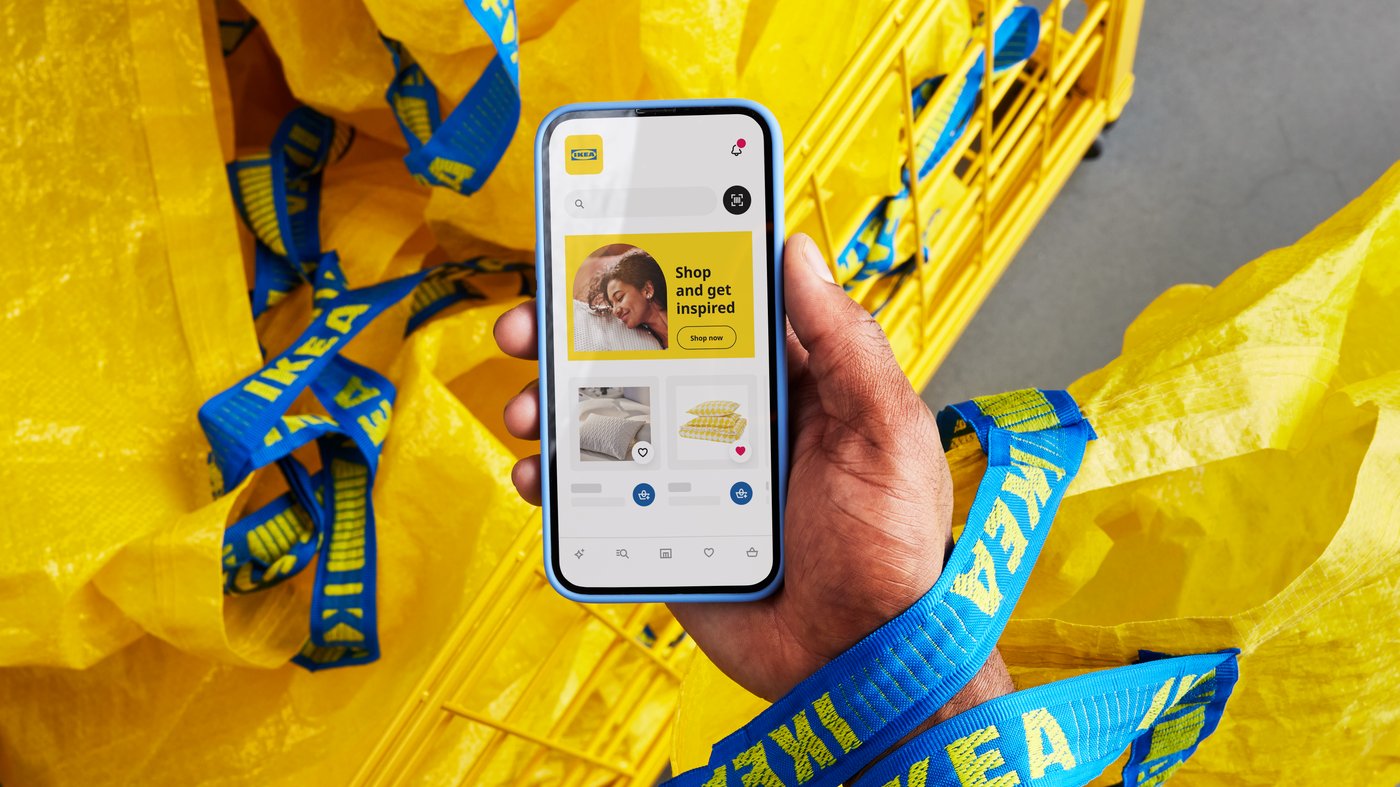
Don't have the IKEA App yet?
The IKEA app is your perfect shopping companion. Browse inspiration, create shopping lists and more. Download it today and try an even faster shopping experience.