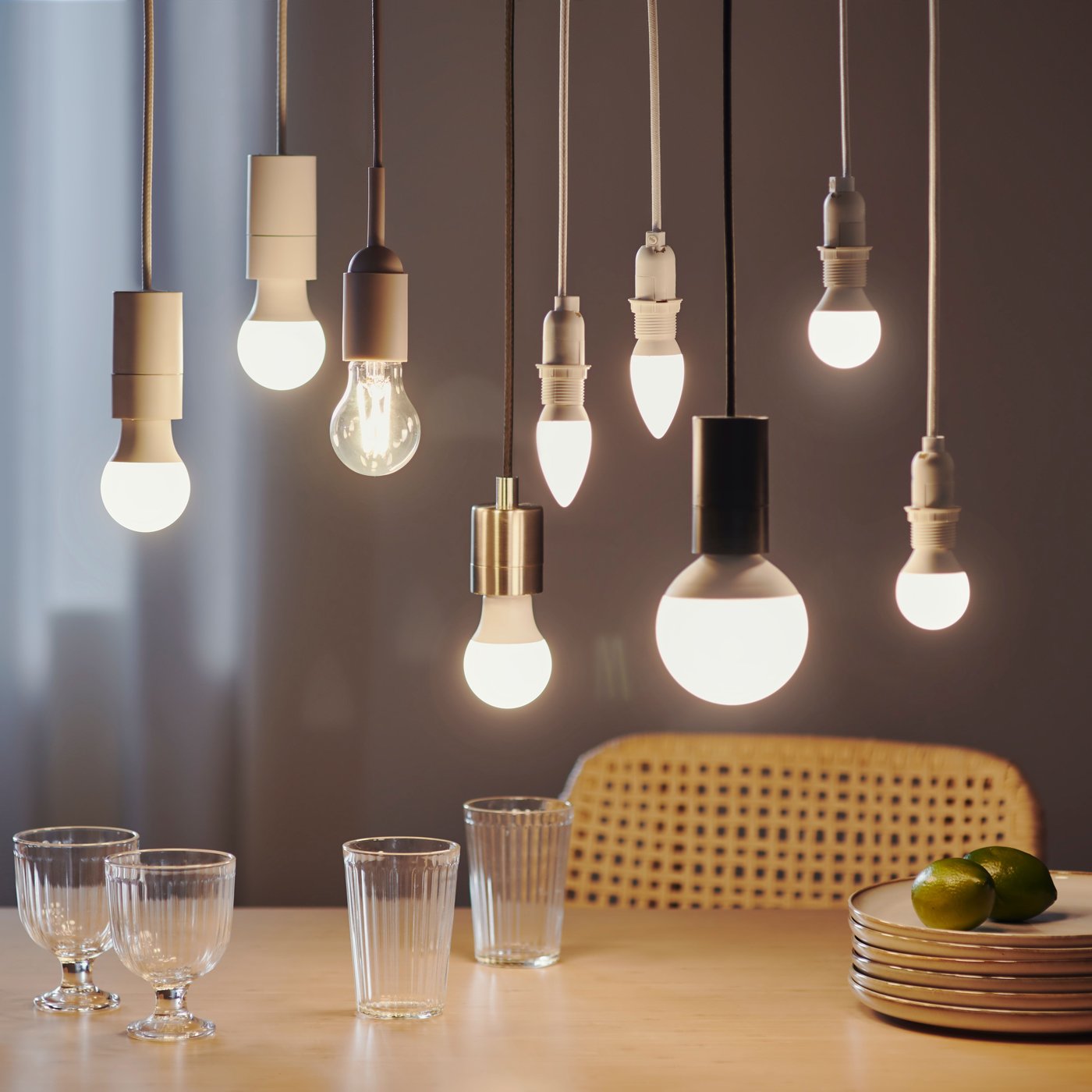
How do I Install and pair KAJPLATS smart bulb?
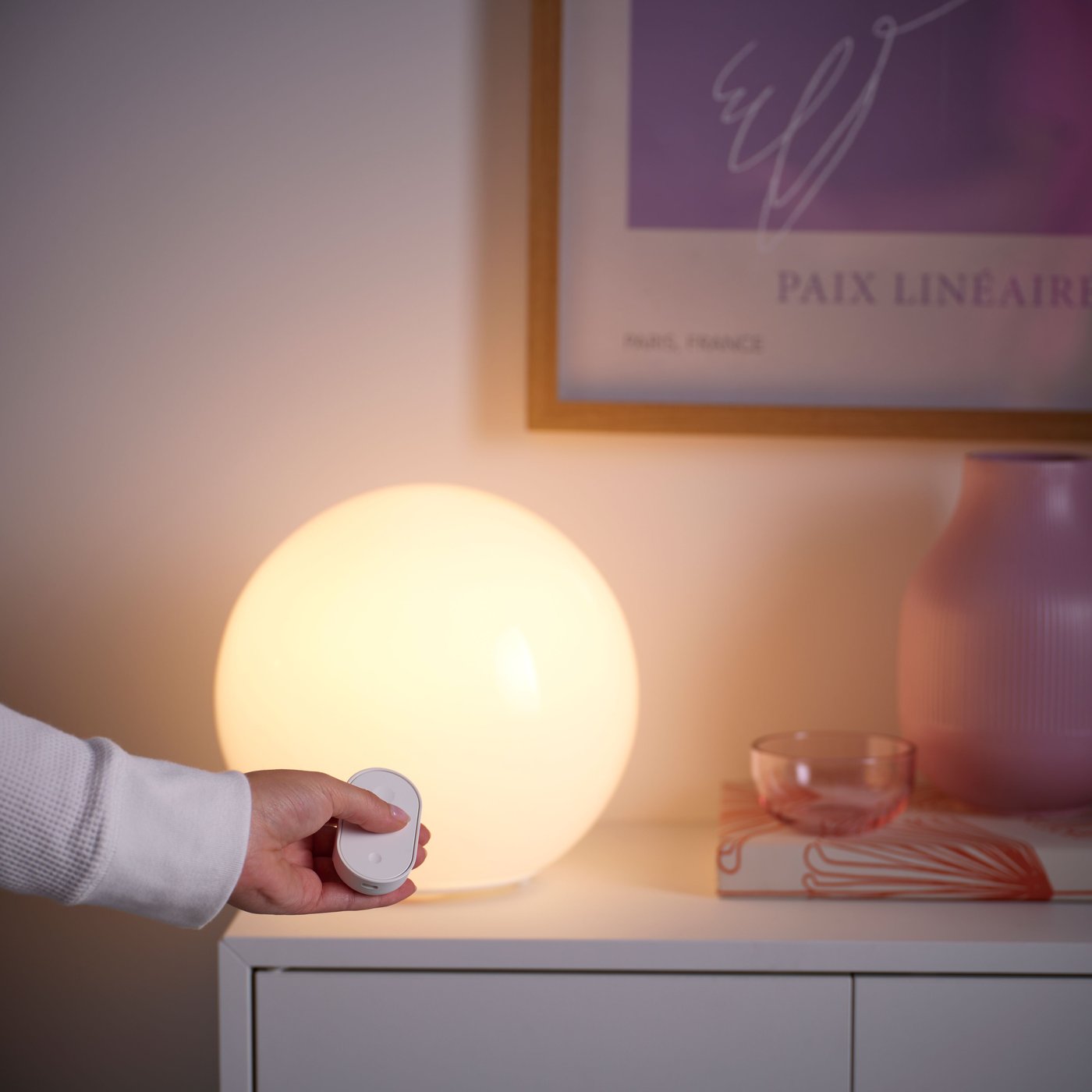
A smart bulb is only smart once it’s connected. Follow the steps below to install and pair your KAJPLATS bulb with a BILRESA remote or compatible smart home hub, with a few quick fixes to help if things don’t go as planned.
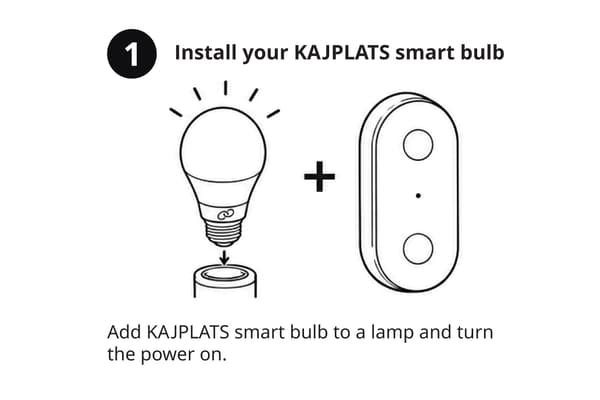
1. Install your KAJPLATS smart bulb
Add KAJPLATS smart bulb to a lamp and turn the power on.
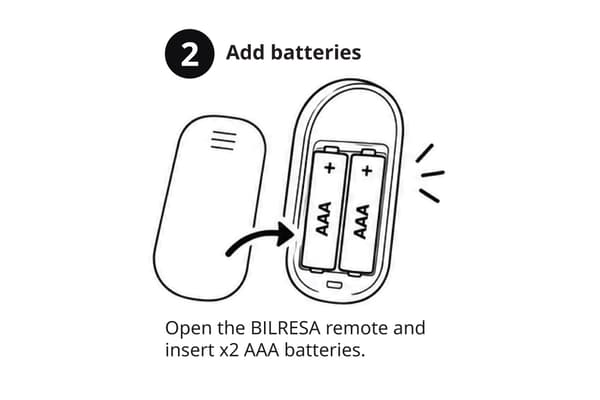
2. Add batteries
Open the BILRESA remote and insert 2 x AAA batteries.
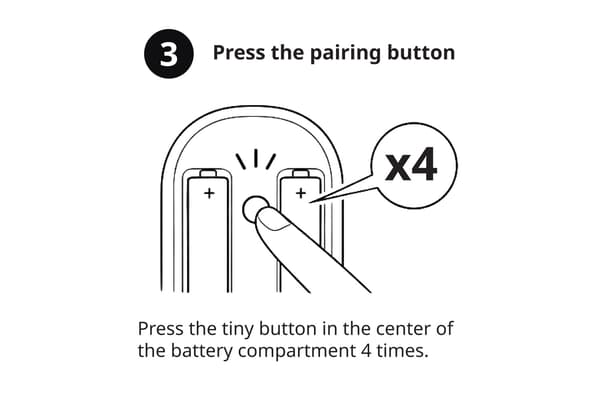
3. Press the pairing button
Press the tiny button in the centre of the battery compartment 4 times.
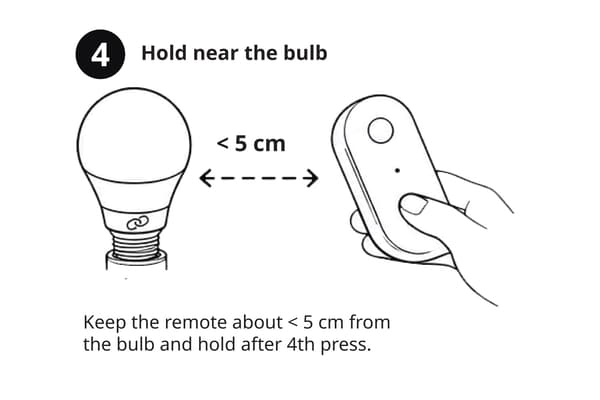
4. Hold the remote near the bulb
Keep the remote about < 5 cm from the bulb and hold after 4th press.
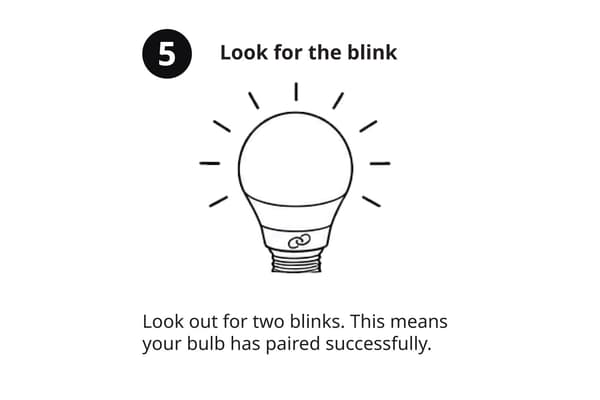
5. Look for the blink
Look out for two blinks. This means your bulb has paired successfully.
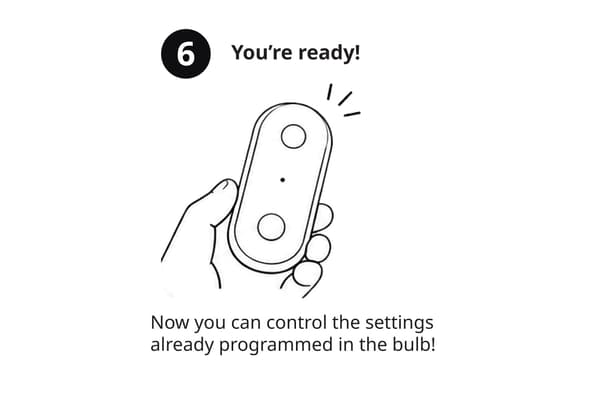
6. You're ready!
Now you can control the settings already programmed in the bulb!
Make it even easier by starting with a smart kit! KAJPLATS Starter kits come pre-paired with a remote, just plug-in and play!*
*If adding the starter kit products to a hub, they will come unpaired from each other. They can be re-paired in any Matter compatible hub and connected for use in the controlling app.
Quick troubleshooting
Having trouble with KAJPLATS or BILRESA? Try these quick fixes to get things connected and working again.
Frequently asked questions:
Do you have a hub?
Connect KAJPLATS to IKEA Home smart with a DIRIGERA hub, or add it to another Matter-compatible smart home system using a compatible Matter hub and app.
Connect KAJPLATS to a Matter-compatible hub
- Install and switch on
Install the KAJPLATS bulb in your lamp and turn on the light. - Open your smart home app
Follow the instructions in the app to add a new Matter compatible product. - Scan the Matter QR code
When prompted, scan the Matter QR code on the KAJPLATS bulb, or enter the code manually. - Finish pairing
Follow the instructions in the app to add KAJPLATS to your smart home. The bulb will blink when pairing is successful.
Good to know: KAJPLATS is ready to connect for 15 minutes after it is powered on. If you need more time, switch the light off and on again to open a new 15-minute pairing window.
Still not connecting?
Reset KAJPLATS bulb by quickly turning the light off and on six times, then try pairing again.