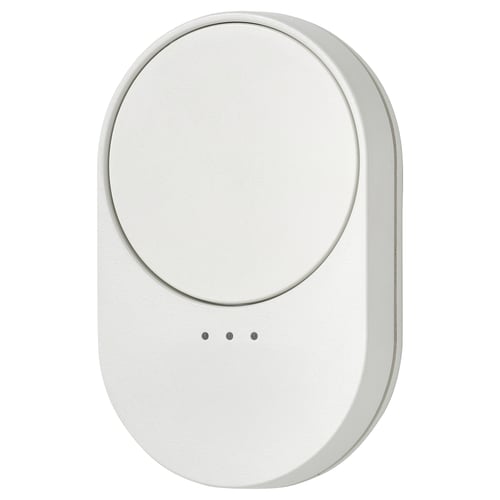
Good Hardware, Firmware leaves more to be desiredAnonymous reviewerUsed with matter, scroll left and scroll right are represented as buttons instead of a continuous control, that makes it awkward to integrate. Fix that in a firmware update and then it’s a banger3
What’s that wheel for?Anonymous reviewerI’ve tried to use this device with home assistant and it’s a fail I’m afraid. The wheel rotates but does (almost) nothing. I was hoping to use it as a dimmer, but as it sends events only very rarely to home assistant as an event. Stick to the two button version — a pound cheaper and so far quite reliable.1
Amazing matter remote control with scroll wheelAnonymous reviewerTrying to find affordable matter sensors is a very difficult challenge, ikea's contribution to the matter space is remarkable and their remote controls are no different. They have fantastic battery life. After a month they still report 100%.
the bilresa with buttons is simple to use and works well with home assistant, however by default, the bilersa with scroll wheel is very difficult to use with home assistant, but if you enable the hidden "Current switch position" entities, suddenly this device is a breeze.5
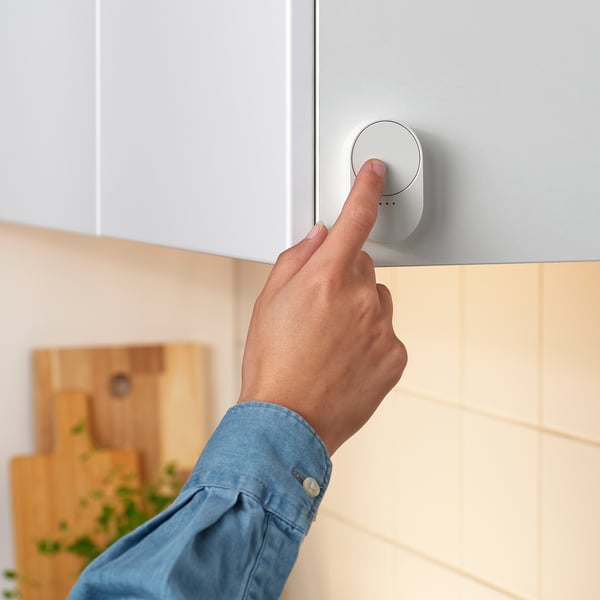
Switch so simple.Anonymous reviewerI bought the Ormanas LED tape and to control it (apart from my phone and computer) I bought this switch and with one that I had spare, it gave me 17 set colour blends and an OFF. Setup was so simple. I will be adding some more to my next shopping list.5
CuteAnonymous reviewerWorks well and is so cute.5
Works great with SmartThingsAnonymous reviewerI bought a Bilresa (great value) to get started with Matter over Thread on SmartThings.
I use the Matter Playground driver by mocelet.
Matter does take a bit of getting used to (but doesn't all smart home stuff?) but, once I got it paired to my SmartThings V3 hub, it works just fine.5
Home AssistantAnonymous reviewerBILRESA is a very neat device, however unless you keep it in its ecosystem, you'll need some savoir-faire to make the most of it. On Home Assistant, one very nice person has written some code that allows it to be integrated relatively easily, and it's working great.
I'm quite happy with it, and at that price it's unbeatable.
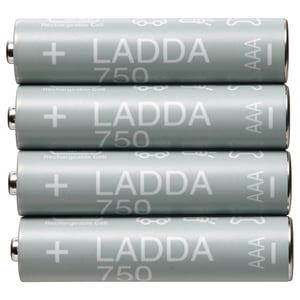
Buy the rechargeable batteries...4
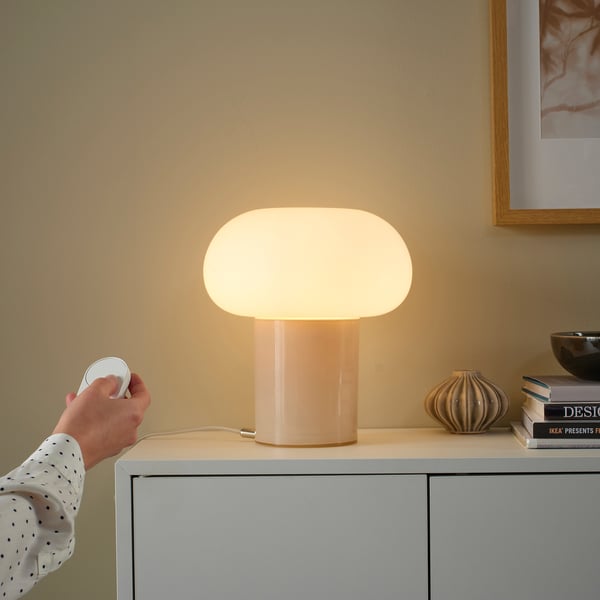
Good for the priceAnonymous reviewerMaking a scroll wheel for matter is not simple but for the price this absolutely works well enough. I am using it in home assistant with my zbt-2 and it paired with no problems, but be aware that there is no native matter scroll wheel functionality so you will have to write or find an automation to get the scrolling to work (and enable some entities), but once dialed in I've found it great for dimming my hue lights; presumably this is much easier if using the ikea DIRIGERA.
Some reviewers have complained that the wheel is too smooth to grip and while it would be better if it was a bit more textured, it's not really a problem I've had with it. The only issue I've had is that occasionally a button press does not register and I have to press it again, but especially for the price it's no big deal.4
Ghost activationsAnonymous reviewerI'm using this with Home Assistant using Thread and Matter through an Aqara hub.
I am sometimes getting ghost activations, the 4 IKEA g10 bulbs (also matter through HA) just come on for no reason. Looking in the activity log it says this button activated when nobody had been near it. Very odd
Otherwise works ok. I've not paired the switch directly with the bulbs, it's all fine through matter events which seen to work although the scroll wheel is a bit hit and miss, works but not consistent4
Cheap rubbishAnonymous reviewerPoorly made, scroll wheel does not scroll, very poor software implementation in matter1
BilresaAnonymous reviewerA very hand piece of tech difficult to set up but worked well once connected5
Connectivity issuesAnonymous reviewerWhile the older Zigbee remotes just connected seamlessly, these over matter just will not connect. I had to place the remote and phone directly on top of my WiFi router and even then it failed to pair several times before managing. Once paired and setup every 1 or two days the connection would drop. My light would either not turn on or off… and I’d have to factory reset the remote and go through pairing process all over again. Not ideal for what should be a light switch. This happened with both this and the shortcuts remote (also new matter version) - a new software fix needs to be deployed ASAP! Also the click and scroll feels like it’s going to break. Doesn’t feel sturdy, and although it is a budget product, it should still feel good enough to feel like it can be reliable for a long term1
Not working for me.Anonymous reviewerI bought this for use with a third party thread/matter router (Amazon Alexa) and whilst the device pairs and works fine for a short time, it soon gets dropped from the network never to reappear unless I pair it again. Firmware updates don't seem to be possible (via Alexa) so I'm stuck with a non-functional device. it's a shame as it's great when it works!1
Never manager to get it paired with the bulbsAnonymous reviewerI bought this with a Kajplat light bulb and never managed to pair it with the bulb, no matter what I did. I don’t have the hub, and I am not going to buy one, as I only need to remote control and dim one light bulb.
There are no instructions in the box. I had to Google, YouTube, and Reddit it to find out how to pair it. In theory the following should work:
Switch the light off and on six times, this will put the light in pairing mode. Then, press the pairing button on the back of the remote controller four times to get it into pairing mode. Hold the remote close to the bulb and it should pair.
It didn’t work for me, no matter how many times I tried. I also reset the remote by holding the pairing button for 30 seconds, but it was still the same. I do not recommend this at all.1
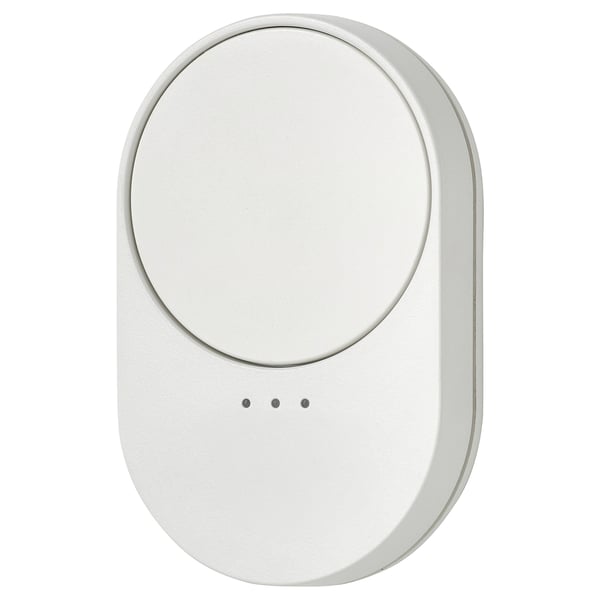
Cheap manufacturing, immature softwareAnonymous reviewerI was extremely excited to see this product release as an avid proponent of the previous range of Zigbee based products, but have to say I'm a little disappointed with this new set. Physically, the remote feels a lot cheaper and lighter than the previous ones did, and the scroll wheel has a lot of wobble and play to it that you wouldn't expect out of a product deigned to last long. There also is no detent on the fairly smooth scroll wheel, so it may be harder for users with less dexterity to use.
Software wise, these remotes also really fall short, especially for those who would like to see Zigbee support. If the remote is paired to a smart home system, the Zigbee binding command to tell the remote to directly control a given light does not work at all, and apparently this is a software bug on Ikea's side. Until Ikea releases better firmware, and potentially addresses some of the quality issues with these remotes, I would not recommend anybody buying them.1
Instructions: Read hereAnonymous reviewerGiving this anything less than 5 stars seems mean, it's only £4 as of writing. But it loses a star for slightly slippy control wheel and total lack of simple docs ... so: First take off the back and insert batteries. You will see a central button to be used for pairing. Turn your selected bulb off then on. Then click the central button 4 times then wait. It's complete when the bulb has cycled through colours and flashed off then on (Kajplats). Wheel is for dimming. Double click wheel to cycle through colours. Once you have paired all the desired bulbs click the back piece back on. Now, one remote can control multiple sets (banks) of lights. Initially all go into the first bank. To use other bank ... after the 4 click pairing starts, click the hidden button under the 3 tiny LEDs to select the desired bank. Why this info isn't in the otherwise pointless included docs or on the box I don't know! Why make such fantastic stuff and fail this simple task Ikea?4
Good functionality but bad designAnonymous reviewerThe rotary dial is too flat to get any grip. It makes it very difficult to use and lets down what otherwise is a great product.
Pairs easily in Home Assistant and the mode switch is very good.2
Great light switchAnonymous reviewerReally easy to use and set up. Dimmer works really well. Nice to have an actual switch rather than having to use your phone5
Amazing valueAnonymous reviewerFor the money I think these are amazing value smart buttons. I think the compromises Ikea have made to get the device down to this price are reasonable and clever. I've been using mine through home assistant to control lights and it offers a lot of functionality. I also really like that it uses standard AAA batteries rather than the more expensive coin cells that other similar devices use.5
Good once connectedAnonymous reviewerI couldn't get it to connect to the kajplats bulbs directly, and had to buy a hub to finish the setup. Once bought, it connected easily and opened up a whole new range of possibilities, geriatrics go smart, could have been the title.4