
IKEA Shopping app

There’s more than one way to build a home with IKEA. Our IKEA Shopping app makes it even easier to find home furnishing inspiration, buy furniture and plenty more. Whether you’re looking to buy online or in-store, the IKEA Shopping app is your perfect shopping companion.
For the best experience, ensure your device meets these minimum system requirements: version 6.0 for Android and iOS 11 for Apple users.
Shop online at your fingertips
Looking for ideas or ready to shop? The IKEA Shopping app lets you do it all - anytime, anywhere. Download it for free from the Google Play Store or Apple App Store.


How to shop with IKEA shopping app
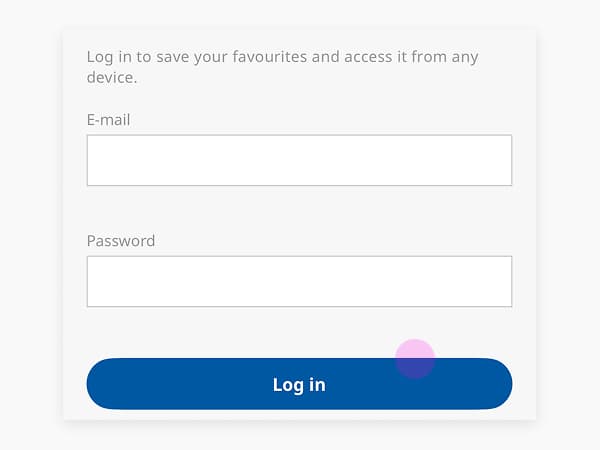
1. Download & sign-in
Download our free IKEA Shopping app via App Store (iOS) or Google Play (Android). Create a new IKEA account or sign in to an existing account to access the app and start shopping.
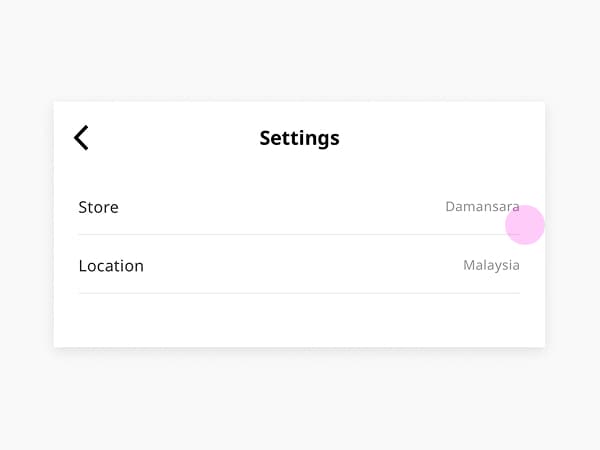
2. Settings & information
Upon signing in, users can set their preferred location and language, manage account information, and access important app information. These settings help customise the shopping experience according to user preferences.
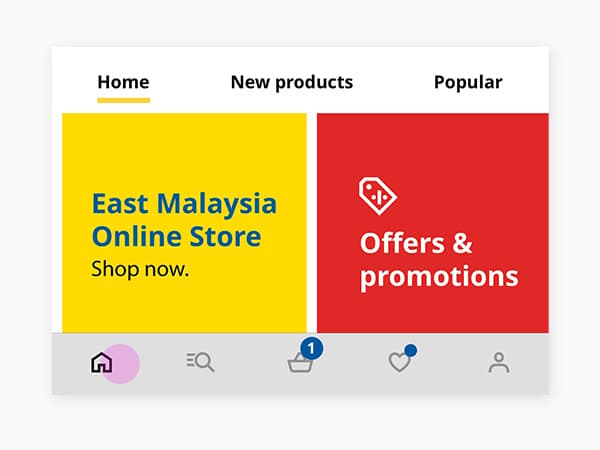
3. Menu navigation
Users can explore the homepage to discover the latest deals, news, popular products, and recommendations. The navigation menu provides quick access to key sections such as home, product range, cart, favorites, and profile, making it easy to browse products across different categories.
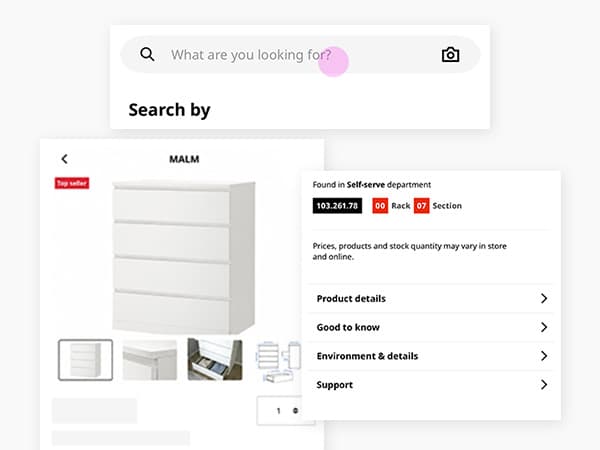
4. View product details
Click the search icon to search for your preferred product by category, keyword, or product name. Product pages provide detailed information, including product close up images, dimensions, specifications, materials, pricing, availability, and stock status at your selected store before making a purchase.
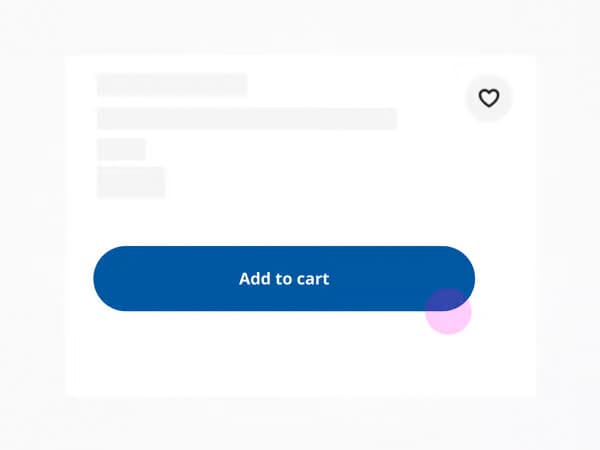
5. Add to cart
Once you have found a product you would like to purchase, click Add to Cart to save it to your shopping cart. You can continue browsing, update item quantities, or remove products before proceeding to checkout.
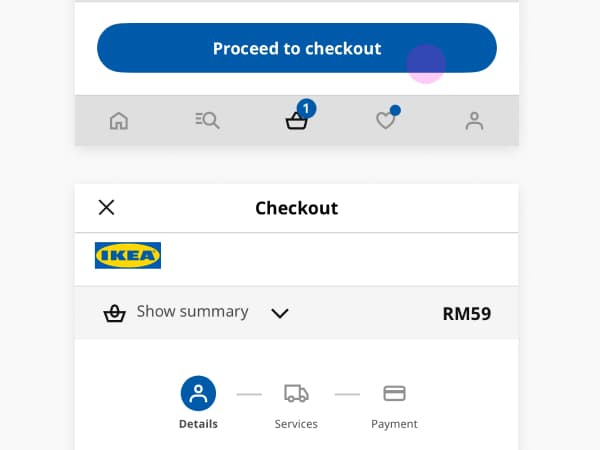
6. How to checkout
Once you are satisfied with the items in your cart, proceed to checkout. Enter the required contact and delivery information, select your preferred fulfilment option, and complete your payment to place your order.
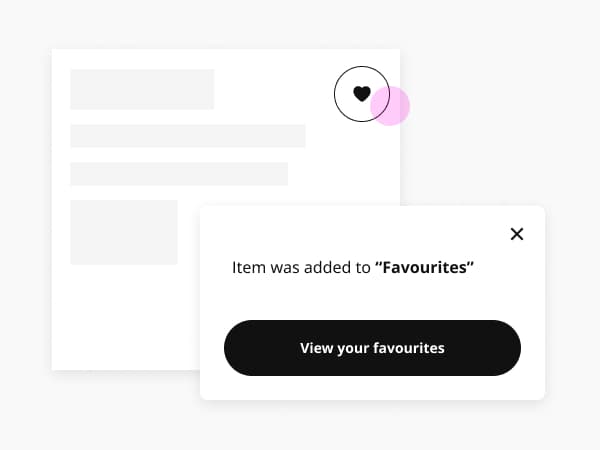
7. Add to favourites
Want to save a product for later? Click the heart icon to add it to your favourites. This allows you to quickly access products you are interested in and revisit them later without adding them to your cart.
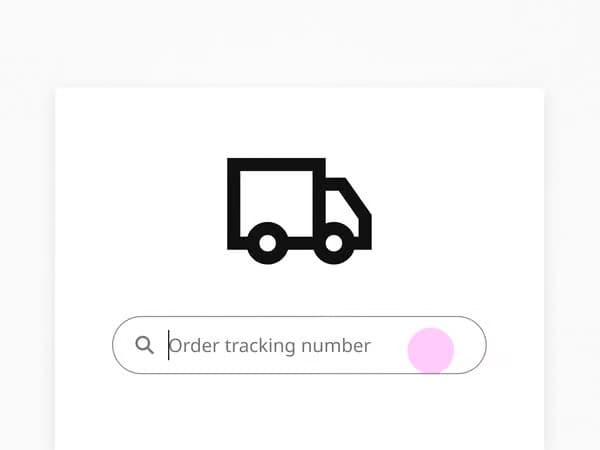
8. Track purchases
After completing a purchase, users can track their order status directly within the app. The app provides updates on processing, shipping, and delivery progress. Users can also access digital receipts, manage orders, contact customer support, and receive notifications regarding their purchases.
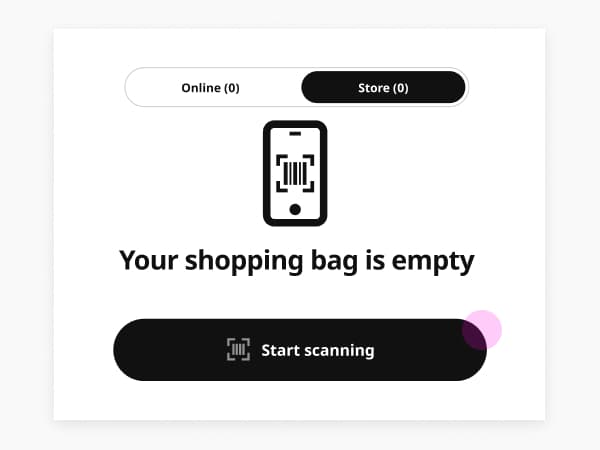
9. Shop & go
Skip the queue and enjoy a quicker checkout when shopping in-store. Use the IKEA app to scan items as you shop, keep track of your spending, and pay easily at the dedicated Shop & Go checkout.
Benefits of IKEA Shopping app

Sign up and shop
Create your account or sign in from your mobile app to start shopping.

Get inspired
Search and browse seamlessly and quickly for the products, categories or offers you’re looking for.

Seamless shopping lists
Prepare your visit by browsing and adding products to your shopping list for easy shopping!

New
Shop & Go
Scan as you shop in-store, pay at the checkout, and skip the queue. A quicker way to bring your favourites home.

Add to cart and checkout
A fast and convenient add-to-cart and checkout process that makes ordering your IKEA products easier than ever.

Check the stock
Check the availability of your desired products and order through the app.