Great remote, but bring back precise color controlElinaDon’t understand the bad reviews. Just go on YouTube and figure out how to use it. It’s so simple.
Anywho, my only complaint is the way you change the light color. You have to push a button to cycle through preset colors instead of being able to fine-tune the color temperature. For example, I find 2700K a little too warm/yellow, while 3000K is a little too white, and there’s no way to choose something in between.
I loved how the former TRÅDFRI remote let you use the controls to adjust both brightness and color temperature more precisely. I wish BILRESA kept that functionality, especially since the rest of the remote is such an improvement. Being able to independently control multiple lights from one remote is fantastic. Please bring back more precise color-temperature control!4
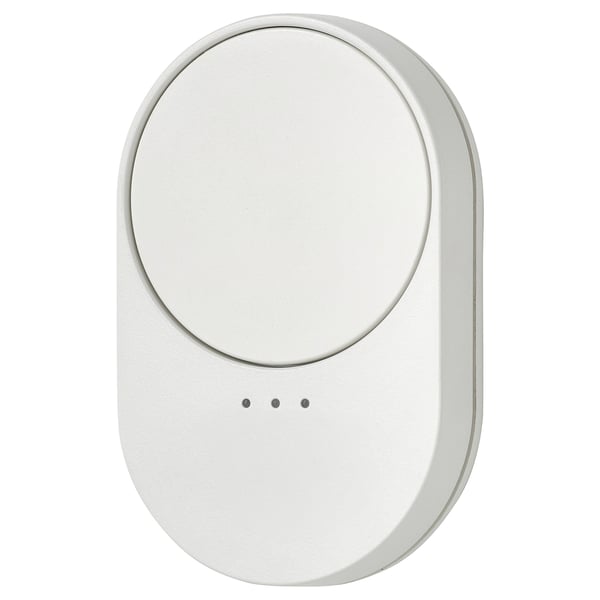
Almost, but not quoteScotThis is an amazing first step. Smart bulbs REALLY need a remote dimmer. Otherwise you need to walk around the house with your phone and the smart home app open and at the ready. So this is REALLY needed. Where it falls short is the slippery, impossible to turn scroll wheel. The super easily broken button that lives under the scroll wheel and the three different set of lights that the button can control. Only the person setting up the remote will remember what the three sets of lights are. To make this usable in a real house by all o the people actually living in the house is it needs to control just one set of lights. By putting the remote in the room with the lights it makes it obvious what it controls. Anything beyond that is “clever”, but not useful in real life.
I hope version 2 is easier to use and a little more durable. Maybe just a scroll knob with a single button that lives below it. Then you would have pure gold here.2
Much better after firmware updateJohn A HillThe buttons work so much better. After the recent firmware update with home assistant. You need to make sure you program the button directly not try and make your own automation. They work sooo much better. May have to wait a few minutes after assigning it's trigger function to properly but they work so much better now!5
Works great but the pairing directions are inaccurateKateThis remote works great- I'm using it with the ormanas light strip. It dims the lights and changes colors. I like that this remote is magnetic- helpful to keep track of! I had a hard time pairing it to my light strip, the pairing directions with the remote/ormanas light strip were not accurate BUT I was able to find a quick YouTube video for pairing and it worked! So yes- it DOES work well and has successfully paired. Works as expected, just took a bit to figure out.4
An Excellent Lighting RemoteAlexanderI’m not sure why this remote has such poor reviews, because in my experience it works fantastically. The setup is simple to connect to bulbs, and the controls are intuitive once you’ve read and understood the manual, which it seems some buyers have neglected to read. The wheel is responsive for brightness adjustments, it pairs quickly with bulbs, and the remote has a nice weight and tactile feel. The replaceable batteries are just icing on the cake, ensuring this device will have a long life. Even better, you don’t have to have a Dirigera hub to get started; you can just get this remote and one of the new bulbs, and you have a completely hub free experience if you need to budget like I did and wait a bit before jumping into the hub system. Overall, I’d highly recommend this remote to anyone interested in jumping into the new bulbs and remotes IKEA is now offering at a great price, all while letting you start slow without a hub for simple initial lighting groups. 5
This should have never been releasedBrianThe button IS the scroll wheel and it's almost impossible to turn without pressing the button, because there's no GRIP on the wheel! The scroll wheel seems to not realize you've turned it if you manage to turn it to 3/4 of a turn, which is really difficult to do.
It's not a smooth scroll either. There ARE clicks, but very difficult to feel, and so you're not fine tuning something, you're just going from one click to another, max 8, and then it doesn't register you've turned it at all.
For the Home Automation people, you can set these up in Zigbee, but Home Assistant can't do anything with them. Can set them up means try, over and over, and eventually, they'll add.
You can set them up in Matter, but it's even more hit or miss. Rebooting EVERYTHING, factory resetting the button, starting discovery within 3 seconds for he button coming online after factory reset, typing the number manually with no dashes, then starting a "Manual Add" on a computer or other device, SEEMS to help.1
TrashJoeyThis is cheaply made and hardly works. You also have to set it up before putting your light on the wall, which is not stated anywhere.1
Stopped working after 2 monthsChongI've had multiple IKEA Matter devices fail after the frustrating and time-consuming process of getting them working. It feels like these products were rushed to market before they were fully tested and ready for consumers.1
Usable, but definitely a bit finickyIanThis is another product I was a bit hesitant to try because of the reviews. My experience overall has still been pretty good, but not without it's issues. Matter doesn't seem to natively support scroll wheels, and IKEA's implementation here, when used with Home Assistant, is definitely a bit flaky. I was able to to find a community blueprint that made this much easier to set up, but without it, this would have been a pain.
That said, it's pretty much smooth sailing otherwise. I've had just one instance of the remote taking a bit long to connect after Home Assistant rebooted, but it's otherwise instant. I still fully appreciate that this BILRESA and even other IKEA products are so well supported in platforms like Home Assistant, even giving us entities for non-standard controls. Overall, I love it, but unless you ABSOLUTELY need a scroll wheel, the two button BILRESA may the better option for you.4
Great expectations, even bigger disapointmentCiceroIt had everything to work but they mess it up the implementation.
It's a mess to work with and it disconnect very often.1
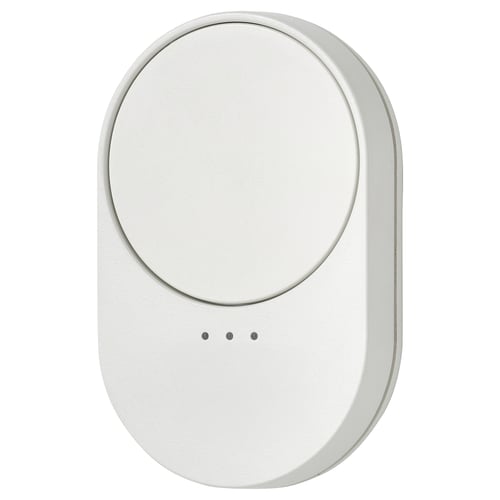
not intuitive scrolling due to slick surface and weird event decisionsMichaelThe surface of wheel area is so slick, at first, I thought you used it by pressing at the edges and slide pressure around the edge; but this didn't work as expected. Only after reading some details on other sites did I realize that the wheel rotates, but I couldn't get this to happen with my fingers. I attached small rubber dot to the pad and this gives my finger something to touch/grip and now it rotates freely and works physically.
NOW, the issue is with the events the device triggers when scrolling. It waits to send an event until you stop scrolling with the number of scrolls actions as a parameter (capped at 7?) rather than a consistently timed (like ~200ms). The effect of this is jittery scrolls. Please fix this with a firmware update.
Supposedly there is a work around for this in Home Assistant where you dig into some advanced settings and enable current position property, but I have yet to dig deep into that.3
Excellent productAnonymous reviewerWell designed &Functional5
Faulty as others mentionIanAll reviews mentioning flaky or spotty performance are accurate. "Current switch positions" in the device diagnostics of Home Assistant will show a 1 for active buttons and a 0 for inactive buttons. If I keep scrolling, it should stay at 1. It's spazzing between 0 and 1 even as I keep scrolling. 1 should change to 0 only when I stop scrolling. When this number jumps from 0 to 1 on the diagnostics screen, the Activity Log does not show any events, meaning Home Assistant isn't registering these buttons/scrolls, even though diag shows the digit struggling to stay at 1 while scrolling or holding the button. I hope this is helpful for creating a new firmware update. I'm not sure if I'll return the button. I like it and it does work. To me it seems like a firmware issue. The lower half (with LEDs) only switches devices. Home Assistant lists 9 buttons: 1+2+3 are for Device 1, 4+5+6 are for Device 2, and 7+8+9 are for Device 3. 1+2 / 4+5 / 7+8 are R+L scroll, and 3+6+9 are button presses.2
Have several. All work!NathanI use an Apple TV 4K 3rd gen with Ethernet as my Thread Border Router. They all work. Only caveat is that whatever compute power they back is lacking for firmware updates, so they do single-version firmware updates across 3-7 attempts from what I could tell. I bought the 3-pack of these for use all around the house and none have needed batteries changed in the 2 months or so we've had them.5
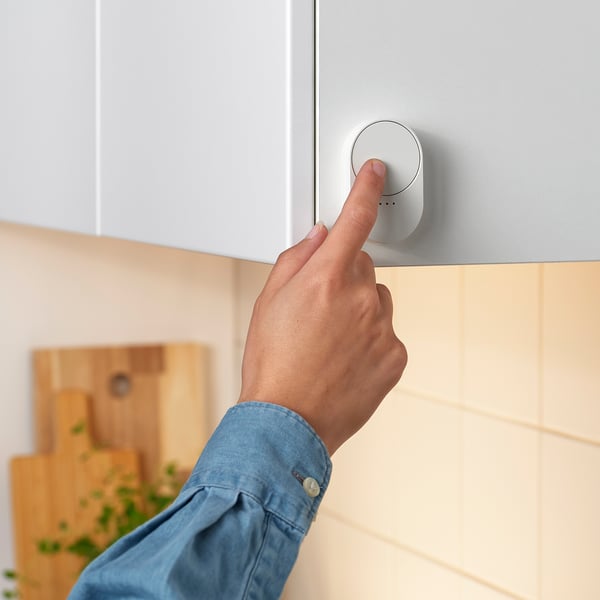
awful remoteNoDO NOT BUY!!! Its very slow to respond when you scroll the brightness. Sometimes two lights will get their color temperature out of sync and there's no way to resync them. The magnet on the wall mount is very weak and often slips off the mount by just pressing a button. DO NOT BUY!!!1
Misleading Product - horrible integration with matterJosephThe hardware and software are not complete, I cannot believe IKEA released this product with all the other smart home products that are otherwise very good. This product has a scroll wheel that is difficult to use, and is EXTREMELY delayed on matter over thread, and it is not usable with homeassistant.1
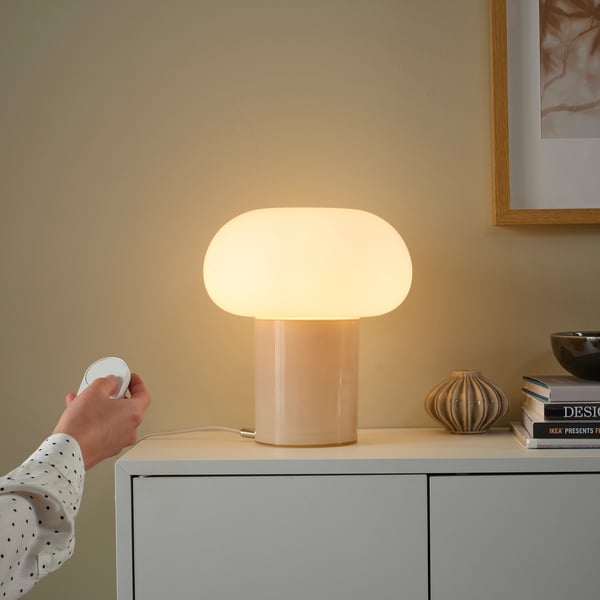
Could be great, currently lackingDougI’ve had the IKEA DIRIGERA hub for a while and thought I would pick up one of these remotes to control some lights in my dining room and give me brightness adjustment sitting at the dining table. I thought maybe using the official hub this remote would be relatively quick. Unfortunately this remote has significant delay when performing brightness control to IKEA lights. If they can sort out the delayed input and response time from the lightbulbs, I think this would be a great purchase. As with other reviews I also think the wheel needs some type of indentation for your thumb to ride in to help you spin the wheel a little easier.3
Not yet working with Google HomeViditIt doesn't show up right in google home. Its hard to use without the Ikea Hub1
Stops working within a weekThomasSet up and working great for several days. Then the device stopped working. No indicator lights. Needed to be reset and set up again. After 2 days it stopped working again. No indicator light or control.
This is hardware related. Returning and will not buy until they fix the hardware flaw.1
Not ReadyZacharyI bought a 3-pack of these, and they fall short on both hardware and software.
Hardware: The main spinning button feels very loose and wobbly on its center support. Pressing any side of the disc causes it to flex inward, making it feel cheap. This is disappointing because the rest of the device and plastic quality actually feel solid.
Software: This is the bigger issue. In Apple HomeKit, the device appears as 9 buttons (3 per section). The single, double, and long press on the center button (3, 6, 9) work well. However, the other 6 inputs are tied to the wheel and don’t function properly. HomeKit treats them as single or double presses, meaning the wheel must move exactly 1 or 2 clicks—something that’s nearly impossible to do consistently. You can’t assign actions to a full rotation or smooth movement, making the wheel effectively useless for things like brightness or volume control.1