Works great with home assistantChrisSwitch works really well with home assistant no hub needed5
Super easy to connectAlyssaTurns out I did not need any hubs to use the remote to connect to the light bulb. The instructions were super easy to follow and it works perfect! 😍5
Works but it has a delay and the unstable design makes it fall off the wall when pressed wrongJosephThe switch works but with two big annoyances. The elevated magnetic ring/base on the back of the switch is too smallI so if you press the switch off center then it tips sideways and detaches from the wall or whatever metal surface it was attached to and it falls to the ground. The switch also has a small delay from the moment you press the switch to the moment the lights react. Maybe only one second, but long enough to often make you think you didn't press it. I have some of the older Rodret remote switches and those are very stable and never fall off the wall and they have zero delay. Not sure why that changed with the new Bilresa model.2
Outdated firmwareAnonymousCame with outdated firmware. Difficult to update. Difficult to get get working with Home Assistant. 3
Nice remote terrible instructionsJimmyThis remote works very well but the instructions are ho=ible. You have to pair the DRIVER to make the lights work. Dont hold the remote to the lights themselces this does nothing for you. The instructions are frustratingly so confusing I almost returned the entire system because you aren't told a driver works the lights and pair tbis remote to that driver. IKEA are you listening to this, make this process more understandable l.2
Get instructions before buyingDebbieI purchased this thinking that it was all I needed to control the globe light, also purchased. It wasn't until I opened that I realized that a hub was also required which cost over $130.2
Set Up Instructions Below Without AppEmmanuelIt's true the remote does not come with pairing instructions but after quick google search I was able to figure it out.
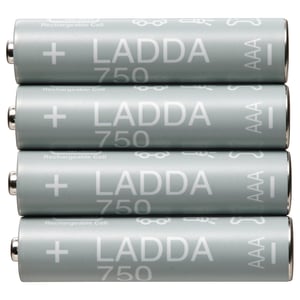
1. Make sure battery is installed. (Does not come with a battery).
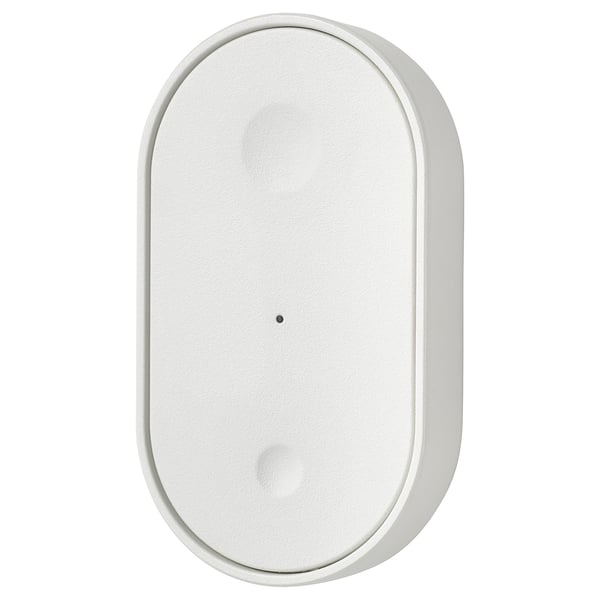
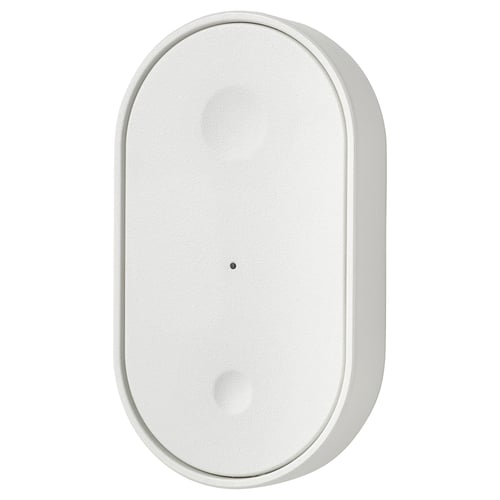
2. Remove top lid (you'll find a small button right at the center)
3. Hold remote near the bulb you desire to pair. (Make sure the bulb is on).
4. Press the middle button on the remote quickly four times. (This will initiate pairing process).
5. Pairing complete.
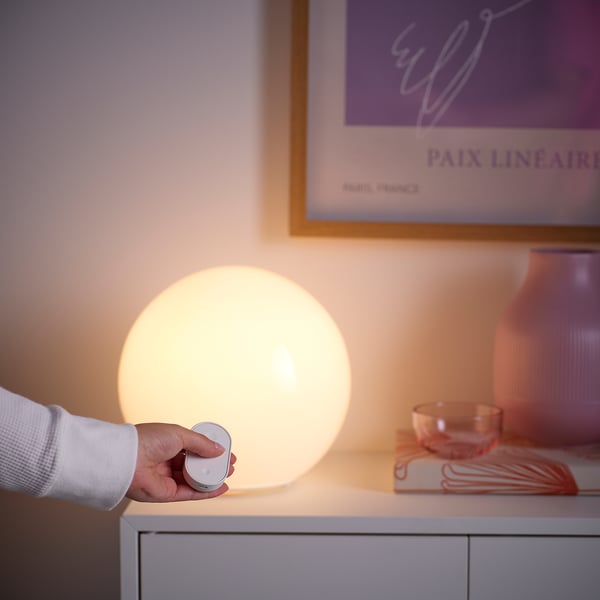
I'm really enjoying this with the round table lamp.5
Much better after recent firmware updateJohn A HillThe buttons work so much better. After the recent firmware update with home assistant. You need to make sure you program the button directly not try and make your own automation. They work sooo much better. May have to wait a few minutes after assigning it's trigger function to properly but they work so much better now!5
Excellent with Home AssistantFranklinI bought two of these. Pairing was super easy. Works great! Very pleased.5
FrustratedRichardVery hard to get to connect
I tried it with 2 different one and I gave up1
Super easy! Controlling three different Tradfri with two separate Bilresa buttonsCoryHere are the steps I used:
1. Take off Bilresa cover.
2. Plug in batteries (leave cover off).
3. With the orange light on Bilresa on, place it on top of Tradfri (make sure Tradfri is on first) and press middle button four times fast.
4. Wait for lights to dim and brighten.
5. Move to next Tradfri unit. Press the middle button once and you should see the orange light turn on.
6. Repeat Steps 3-5 for each additional Tradfri.
7. Replace cover.
8. Enjoy!5
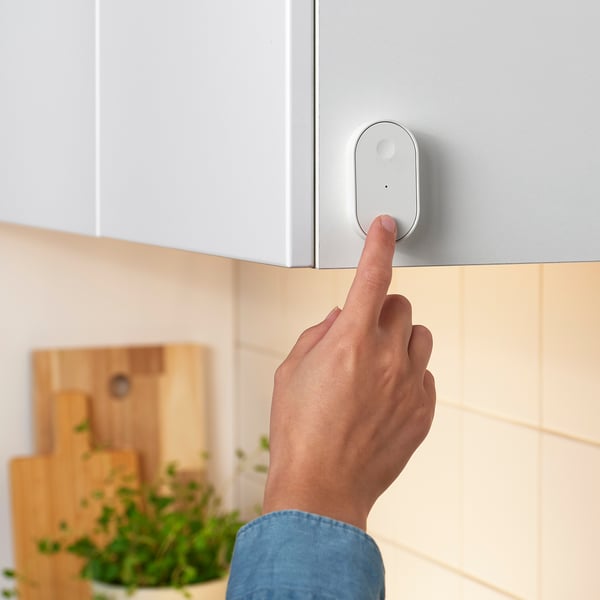
New remote love it!TaraI love this remote. Was a bit of a learning curve to program. Now it’s my favorite part of my new kitchen. Loving the lights!!5
Useless RemoteSueThe remote does not sync with lights and does not come with instructions. The QR code in the box instructs you download an app and requires you to purchase an adapter and another receiver. Too expensive and complicated.1
Be aware - will require a Thread border routerDanA very simple device with easy access to battery using a clip mechanism instead of screws. Be aware this is a Matter-over-Thread device (not just Matter). So beyond using the IKEA hub, please be aware you'll need to use a Thread Border Router (e.g. homepod, nest hub, googleTV streamer) for other ecosystem3
Difficult setup, limited functionality with AlexaJohnI had a lot of trouble getting these to work with Alexa. And eventually needed to do a factory reset on them. Odd for a new, just out of the box product. I learned after configuring a few of them that Alexa will actually discover them itself. Instead of going through the Add New Device menu look for where it says Alexa Has Found A New Device. This worked better for me. Once installed they work pretty well. Unfortunately not all features are enabled through Matter for Alexa. The top and bottom buttons only support a single click, not the multi-click or long press. The documentation says you can control up to 10 smart devices with it. I don’t know how that would work, but with Alexa you can do two at the most. One for each button. I like the product and have lots of them, I just wish all the functionality was there for Alexa. Maybe in a future upgrade? Please?4
Works great with Home AssistantNicholasThis works great in my home and I have a bunch of these to control all kinds of devices! Really awesome!5
Flawless with Home AssistantIanDespite the reviews, the price was too tempting for me to skip past these remotes, but I'm glad I did it. I've got them connected to Home Assistant and they've been rock solid. Responds almost instantly every time, fantastic range, supports double press and on-hold and on-release actions, and so far the batteries are still reporting 100% after a month. The only "drawback" is the remote is rather thick. This isn't a big deal, but may understandably be a dealbreaker for some.5
Remote doesn't workAnonymous reviewerRemote doesn't work with the lights. After further research I found that I have to purchase an additional hub which I'm not going to do just for closet lights. Ended up plugging them into a smart switch and now they go on an off with Alexa commands.1
Good Price...A Bit WonkyRogerSo...I have paired the Bilresa remote with my TRÅDFRI IKEA lighting system...took a bit and you'll most likely need to go to YouTube to figure out how to pair the unit. The instructions that come with the remote are not complete.
Once I went to YouTube and watched a video,I finally was able to pair the remote to the driver...sorta kinda.
Yes, it will dim the lights and turn them off...but here's the catch...how you turn the lights off appears to change from time to time.
Sometimes I can turn the lights off by pressing the large button then the small one...that seems to work most of the time. But also, if I dim the lights too low, they shut off as well...odd.
At least once the remote disconnected from the LED driver and I had to reset. It's been stable since then...best I can say is that the remote is a good price...but a bit on the wonky side.3
Constant connection errors and issuesAustinWill not connect with multiple 3rd party hubs that support Matter devices. It's a documented and common issue.1