Scan and pack as you shop
Enjoy a faster check-out with the IKEA app.
You can now save time by scanning purchases as you shop and paying at the dedicated express check-out. Find out more about the service.
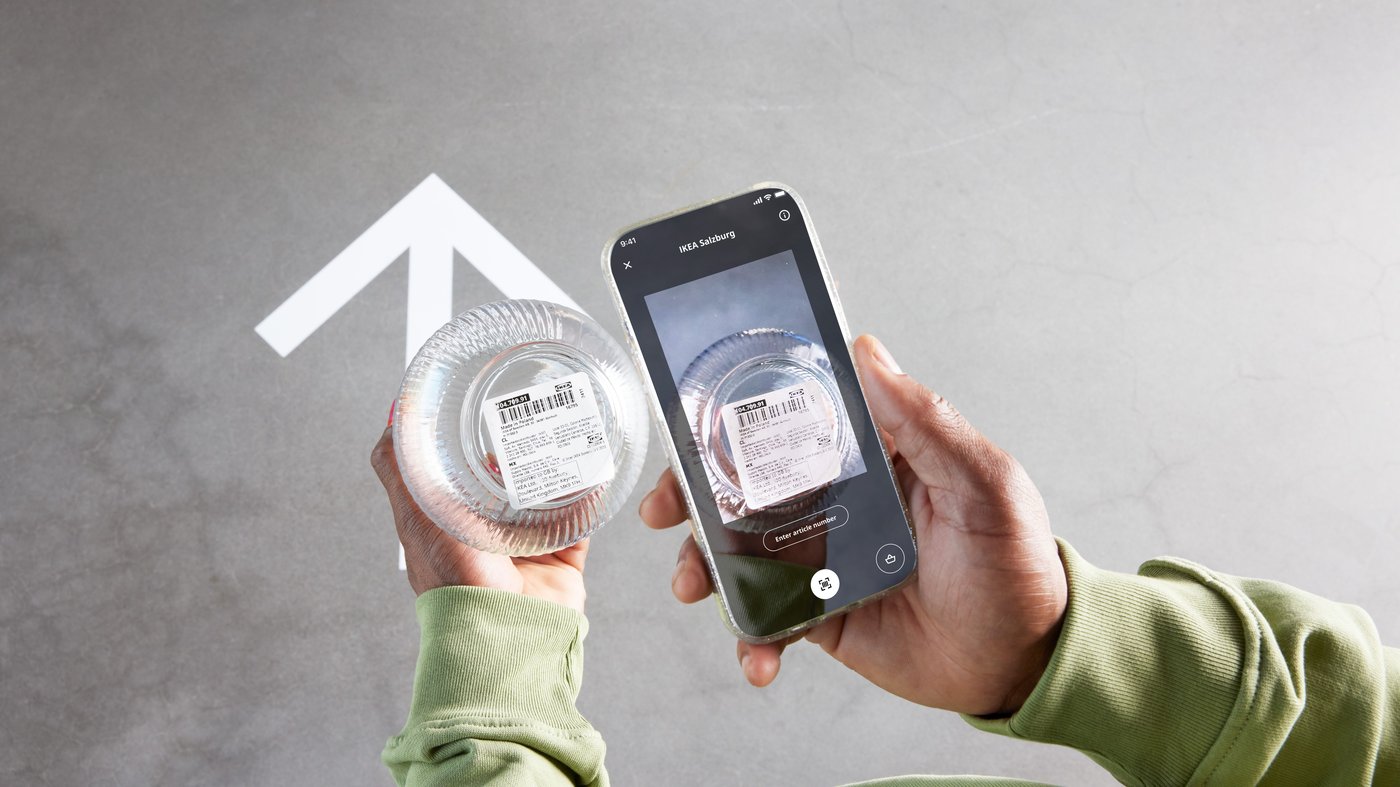
Get £10 off when using Scan as you shop in stores
IKEA Family members get £10 off when you spend £70 or more using Scan as you shop in the IKEA app.
Offer valid 12/10/26 - 01/11/26. Terms and conditions apply.
How it works
Using Scan and pack as you shop is easy, just follow the steps below.
1. Download the IKEA App
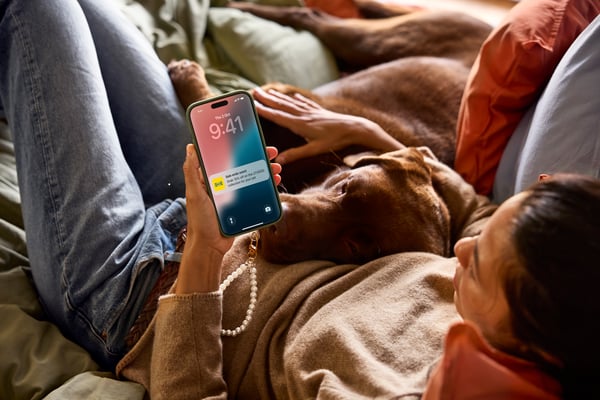
- Download the IKEA App.
- Turn on scan mode in your account settings.
- Select your store.
We offer free Wi-Fi in all of our IKEA stores.
2. Start scanning
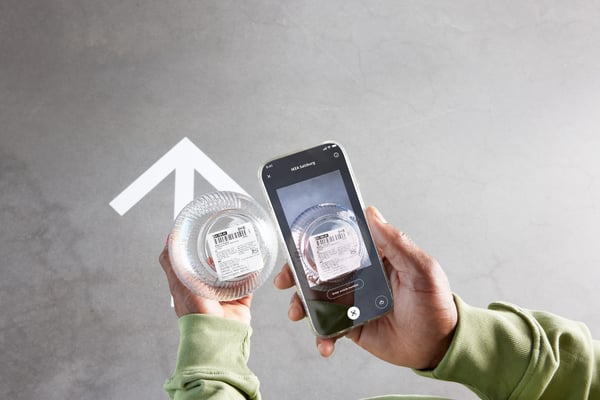
- Simply scan the barcodes of items you pick up and pack as you shop.
- For larger self-serve items, make a note of the aisle and location, and scan the barcode when you pick it up.
- Alternatively, where available, scan the QR code below the price tag to add it to your shopping list. After payment, the product will be ready to pick up in the customer service area, located after the check-outs.
3. Use the Express check-outs
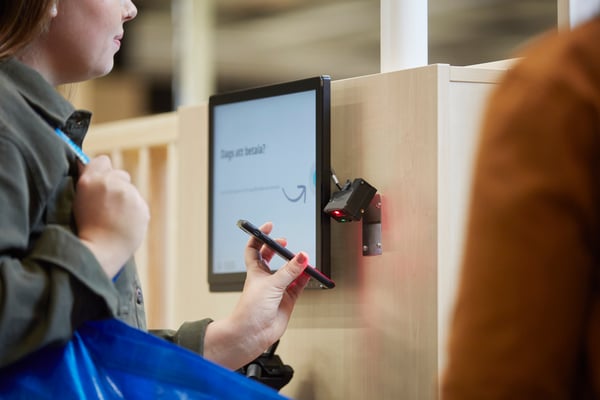
- Once you're done shopping, head to the dedicated check-out on your way out to complete your purchase.
- To pay, simply scan the unique QR code for your shopping bag with all the items you've scanned along the way.
- Don't forget to head to the customer service area after the checkout to pick up any larger items you may have scanned the QR code for.