Wardrobe lighting in 4 easy steps
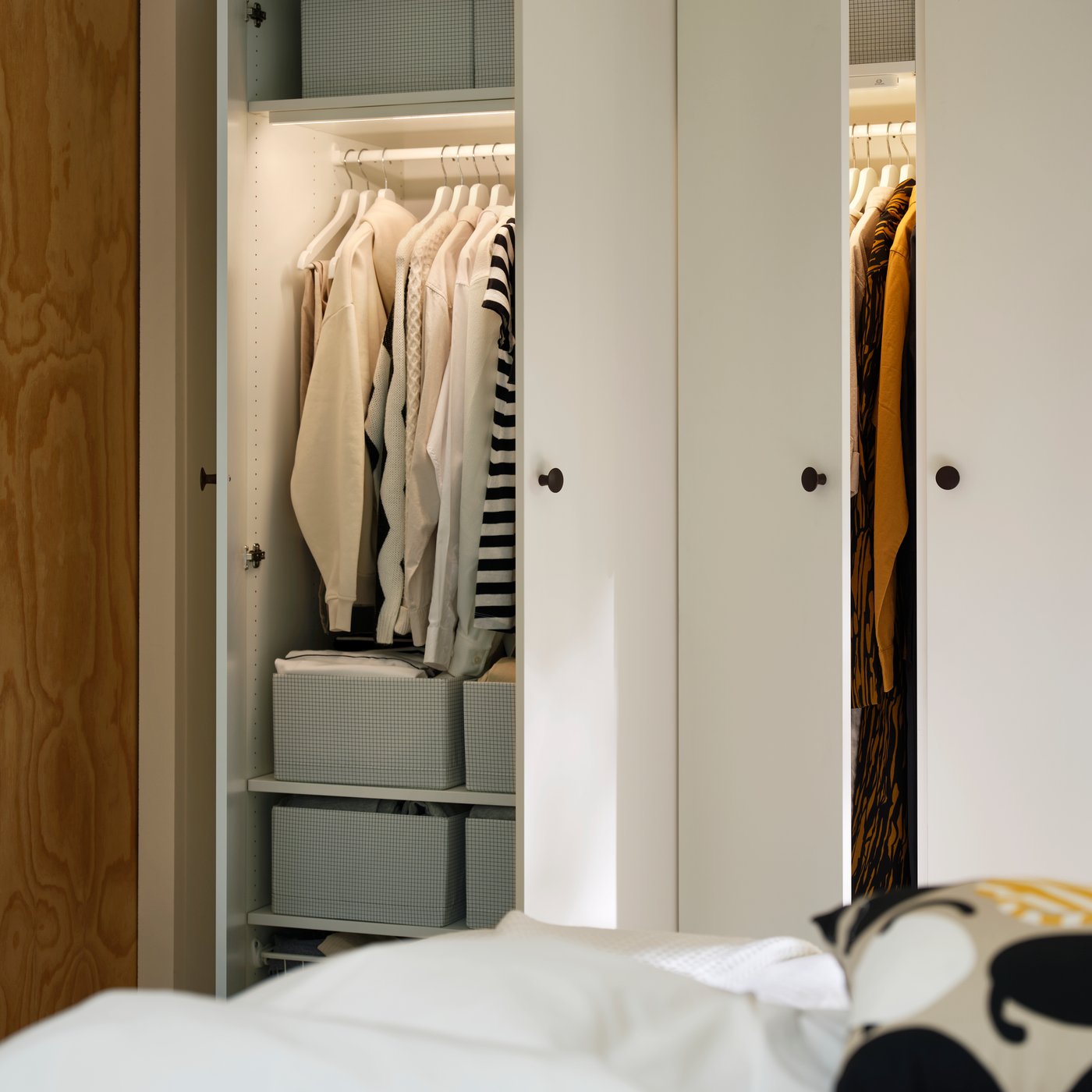
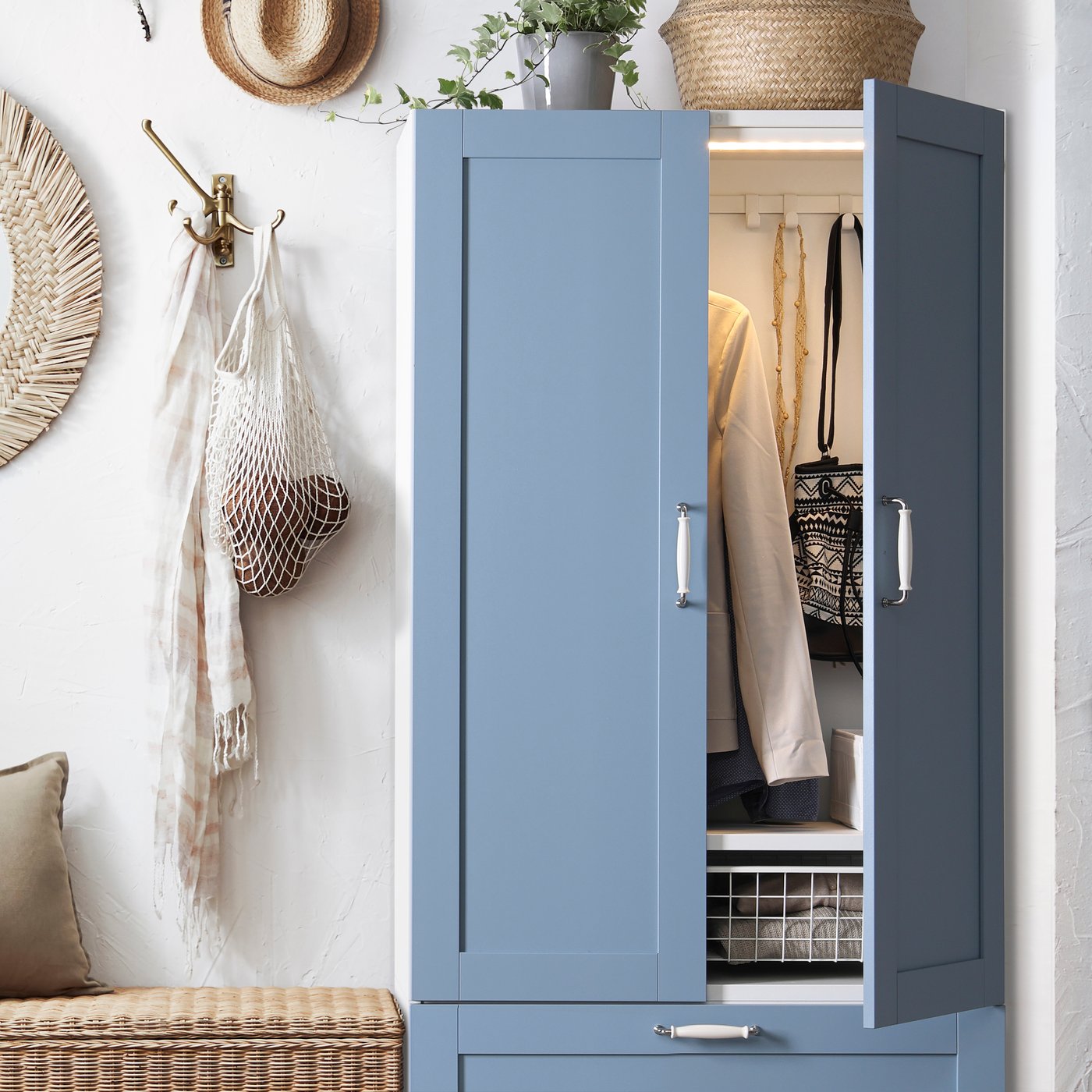
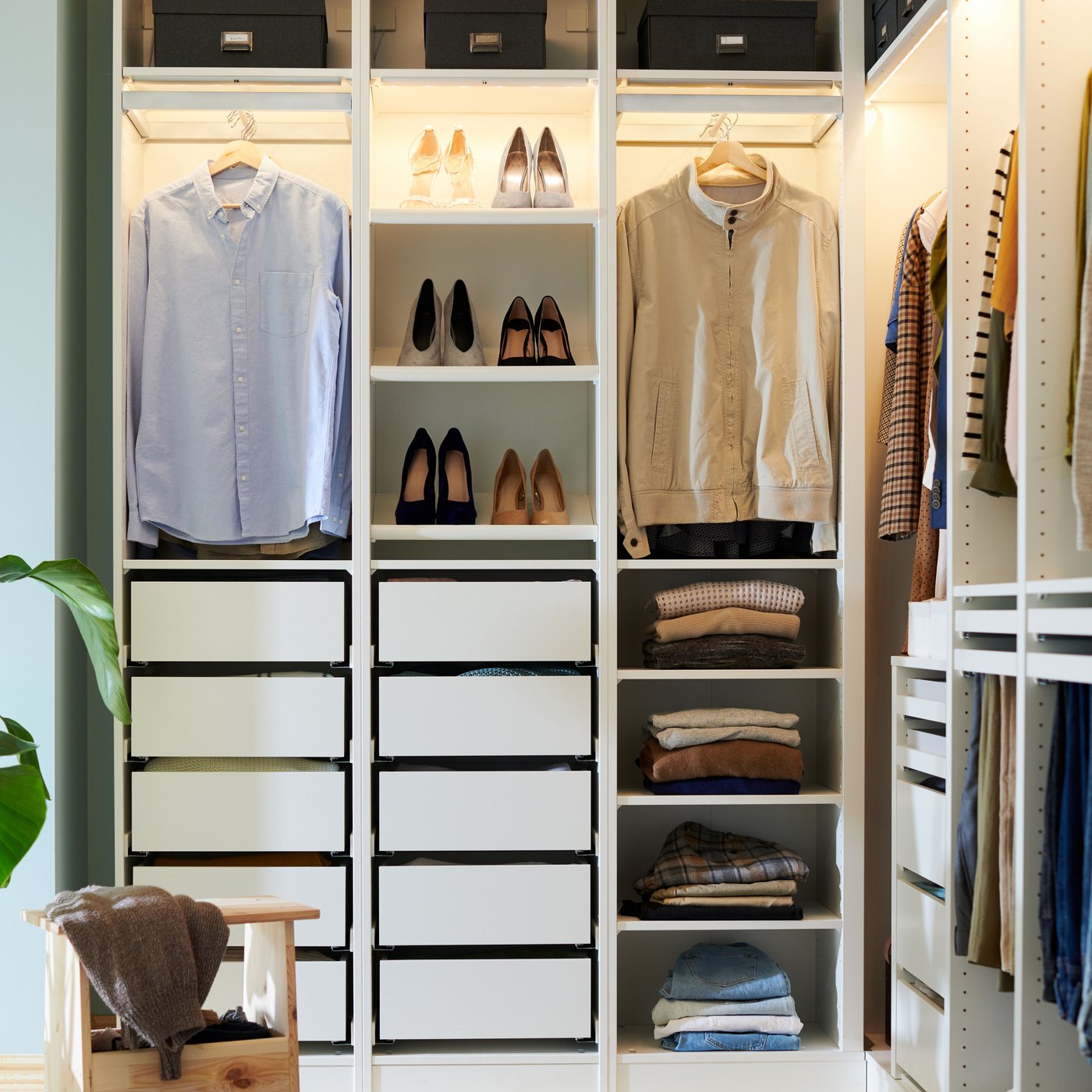
Finding what to wear shouldn’t mean fumbling in the dark. Here we will show you how to install affordable wardrobe lighting, from LED strips in drawers and shelves to cabinet lights that reach every corner. Aim the light exactly where you need it and use remote control options for easy on/off, so your wardrobe and your mornings feel brighter and more organised.
Here are 4 simple steps to get your perfect wardrobe lighting.
1. Choose your wardrobe lighting
2. Choose your driver
3. Add your cords
4. Choose your remote control or the DIRIGERA hub
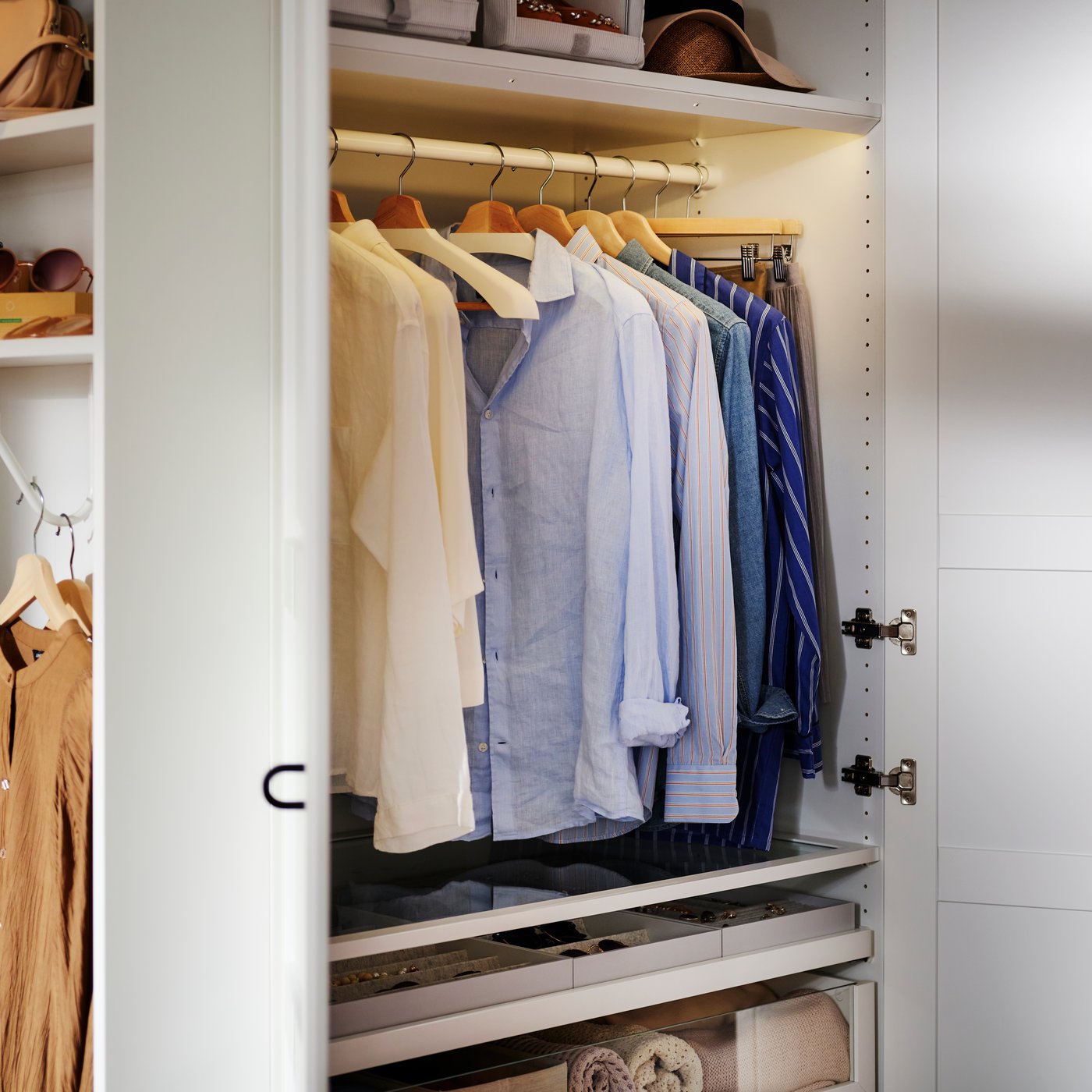
1. Choose your lighting
You have different wardrobe lighting options depending on your needs.
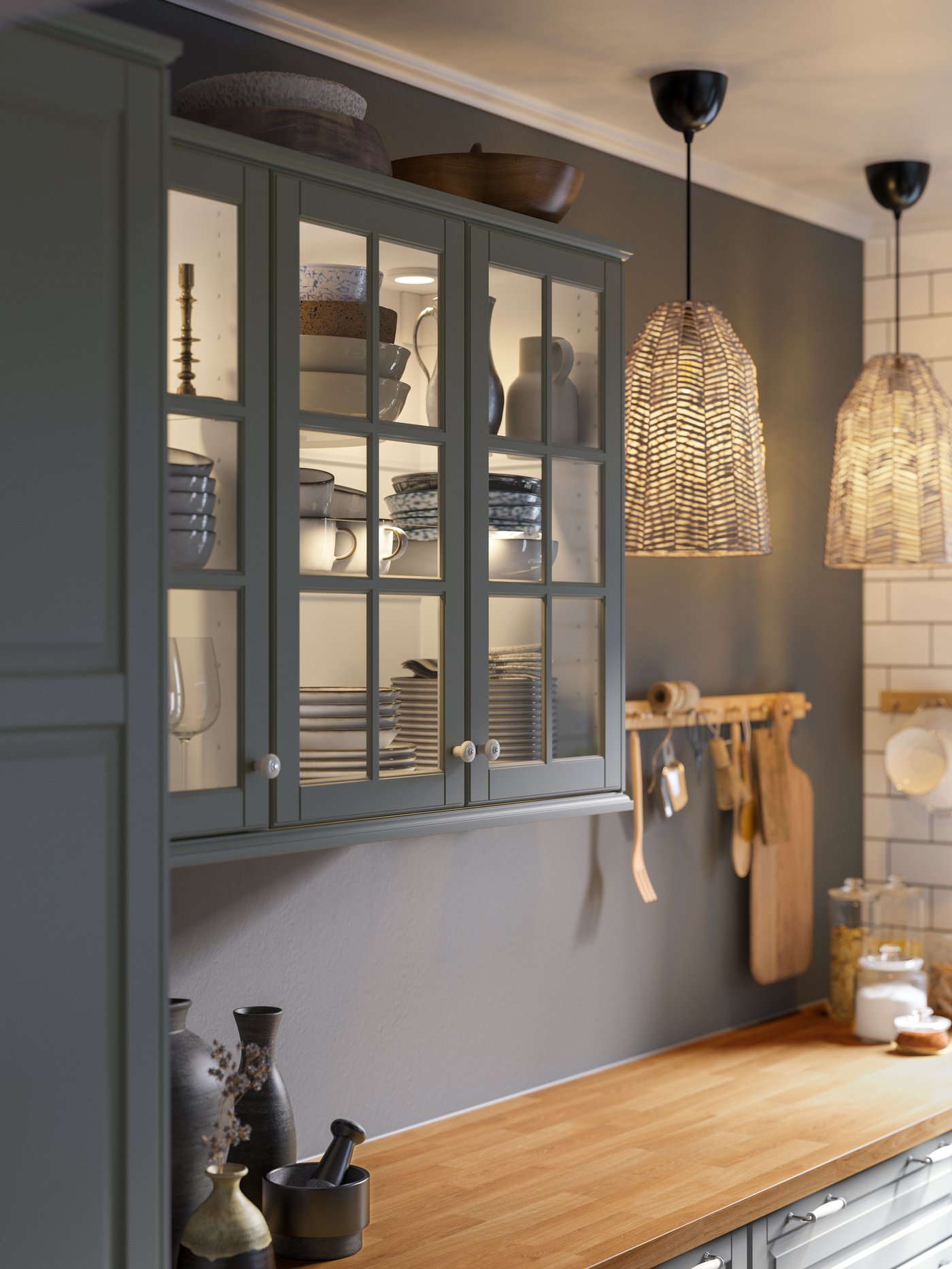
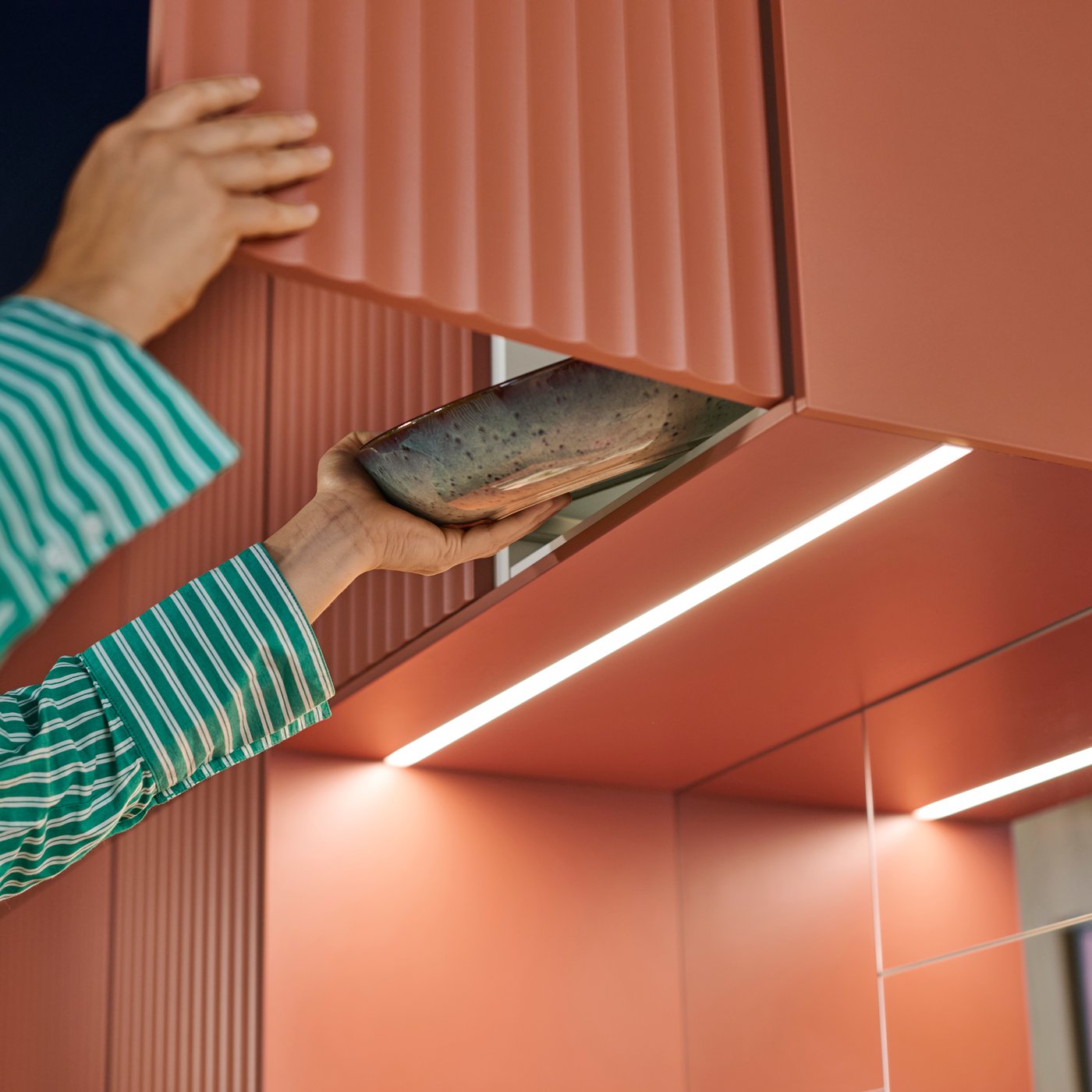
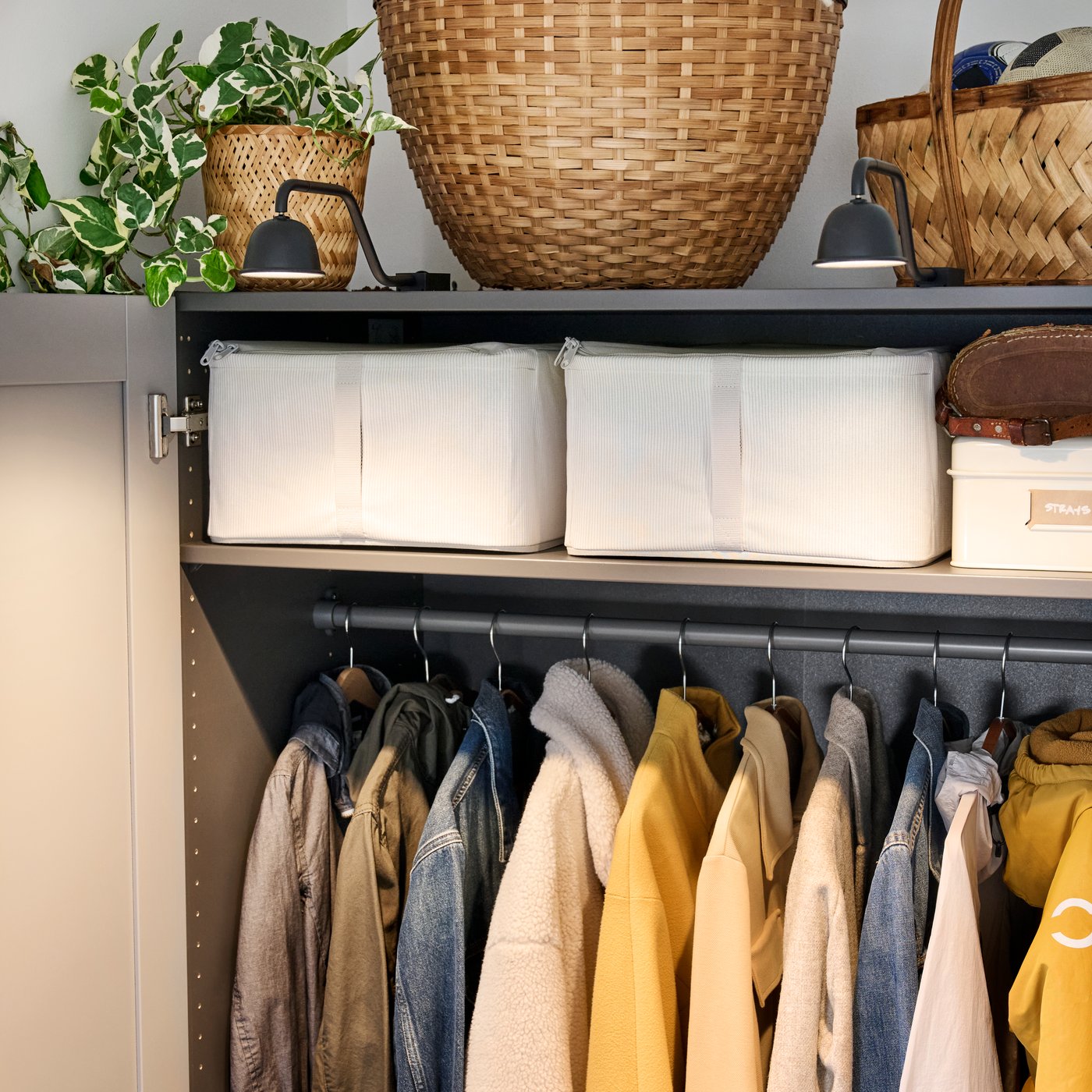
- Cabinet lighting provides focused light to brighten shelves and the spaces around your wardrobe.
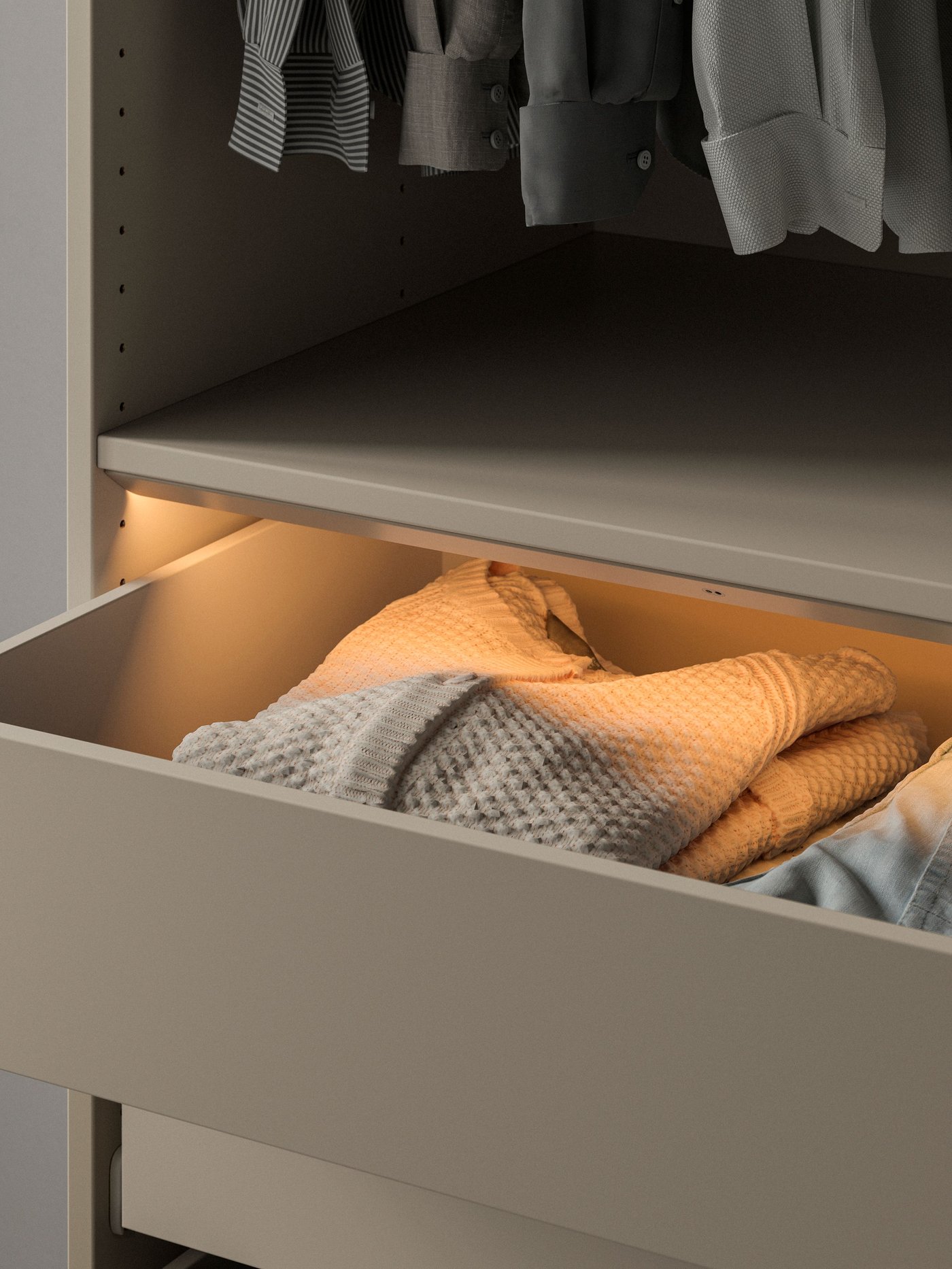
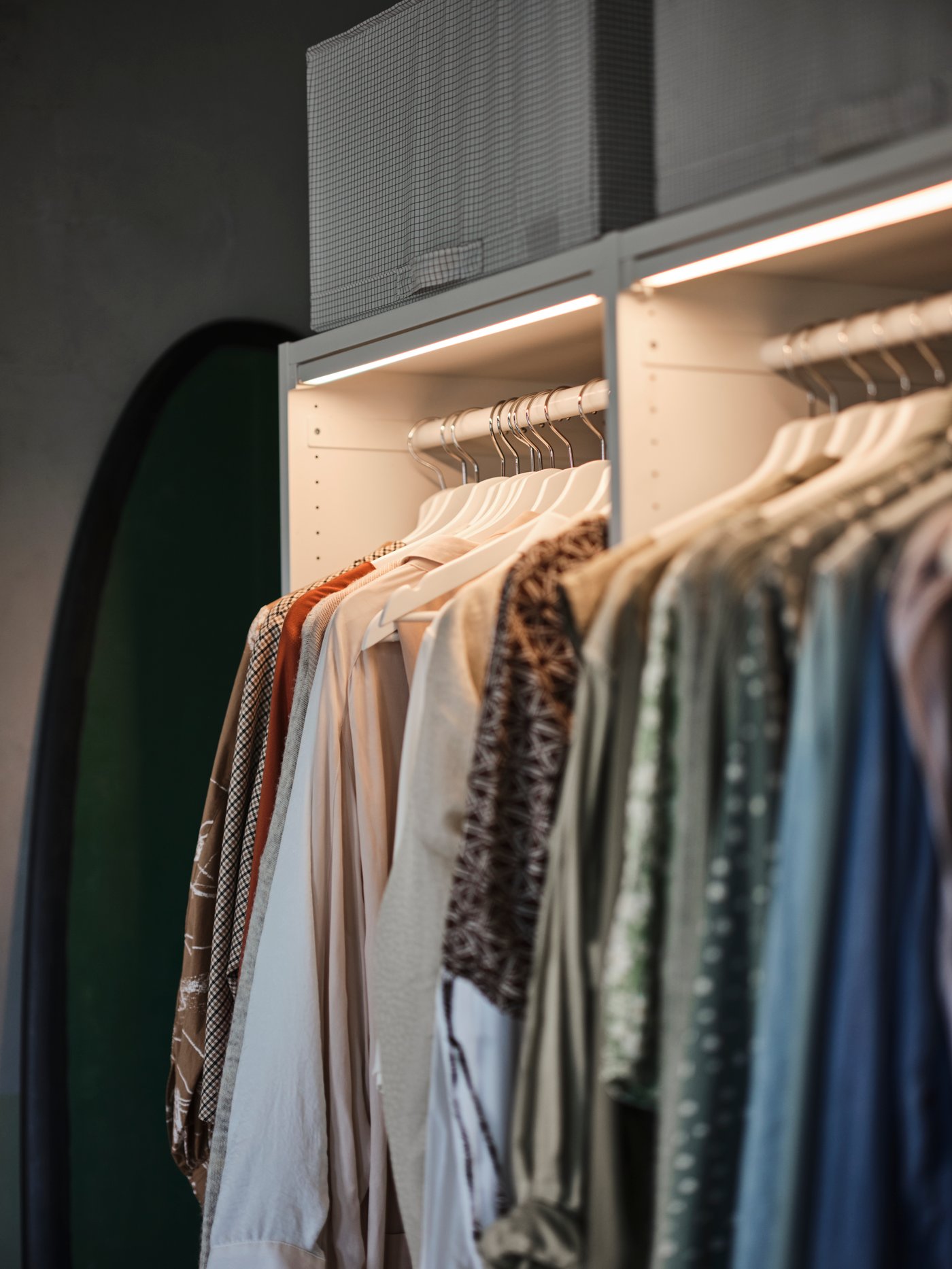
- While fully integrated wardrobe LED strips with sensors and dimming offer a discreet solution that blends seamlessly into PAX, PLATSA, or LASTARE wardrobe frames while illuminating the interior.
- Battery-operated lighting is a flexible option that is easy to install without wiring.
These solutions improve visibility inside your wardrobe and make it easier to see and choose clothes, even on dark mornings.


2. Choose your driver
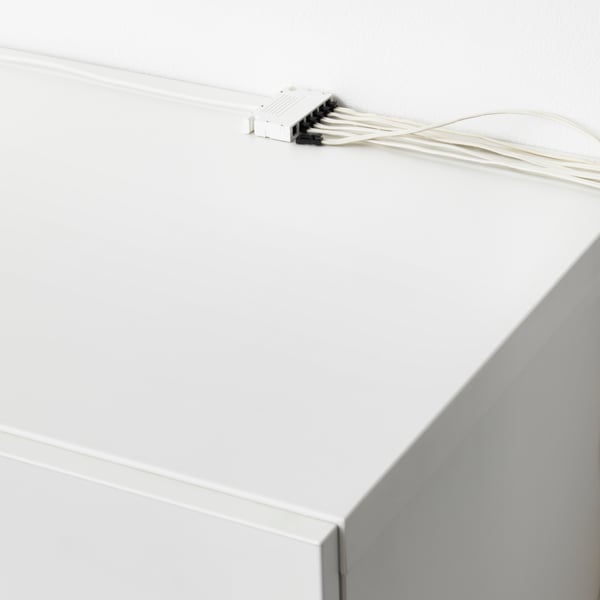
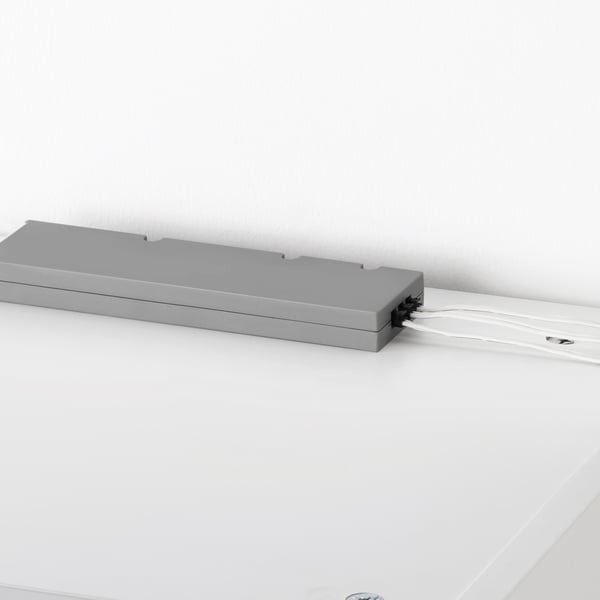
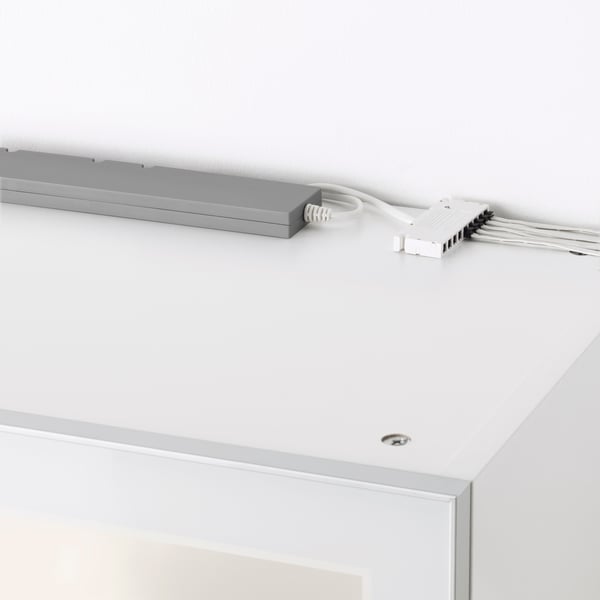
Choose between the ANSLUTA LED driver 19 W, the TRÅDFRI LED driver 10 W, or the TRÅDFRI LED driver 30 W to connect multiple lights to a power outlet, making cabinet and bookcase lighting easy to install. TRÅDFRI LED drivers allows dimming or smart control when used with a remote control or the DIRIGERA hub, giving you more flexibility and features through the IKEA Home smart app.
Good to know: You can connect up to 10 TRÅDFRI LED drivers in one installation with FÖRNIMMA connection cords between drivers.
- Product information page
- Product information page
3. Add your cord
To connect your lighting to the TRÅDFRI LED driver, you only need a FÖRNIMMA power supply cord. If you choose the ANSLUTA LED driver, no extra cord is needed, as the power cord is included.
Good to know: If you decide to use several TRÅDFRI LED drivers then you need to complement FÖRNIMMA connection cords between drivers.

3. Add your cord
To connect your lighting to the TRÅDFRI LED driver, you only need a FÖRNIMMA power supply cord. If you choose the ANSLUTA LED driver, no extra cord is needed, as the power cord is included.
Good to know: If you decide to use several TRÅDFRI LED drivers then you need to complement FÖRNIMMA connection cords between drivers.
4. Choose your remote control or DIRIGERA hub
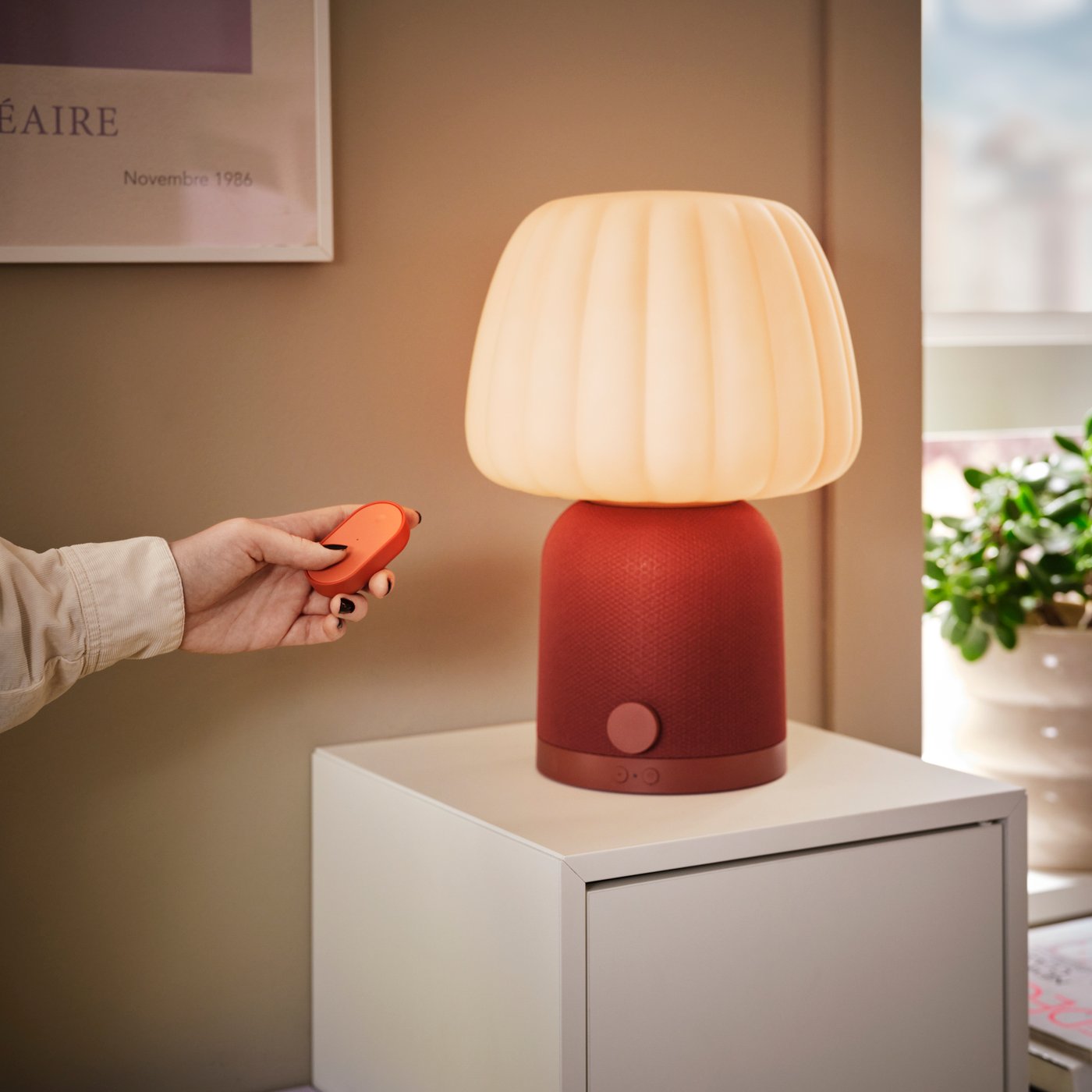
The remote control lets you turn your lights on or off and dim them for the right mood. You can also connect your lights to the DIRIGERA hub and the IKEA Home smart app to control multiple lights from your phone.
The DIRIGERA hub works as a Matter bridge, so your smart lights are compatible with Apple Home & Siri, Google Assistant, and Amazon Alexa. The IKEA Home smart app is available on the App Store (iOS 16.4 or later) and Google Play (Android 10 or later).
4. Choose your remote control or DIRIGERA hub
The remote control lets you turn your lights on or off and dim them for the right mood. You can also connect your lights to the DIRIGERA hub and the IKEA Home smart app to control multiple lights from your phone.
The DIRIGERA hub works as a Matter bridge, so your smart lights are compatible with Apple Home & Siri, Google Assistant, and Amazon Alexa. The IKEA Home smart app is available on the App Store (iOS 16.4 or later) and Google Play (Android 10 or later).