Cabinet and bookcase lighting in 4 easy steps
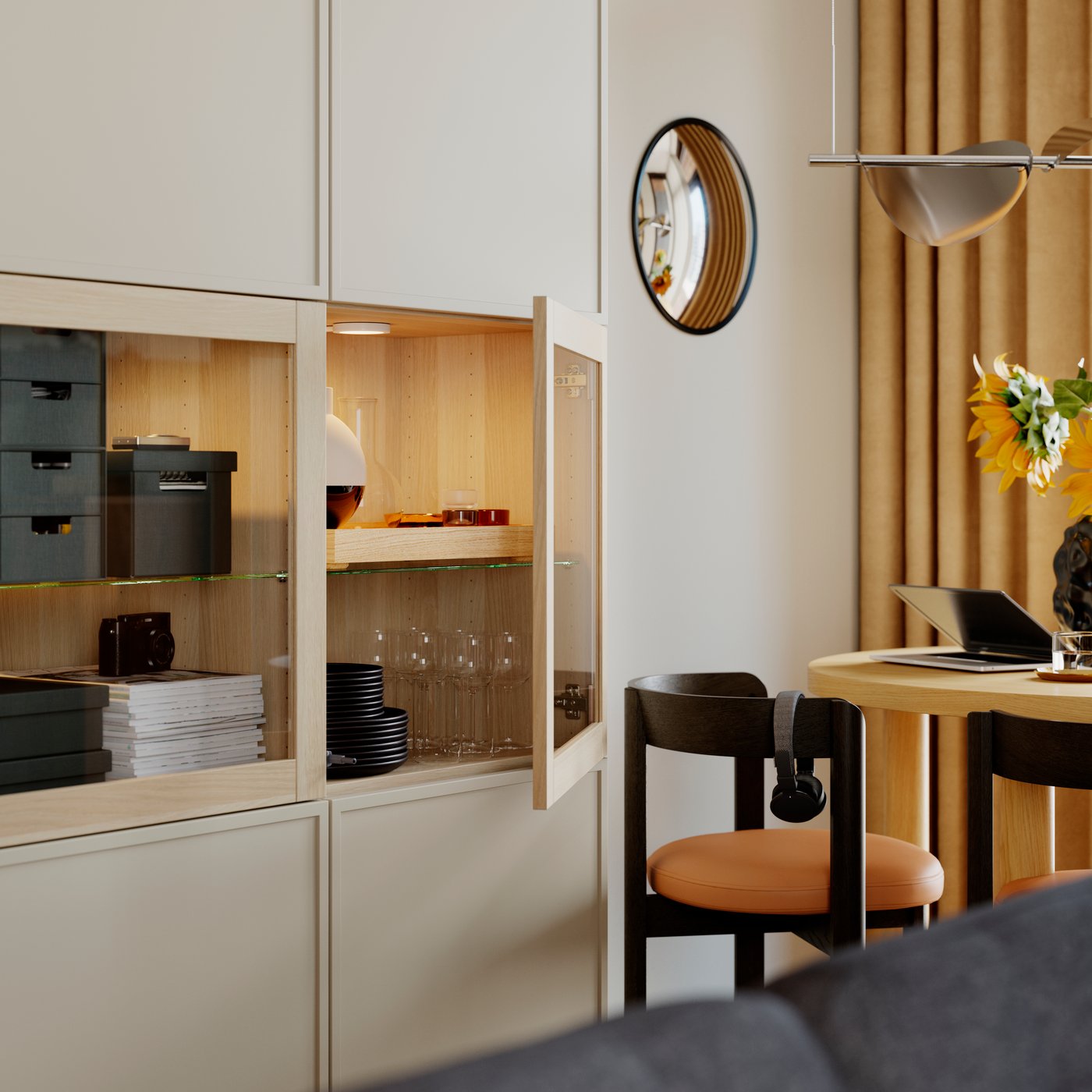
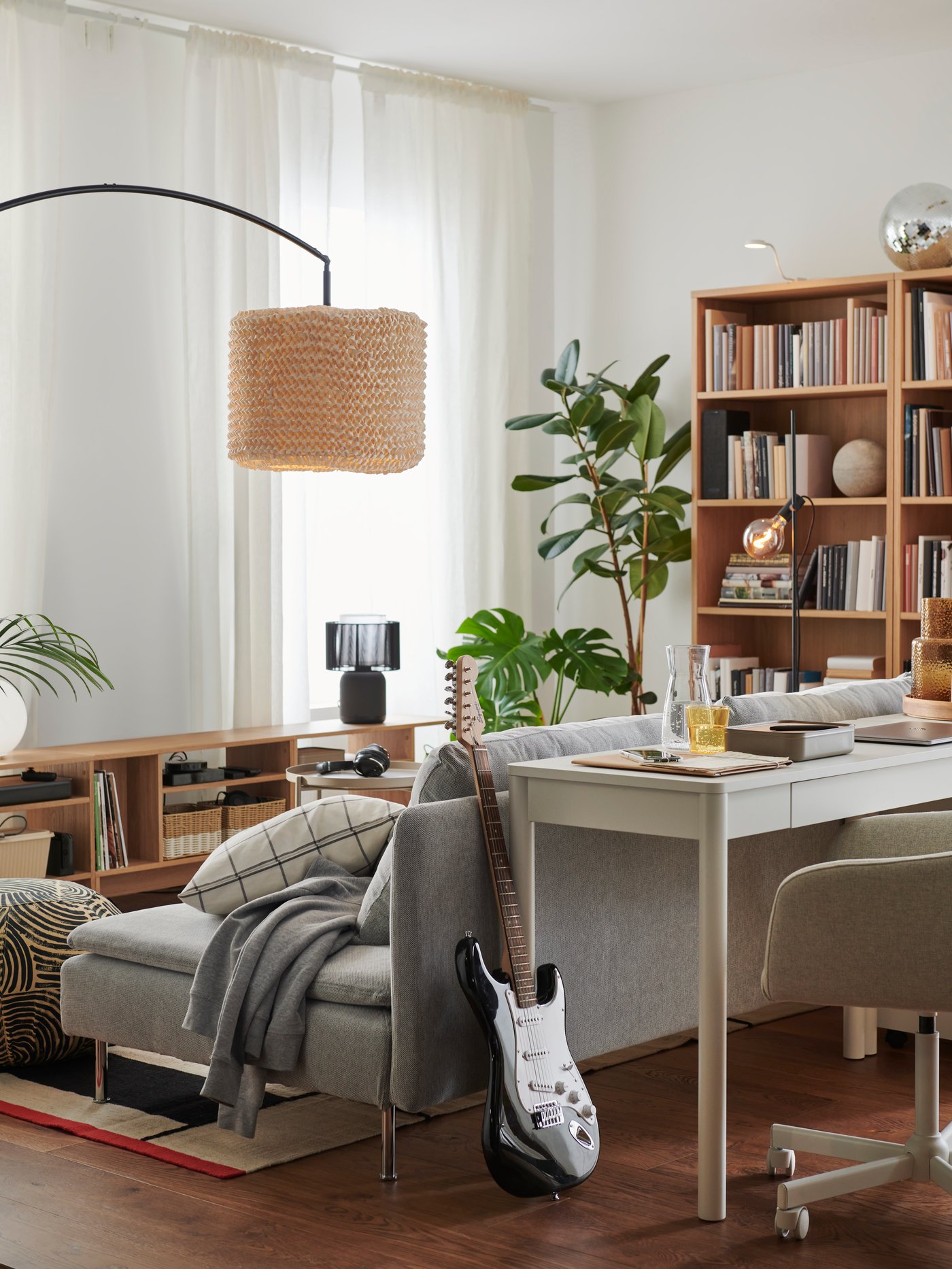
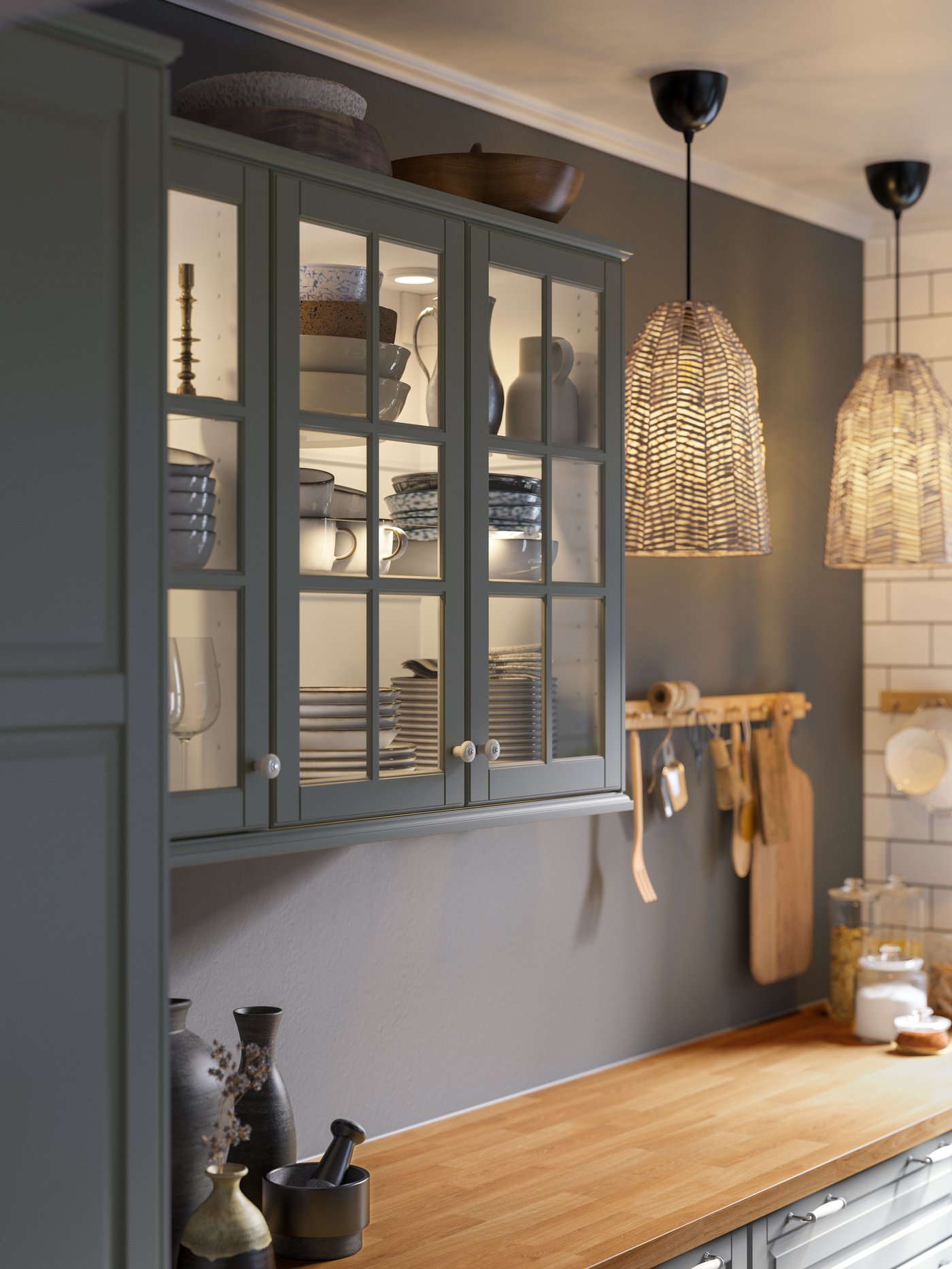
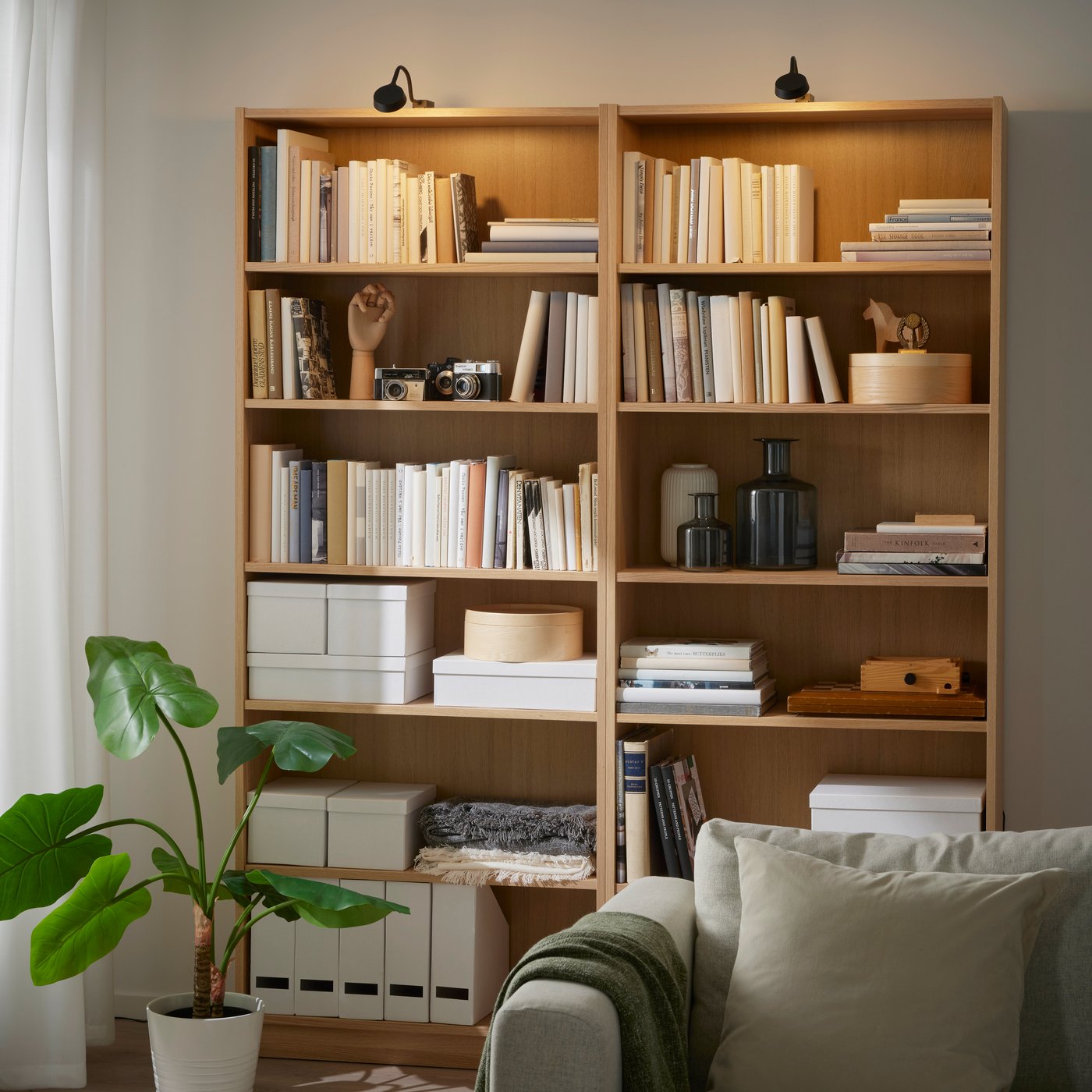
Add integrated lighting above or below your shelves to highlight books, photos and treasures from your travels. You can direct the light exactly where you want it, so every detail gets its moment in the spotlight. With remote control options, turning the lights on is effortless, bringing your room to life day and night.
Here are 4 simple steps to get your perfect cabinet and bookcase lighting.
1. Choose your lighting
2. Choose a driver
3. Add a cord
4. Choose a remote control or the DIRIGERA hub
1. Choose your lighting
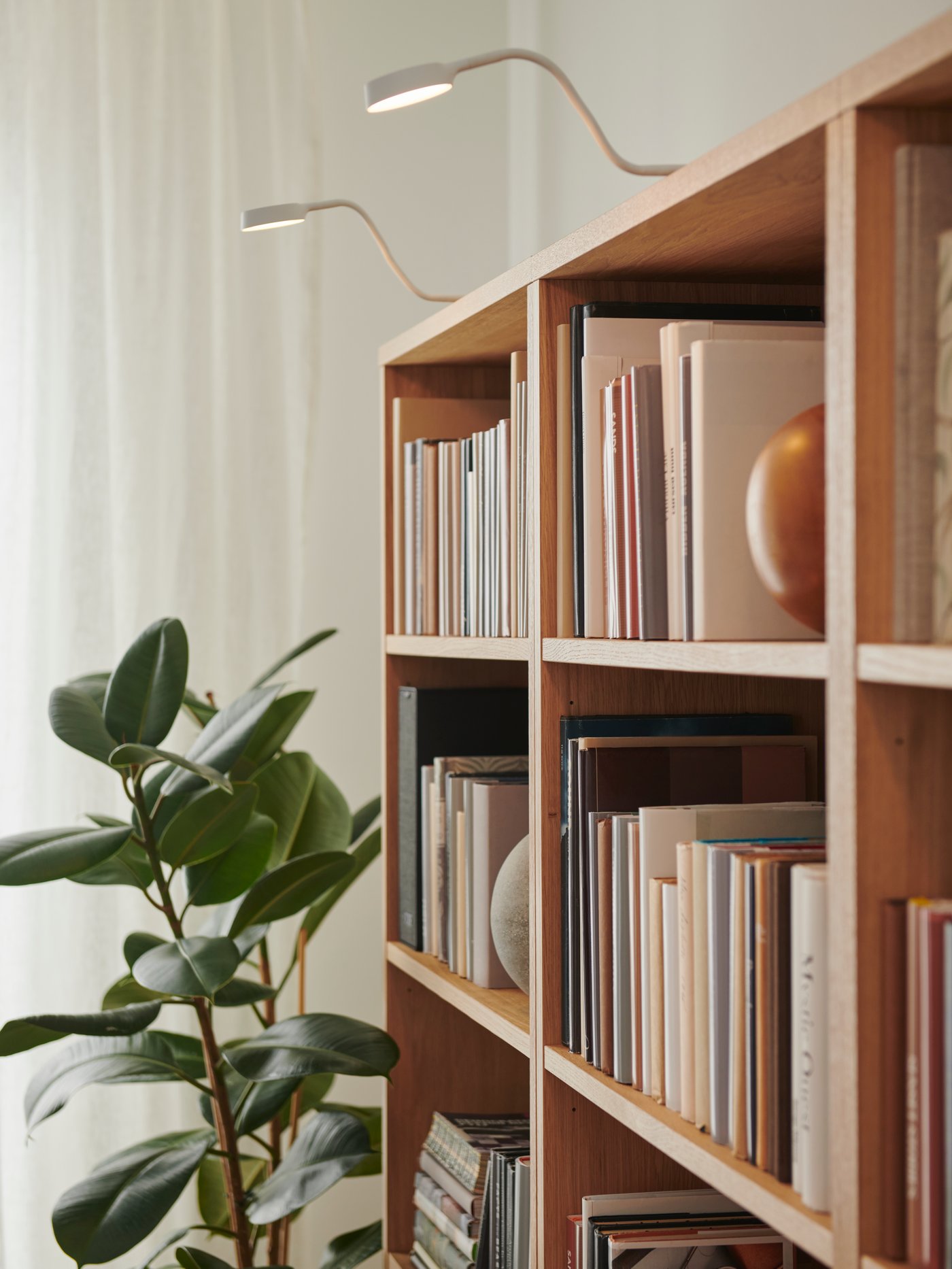
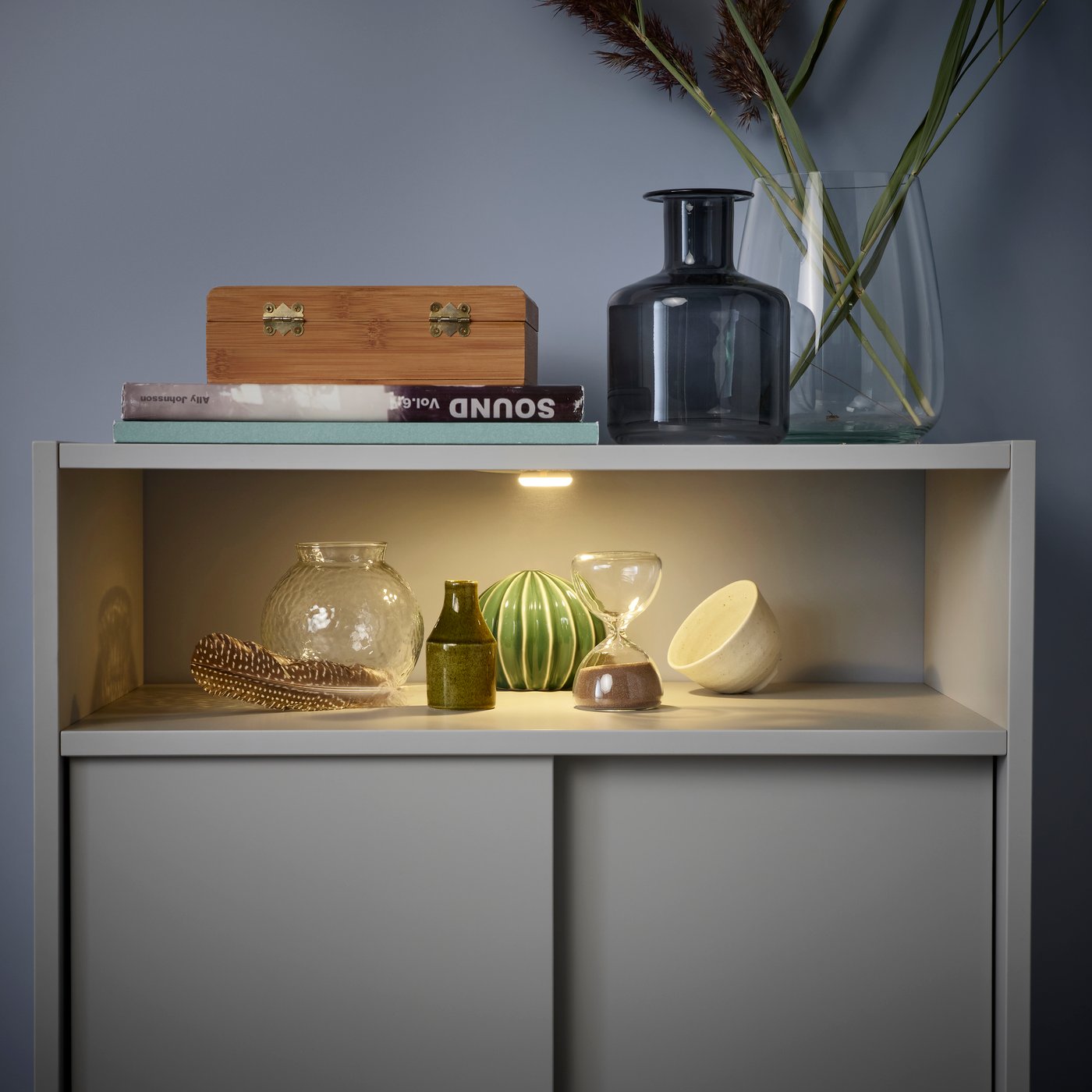
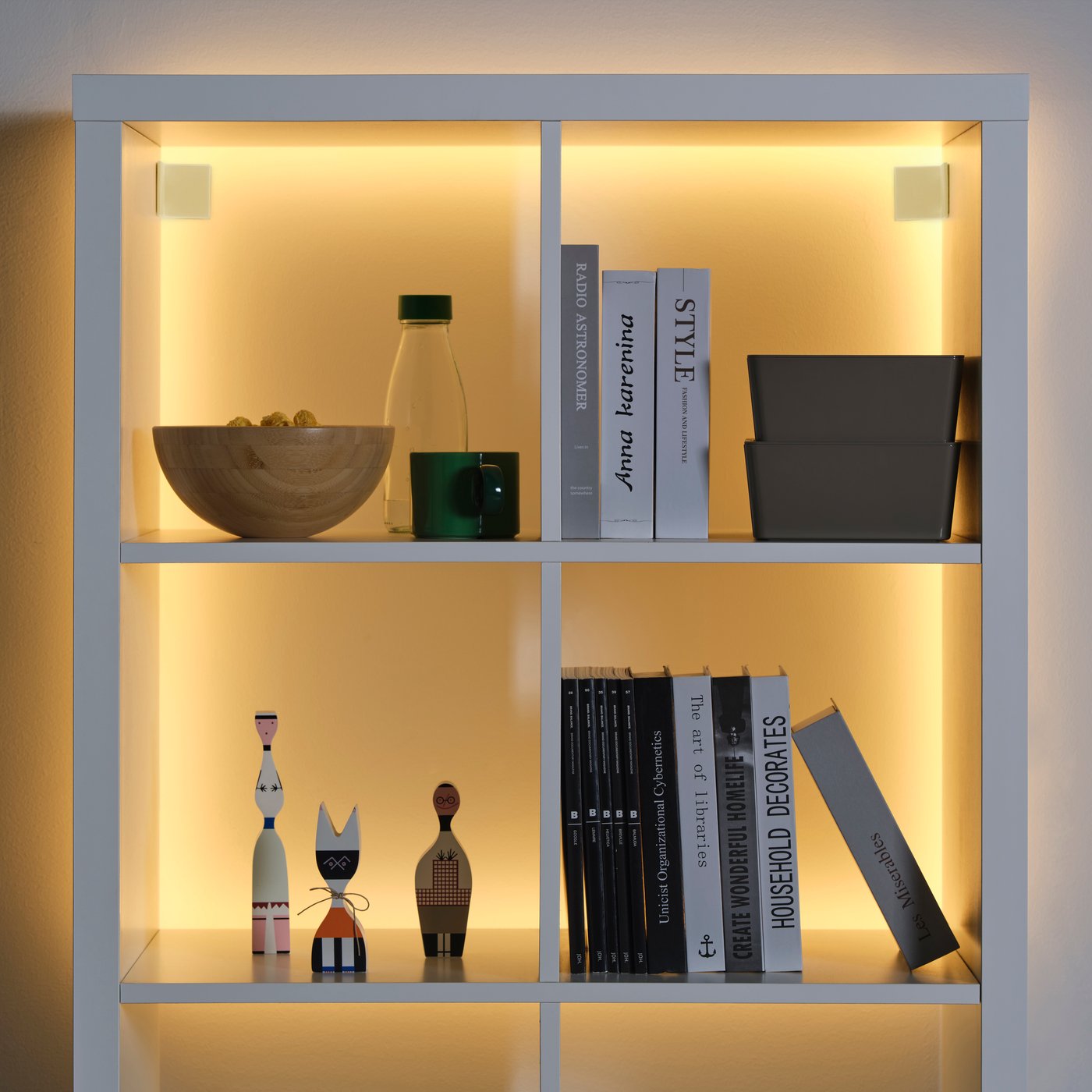
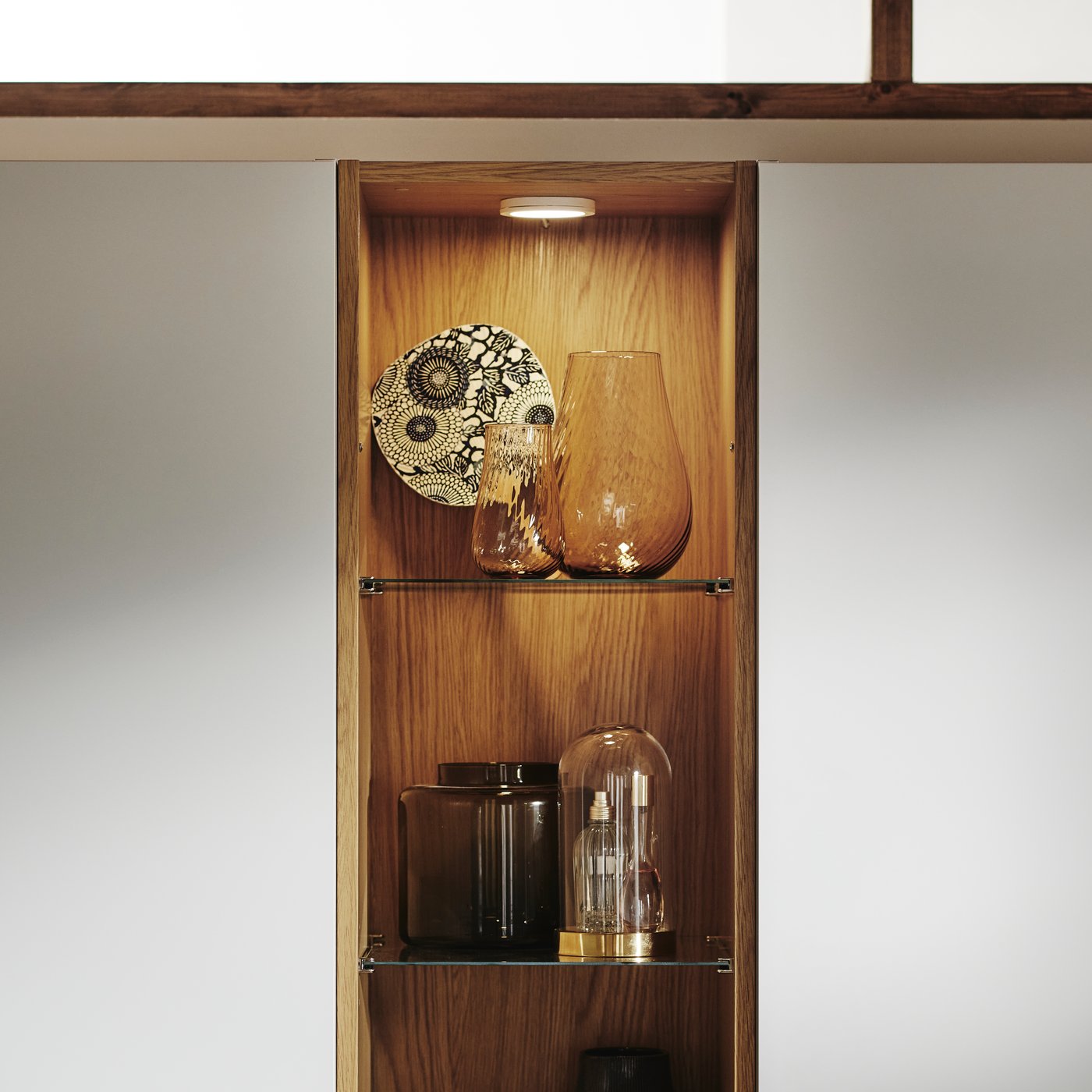
You have different bookcase and cabinet lighting options depending on your needs.
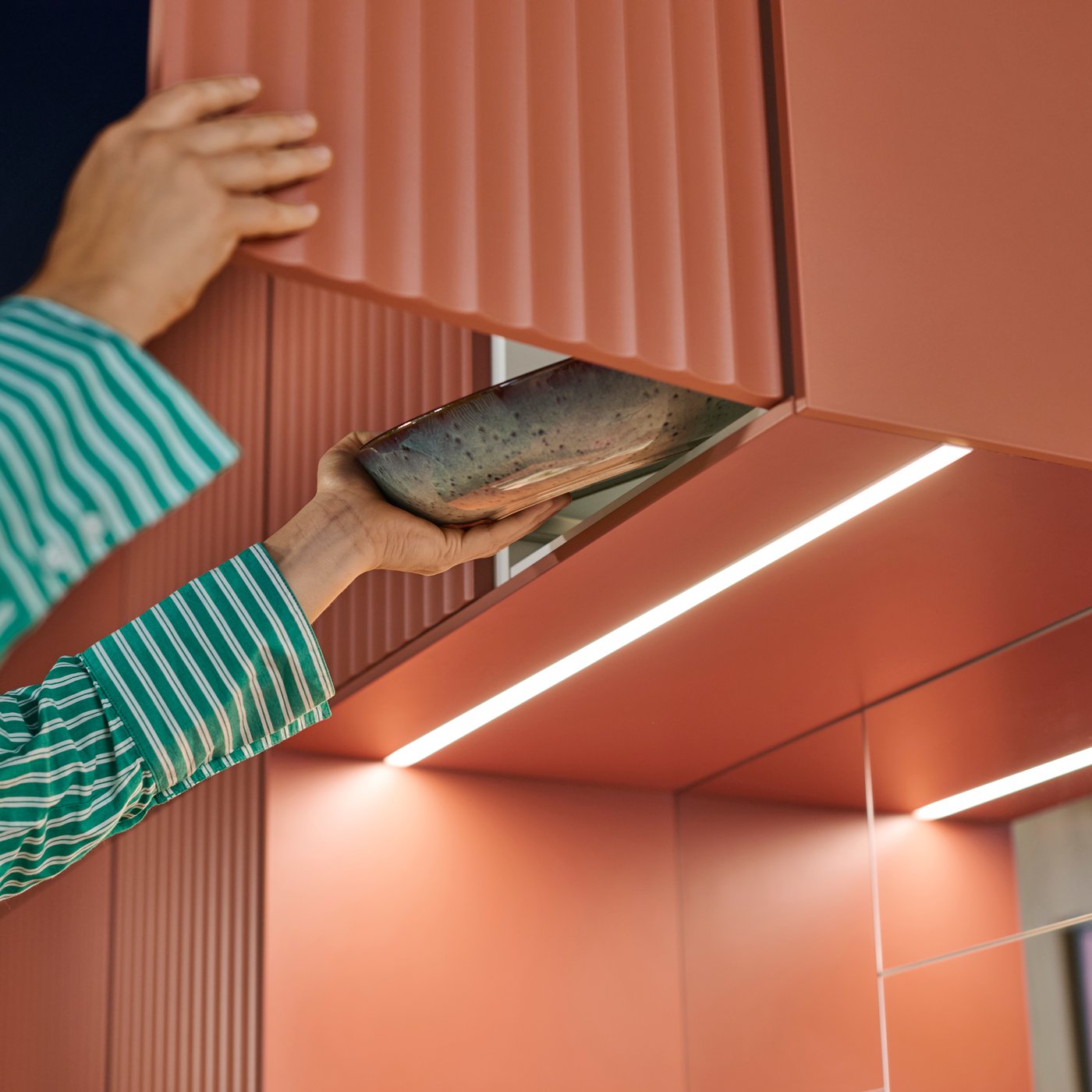
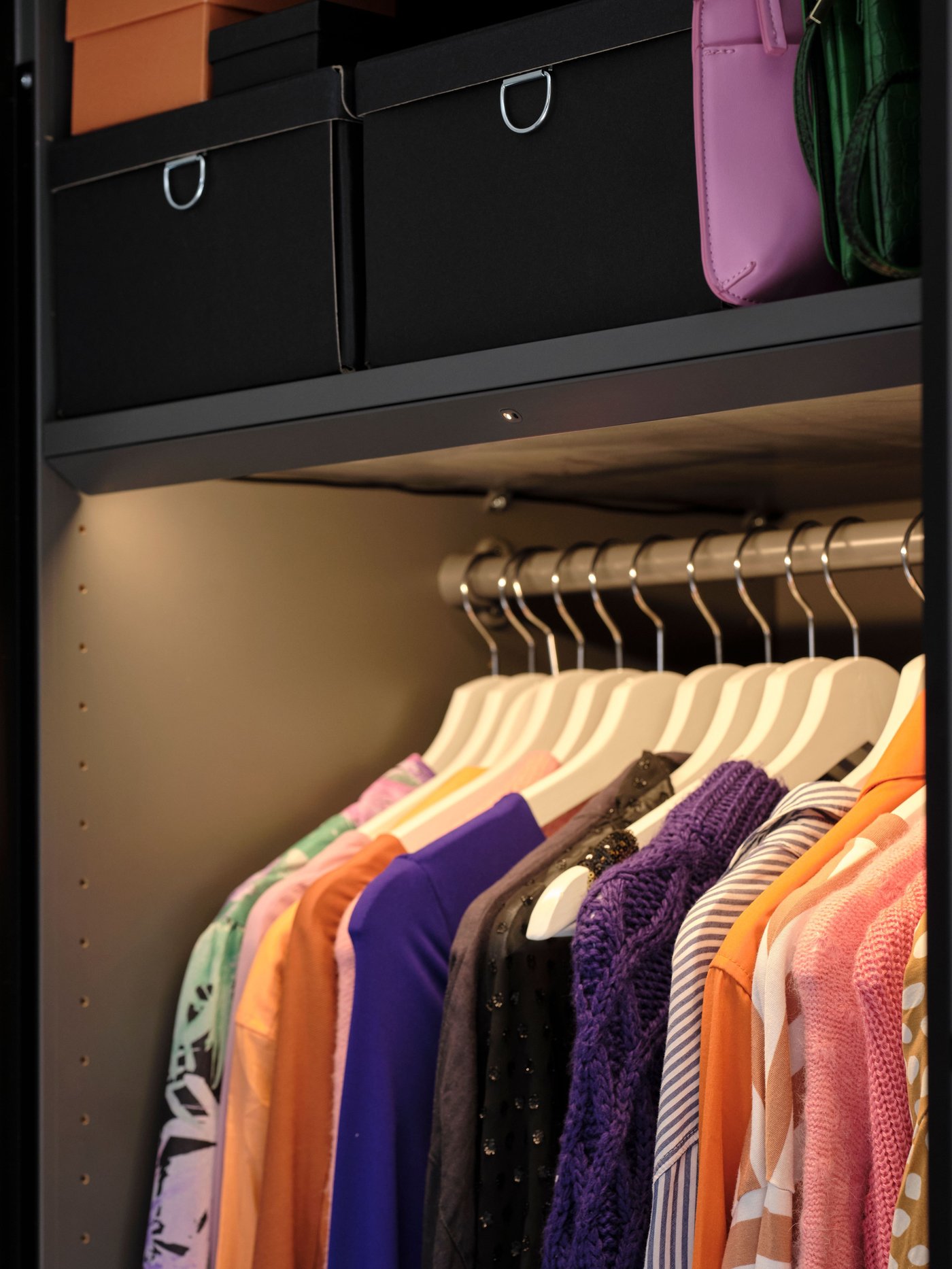
- Cabinet lighting adds focused light to brighten specific areas, while integrated lighting blends seamlessly into your furniture for a clean look.
- Bookcase and cabinet LED strips let you unleash your creativity and decorate with light, creating a soft, even glow along shelves. It can be cut to the size you need and is easy to install simply peel off the backing from the self-adhesive tape and stick it wherever you want the light.
- Battery-operated lights are flexible and easy to install without wiring, making it simple to bring every shelf into the spotlight.

2. Choose your driver
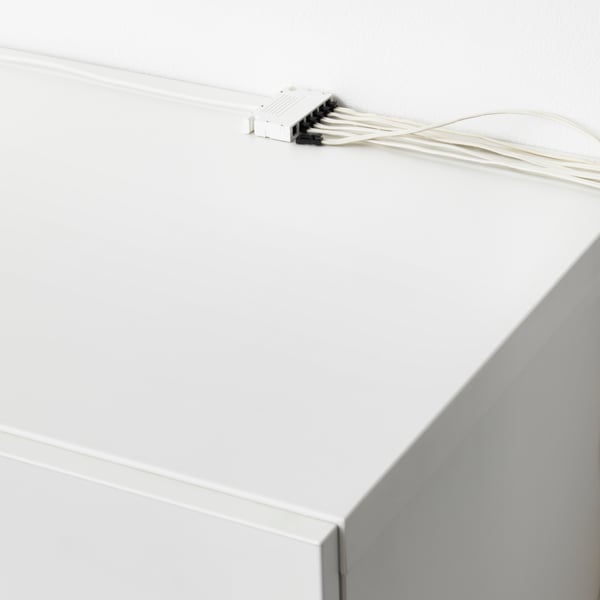
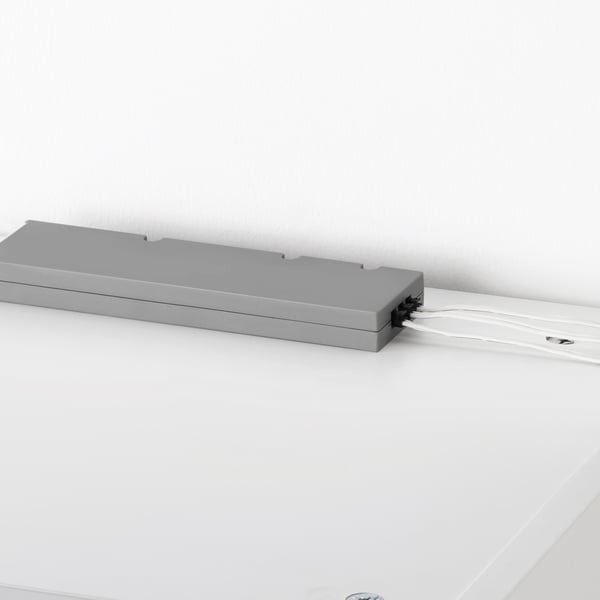
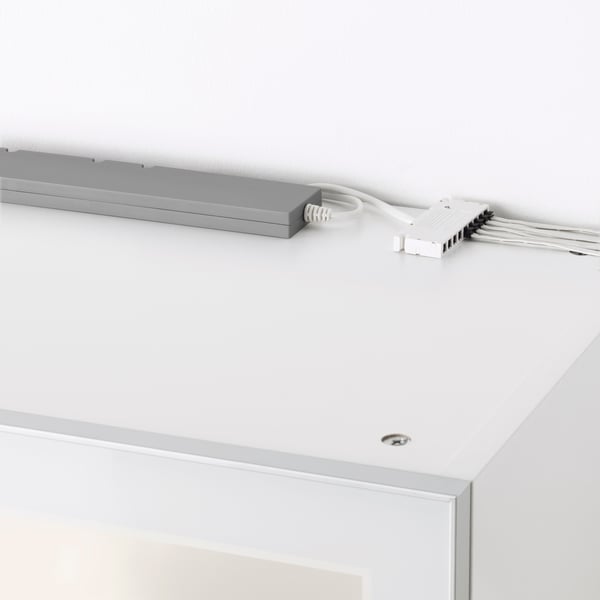
Choose between the ANSLUTA LED driver 19 W, the TRÅDFRI LED driver 10 W, or the TRÅDFRI LED driver 30 W to connect multiple lights to a power outlet, making cabinet and bookcase lighting easy to install. TRÅDFRI LED drivers allows dimming or smart control when used with a remote control or the DIRIGERA hub, giving you more flexibility and features through the IKEA Home smart app.
Good to know: You can connect up to 10 TRÅDFRI LED drivers in one installation with FÖRNIMMA connection cords between drivers.
- Product information page
- Product information page
3. Add your cord
To connect your lighting to the TRÅDFRI LED driver, you only need a FÖRNIMMA power supply cord. If you choose the ANSLUTA LED driver, no extra cord is needed, as the power cord is included.
Good to know: If you decide to use several TRÅDFRI LED drivers then you need to complement FÖRNIMMA connection cords between drivers.

3. Add your cord
To connect your lighting to the TRÅDFRI LED driver, you only need a FÖRNIMMA power supply cord. If you choose the ANSLUTA LED driver, no extra cord is needed, as the power cord is included.
Good to know: If you decide to use several TRÅDFRI LED drivers then you need to complement FÖRNIMMA connection cords between drivers.
4. Choose your remote control or DIRIGERA hub
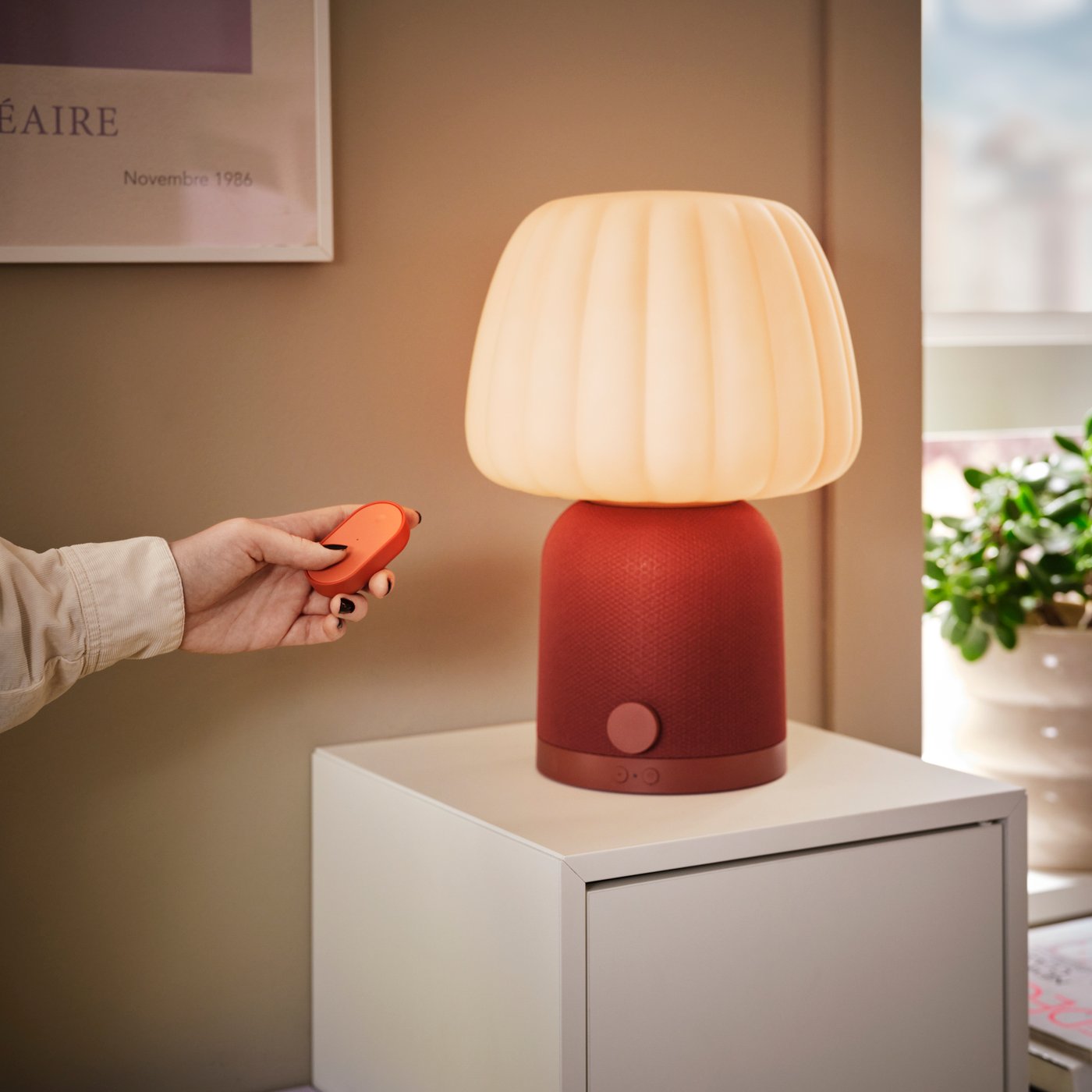
The remote control lets you turn your lights on or off and dim them for the right mood. You can also connect your lights to the DIRIGERA hub and the IKEA Home smart app to control multiple lights from your phone.
The DIRIGERA hub works as a Matter bridge, so your smart lights are compatible with Apple Home & Siri, Google Assistant, and Amazon Alexa. The IKEA Home smart app is available on the App Store (iOS 16.4 or later) and Google Play (Android 10 or later).
4. Choose your remote control or DIRIGERA hub
The remote control lets you turn your lights on or off and dim them for the right mood. You can also connect your lights to the DIRIGERA hub and the IKEA Home smart app to control multiple lights from your phone.
The DIRIGERA hub works as a Matter bridge, so your smart lights are compatible with Apple Home & Siri, Google Assistant, and Amazon Alexa. The IKEA Home smart app is available on the App Store (iOS 16.4 or later) and Google Play (Android 10 or later).