
Rewards from IKEA Family
Collect point. Choose your reward. Simple.
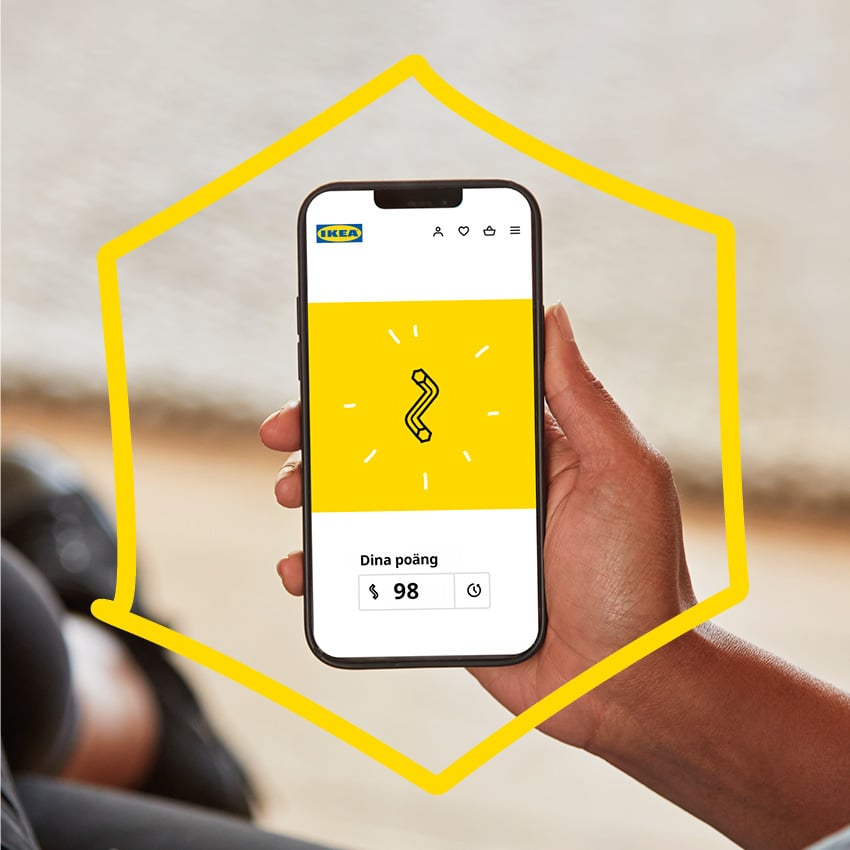
How rewards from IKEA Family works – step by step
1. Become an IKEA Family member
Join for free and start collecting points while enjoying all your member benefits today.
2. Collect points
Collect points by shopping with us and using our services and features. Remember to identify yourself as an IKEA Family member.
3. Choose your reward
Once you’ve collected enough points, rewards become available and you can choose a voucher to redeem in your IKEA Family account.
4. Use your reward
The voucher will be available in your IKEA Family account and will also be sent to you by email. Use it when shopping online or in-store.
Collect points

How to collect points
- Join IKEA Family.
- Sign in online or in the IKEA app.
- Create and save a shopping list.
- Create and save a kitchen drawing.
- Book and attend personal planning appointments (excluding kitchens and laundry rooms).
- Sign up for and attend IKEA Family activities.
- Shop online or in-store.
Remember to always identify yourself as an IKEA Family member!
Choose your reward
Use your points to choose from available vouchers in the categories below. Rewards become available in your IKEA Family account once you've collect enough points.

Come and eat in our restaurant
Reedem your points for a voucher in our restaurant and enjoy your favourites.

Get your products delivered
Need help getting your purchases home? We offer a range of delivery options, from parcel delivery to in-home delivery. The more points you collect, the higher the value of the voucher you can choose.

Update with new home decor
Time to refresh your home? Of course, you can use your points to redeem a voucher for home furnishings. Visit us and get inspired!
Receive offers, inspiration and news before everyone else
To make sure you receive offers, inspiration, and news, keep your contact details up to date and opt in to communications. Simply log in to your IKEA Family account and update your preferences under “Data & Privacy”.