Skip to product list
New lower price

Desk chairs

Sort and Filter

69 Items

Results list

Top seller

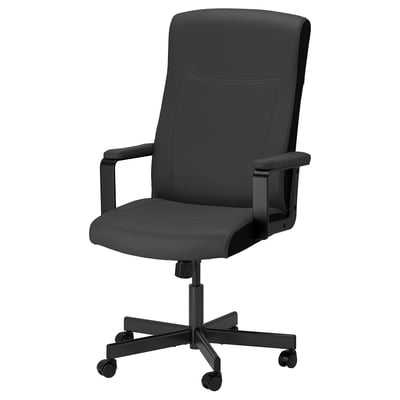
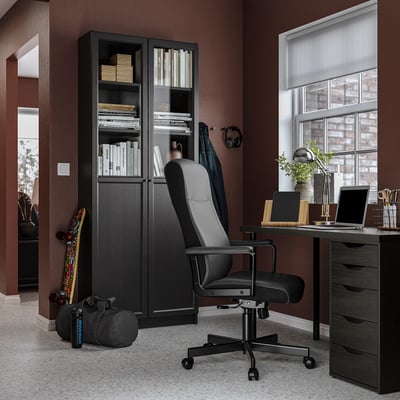
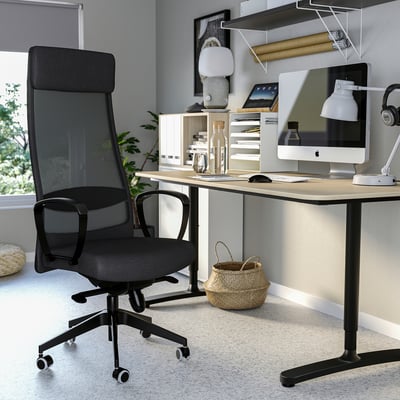
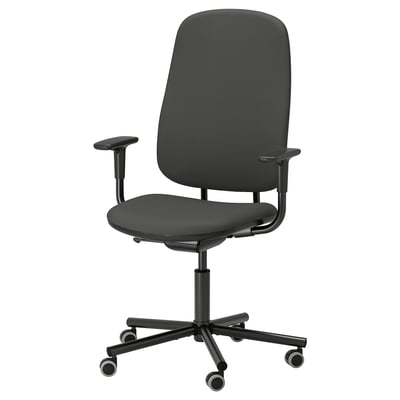
MILLBERGET: elegant black office chair in dark grey fabric, featuring padded armrests, adjustable height, and wheels for easy movement.Modern home office setup. Black MILLBERGET chair, desk with laptop, bookshelf with books, skis, and headphones.
Additional colours availablePadded armrests
More optionsMILLBERGET

Top seller

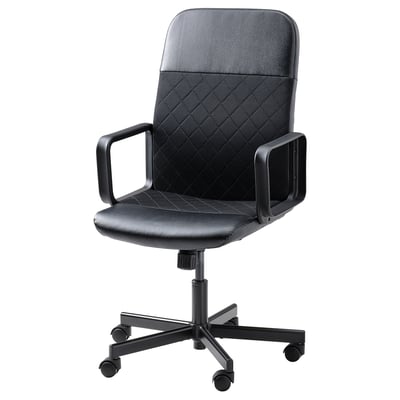
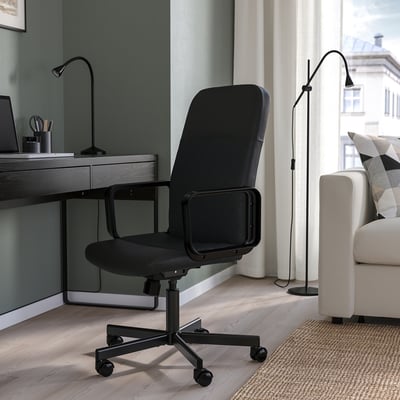
Black office chair with armrests, mesh back, adjustable height, and casters.Black RENBERGET office chair between desk and couch, medium size.
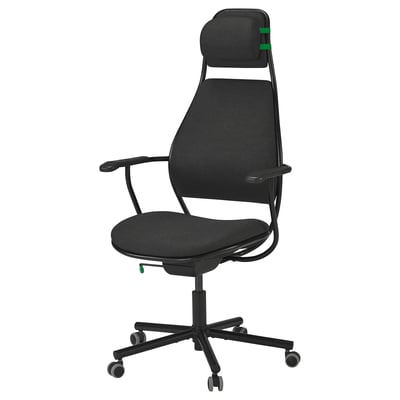
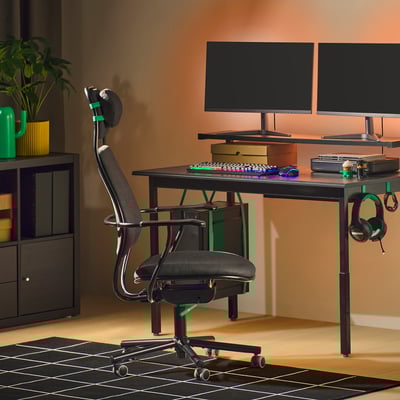
Black LÖPARBANA gaming chair with adjustable headrest and height, featuring a sturdy metal frame and mesh upholstery.Modern gaming setup: black LÖPARBANA chair, green accents, dual monitors, keyboard, mouse on dark desk against wall.
More optionsLÖPARBANA

Top seller

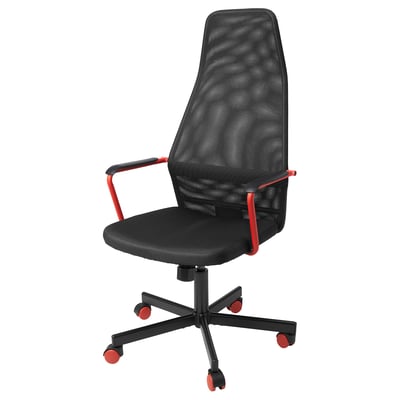
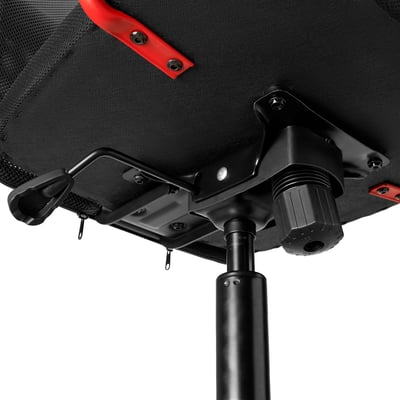
An HUVUDSPELARE office chair, black with red accents, on wheels.Black office chair with red accents, adjusting height and tilt mechanism visible.
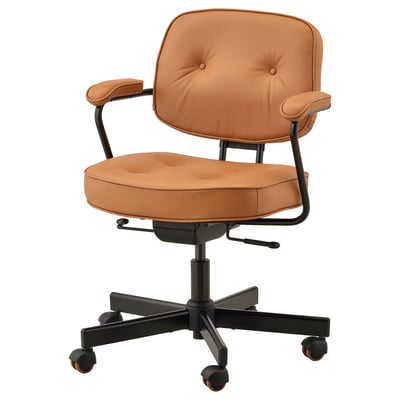
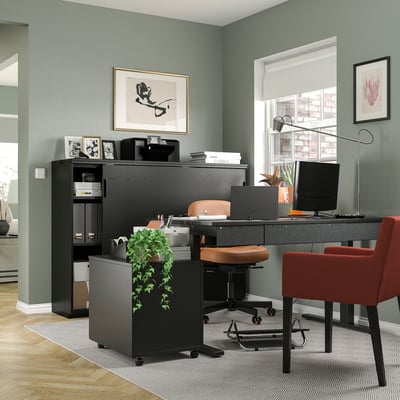
Brown leather office chair, black metal base, armrests, adjustable height & back support.Modern home office: black desk, storage, brown ergonomic chair, red accent chair, two monitors, lamp, sage green walls.
More optionsALEFJÄLL
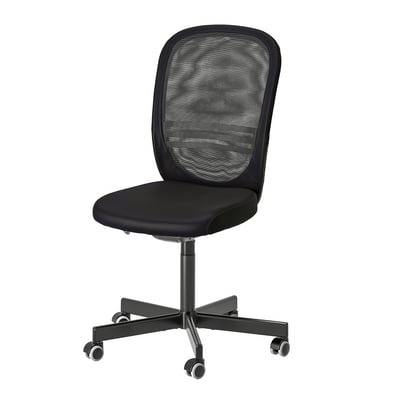
FLINTAN black office chair, mesh back, adjustable height, wheeled base.Modern office with ergonomic chair, desk, storage, and computer workstation.
More optionsFLINTAN

Top seller

KOLON: clear, rectangular, plastic mat. Protects floors from dirt and spills.Transparent chair mat on wood floor, protecting floor from chair casters.
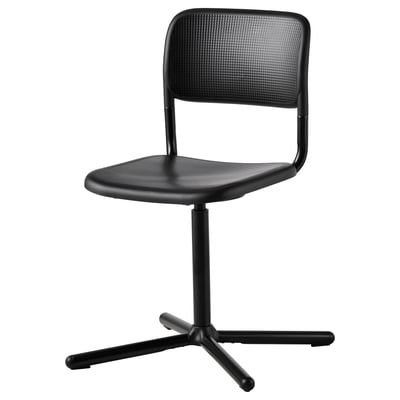
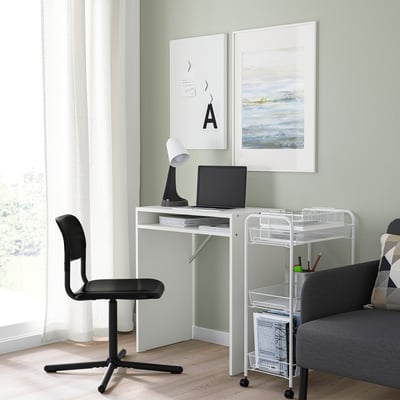
SMÄLLEN chair, black, mesh seat/back, metal legs, swivel, modern design.Minimalist home office with SMÄLLEN swivel chair, desk, laptop, lamp, grey sofa, mobile shelf, light green wall, abstract art.
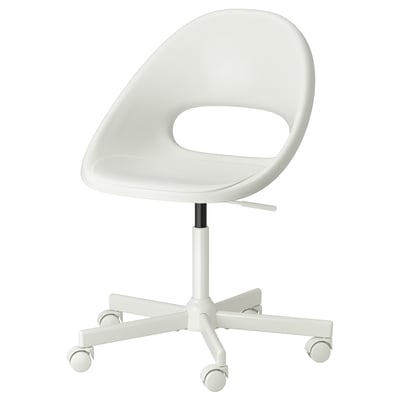
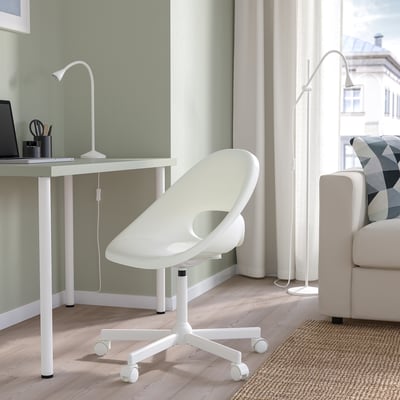
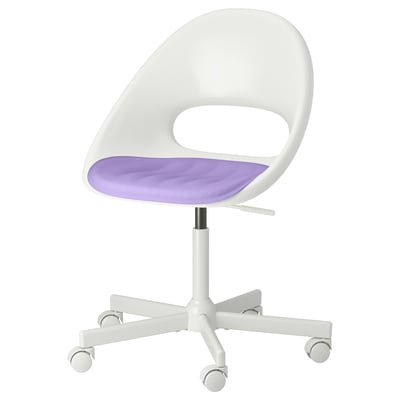
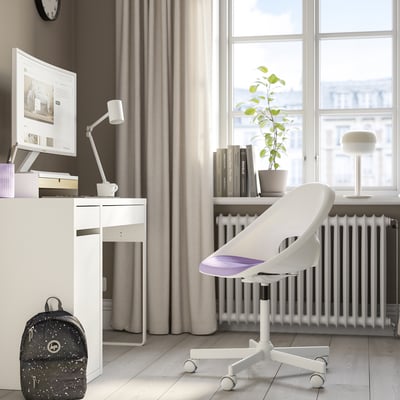
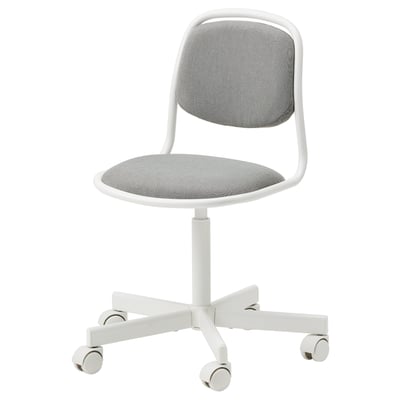
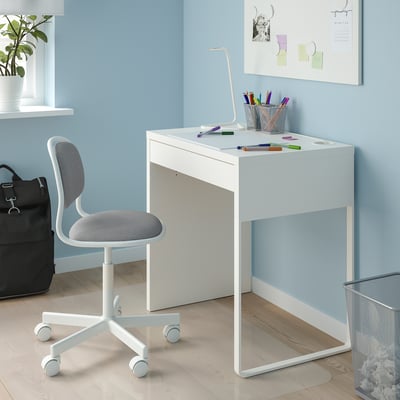
LOBERGET white office chair, adjustable height, five wheels, ergonomic design.LOBERGET / MALSKÄR Swivel chair, white
More optionsLOBERGET / MALSKÄR
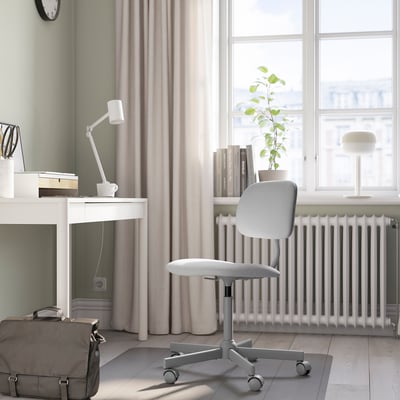
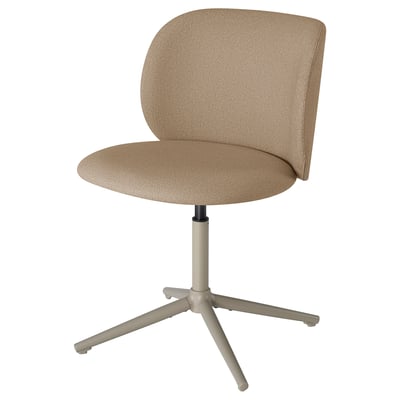
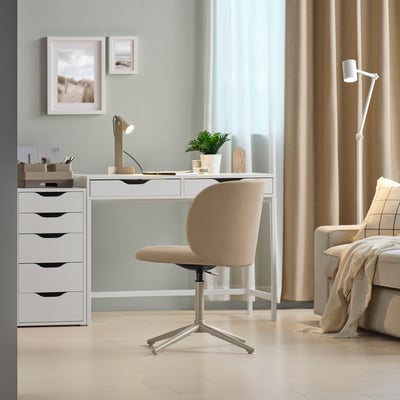
KRYLBO chair: beige, fabric, swivel, modern design.Minimalist home office with KRYLBO chair, desk, drawer, sofa, lamp. Light wood floor, pastel green wall.
More optionsKRYLBO
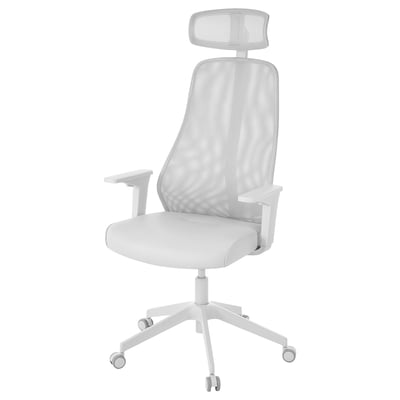
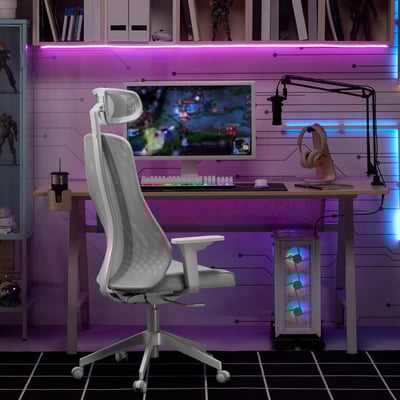
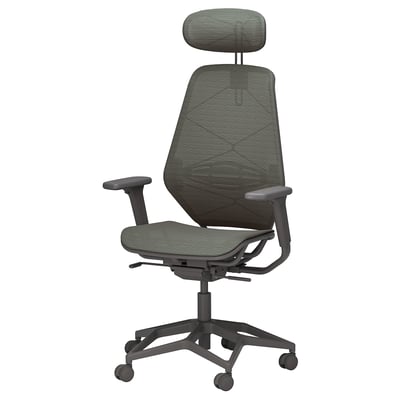
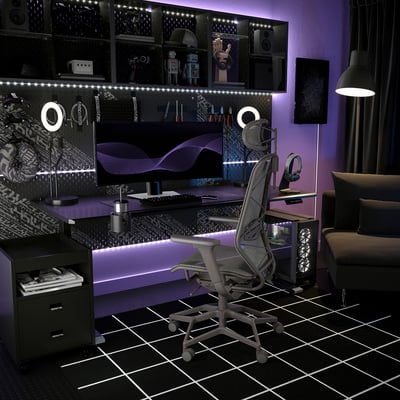
Grey STYRSPEL ergonomic gaming chair with mesh back, headrest, and adjustable armrests.Modern gaming setup with purple lights, STYRSPEL chair, dual monitors, ring lights, and speakers.
More optionsSTYRSPEL
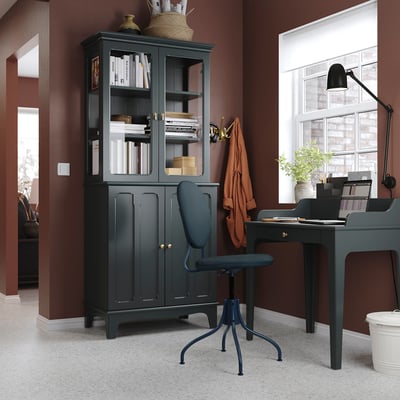
BJÖRKBERGET: modern dark blue chair, round back, padded, height adjustable, swivel base.Cosy home office with BJÖRKBERGET blue chair, dark desk, bookcase, and large window.
More optionsBJÖRKBERGET
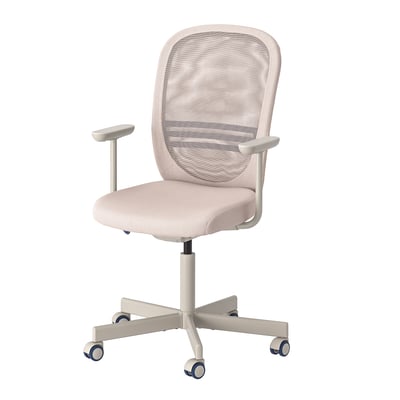
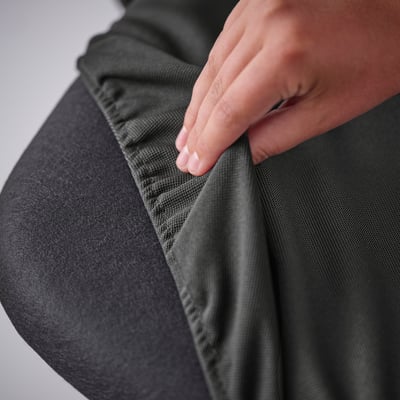
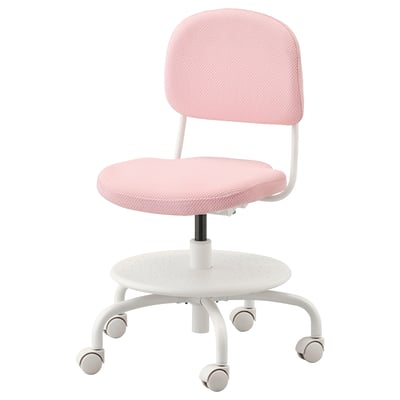
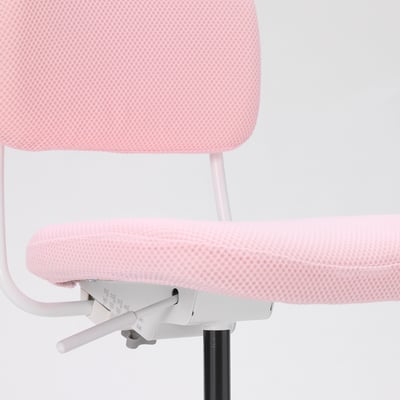
A kids office chair named VIMUND in light pink. It has a mesh seat, adjustable height, and wheels.Ergonomic pink chair for kids, with adjustable height and depth. Mesh back, sturdy base, and easy-clean cover.
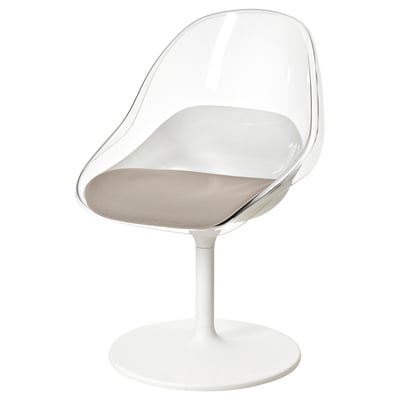
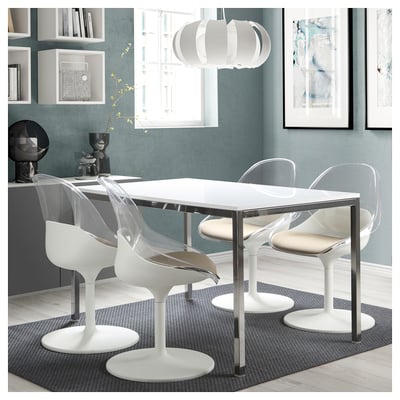
Modern white swivel chair with clear, curved seat and backrest. Comfortable and stylish for dining.Modern dining area with white BALTSAR chairs and glass table on patterned rug, blue wall, shelves, and art.
More optionsBALTSAR

Showing 24 of 69 results

Show more

Recently viewed

Which computer chair should you buy?

If you spend a lot of time in front of a computer, it’s essential that you maintain a good sitting posture. To prevent aches and improve blood flow, a computer chair should be ergonomic, comfortable and fit the dimensions of your computer desk. Consider the following functionalities to find the perfect desk chair.

Should I get a desk chair with or without wheels?

Nowadays, office chairs with wheels, or casters, are very common. They enable you to move around smoothly even while sitting. But if your desk is placed on a platform or an uneven floor, an office chair without wheels could be the better option.

Should I get a desk chair with or without armrests?

If you're planning on using your chair several hours each day, a chair with armrests could allow for greater comfort long-term. It's important that the armrests have the right adjustment. They should support your arms at the point where your elbows would naturally rest with your shoulders relaxed.

An ergonomic desk chair without armrests might be preferable if you’re looking for a lighter, more flexible computer chair. Armrests can cause an inconvenience if they block the chair from going under a desk. Chairs without armrests will fit a wider variety of desks.

How to adjust your desk chair

Once you have your new desk chair, you’ll need to adjust it for maximum comfort. Here is a step-by-step-guide on how to adjust a computer chair for comfort and better posture.

Remember that not all the desk chairs at IKEA can be adjusted in the ways described below. Check the product description to learn how you can adjust the desk chair.

  1. Adjust the seating
    You should be able to sit as far back as possible on your chair, with your lower back firmly against the backrest. There should preferably be about a three-finger gap between the edge of the chair and the back of your knees. If that's not the case, adjust the seat slide.

  2. Adjust the height
    Your armrests should be at the same level as your desk. If your chair doesn't have any armrests use your arms as a guide. When placing your arms and elbows on the desk, they should rest at a natural angle.

  3. Adjust the backrest
    When sitting in front of your desk, try to sit upright for as long as possible. You can recline the backrest when you want to adopt a more relaxing posture. It’s a good idea to change your position from time to time to reduce wear on any one part of your body.